Slow downloads? These tweaks could speed up your router
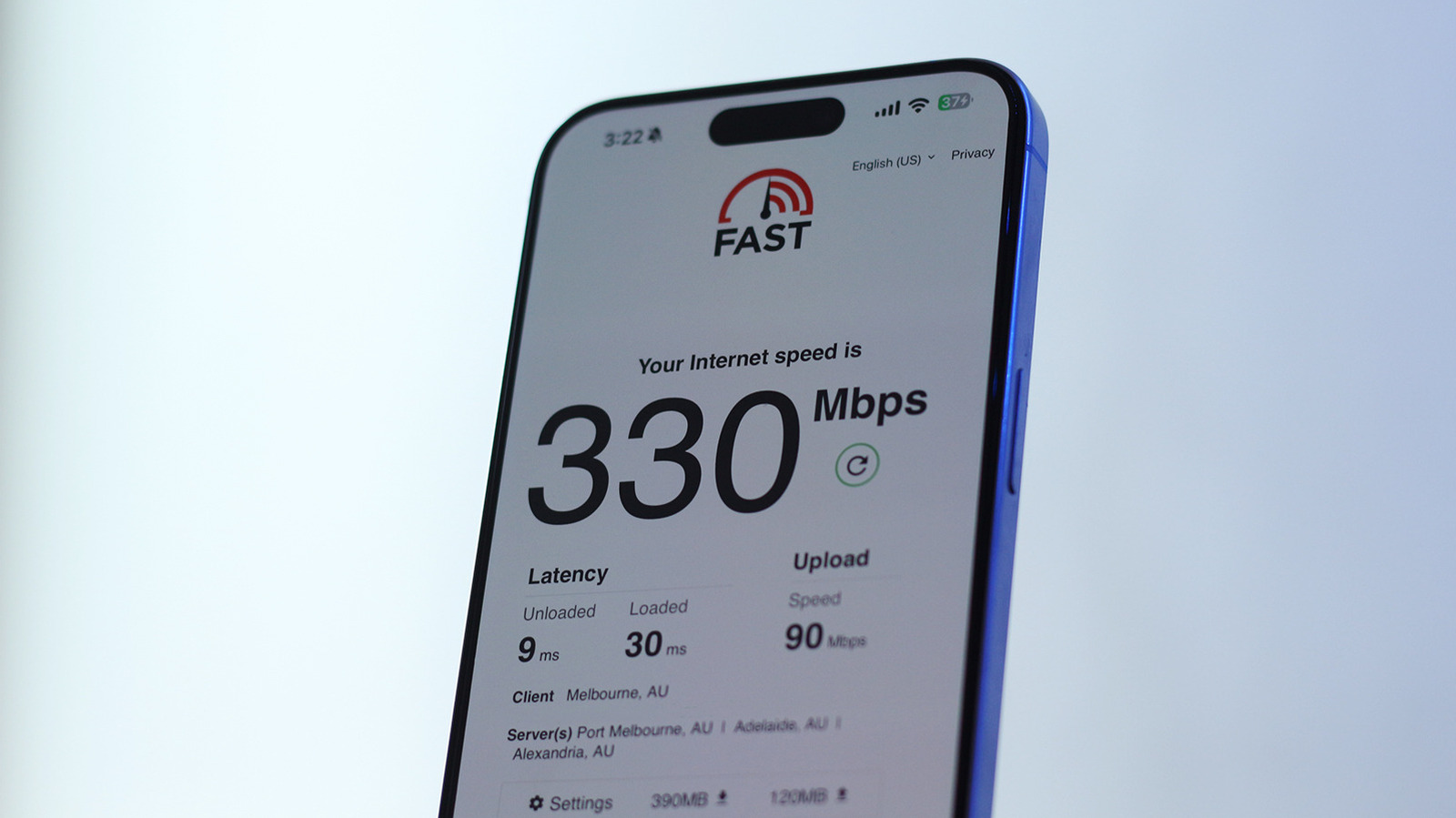
Slow downloads are not always caused by an internet provider: weak Wi‑Fi coverage, use of the slower 2.4GHz band and overloaded router queues can all reduce real-world performance. The article recommends checking these factors before replacing equipment, as simple router placement or settings changes may improve speed and responsiveness.
Users should place routers centrally, away from interference such as microwaves, and adjust external antennas for broader coverage. Devices capable of using 5GHz should connect to that band, which can deliver far higher speeds than 2.4GHz; users experiencing lag when others are downloading should test for bufferbloat and enable Smart Queue Management, usually found under Quality of Service settings. The article notes that US median broadband speeds exceed 300Mbps, while 2.4GHz connections may typically reach only around 100Mbps.
- Improve router placement and avoid wireless interference.
- Use 5GHz Wi‑Fi for faster downloads.
- Enable SQM to reduce lag under heavy use.