How to create and delete stickers on your iPhone
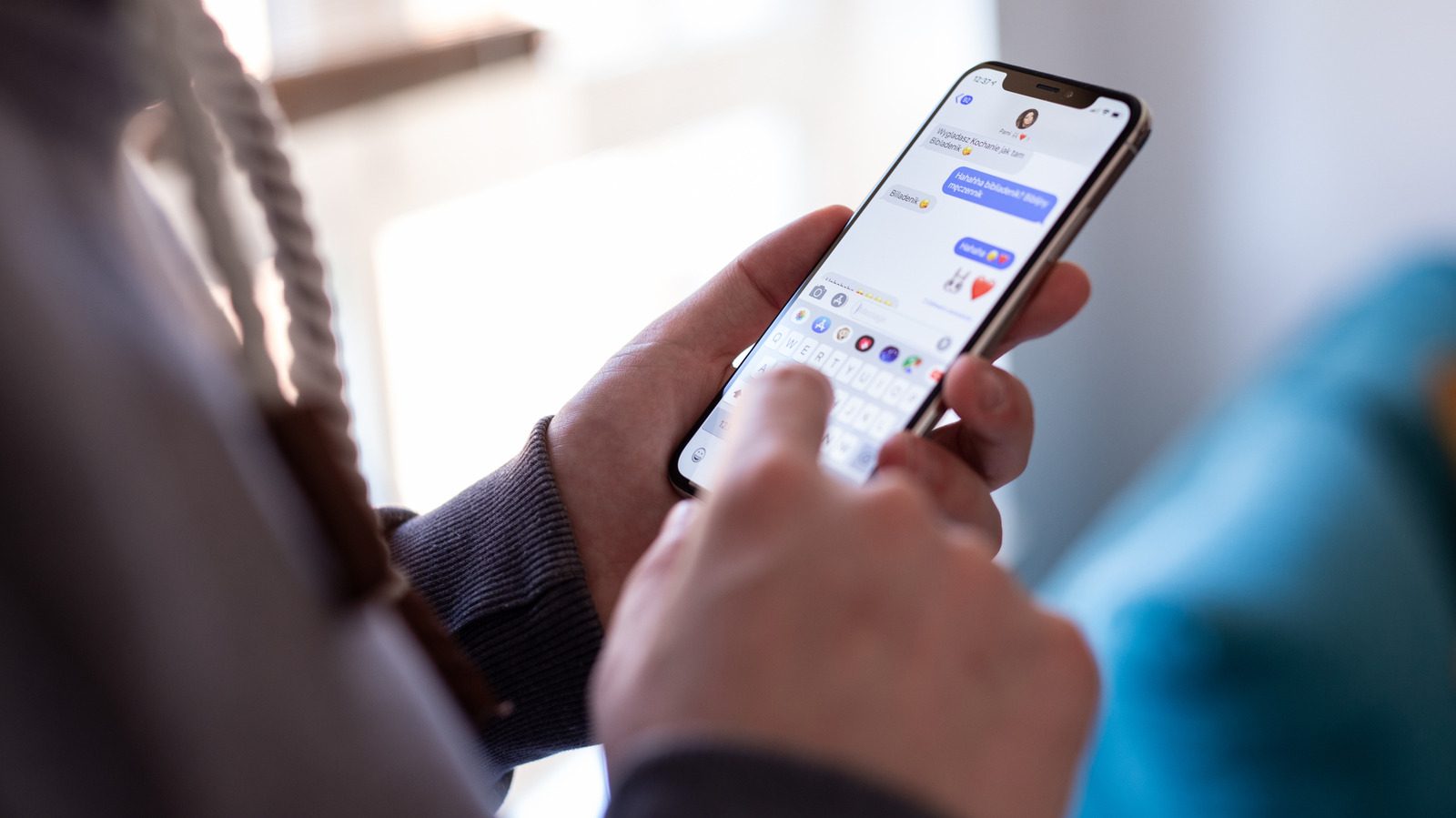
iPhone stickers let users turn subjects from personal photos or Live Photos into reusable reactions for Messages, offering a more personalised alternative to emojis and GIFs. They can support inside jokes and custom responses, while unused or unwanted stickers can be removed easily.
Users can create stickers by pressing and holding a clear foreground subject in Photos and choosing “Add Sticker”, or through the Stickers menu in Messages. Live Photo stickers can be animated, and stickers can be rearranged, deleted in bulk or enhanced with effects such as Outline and Shiny before being sent or dragged onto a conversation.
- Create personalised stickers from photos or Live Photos.
- Make and manage stickers in Photos or Messages.
- Rearrange, delete or add effects to saved stickers.