How to use Android Auto without turning off your VPN
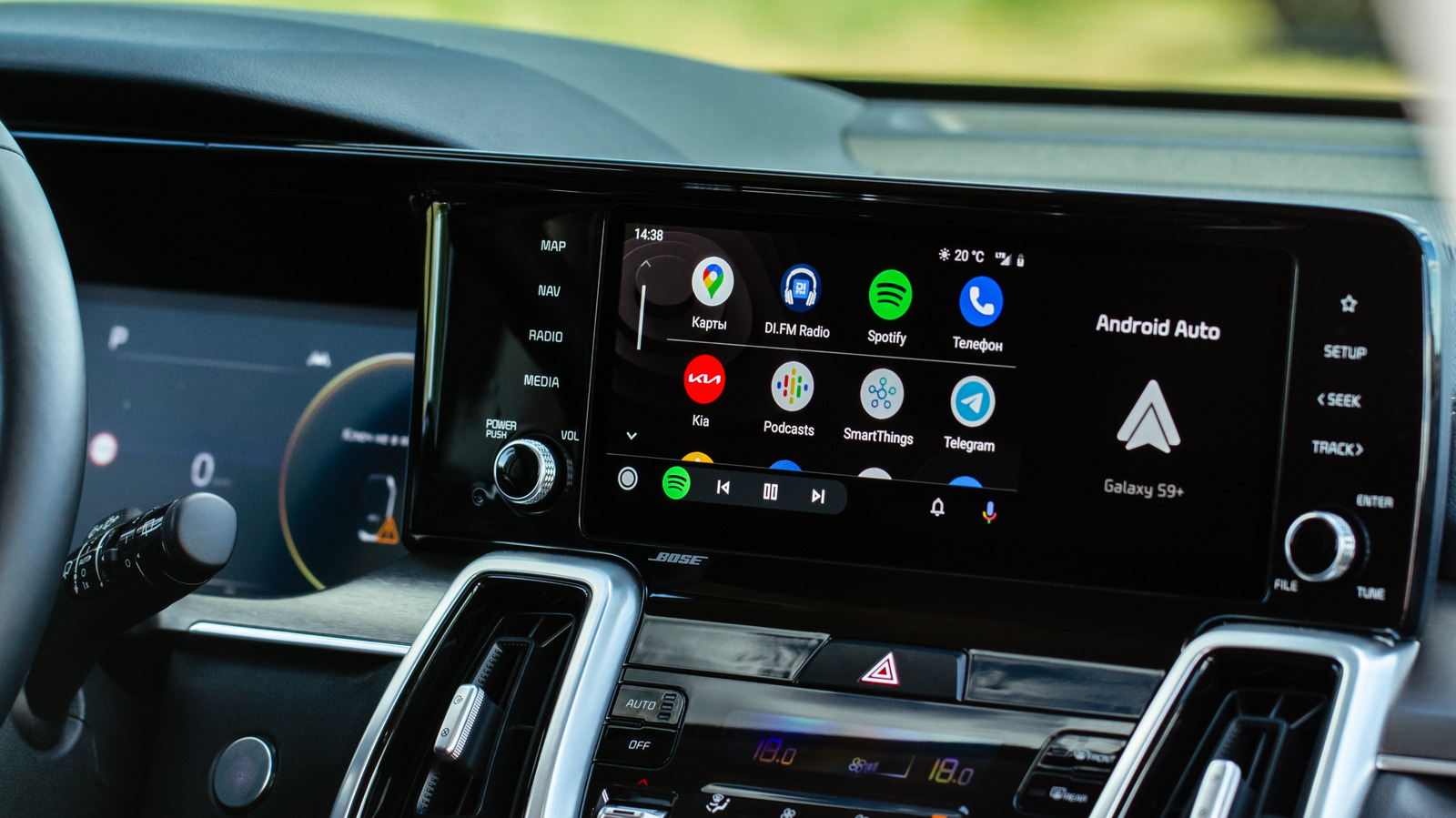
Android Auto can fail to connect when a phone's VPN is active, displaying a "Communication error 21" message, because the feature relies on a direct local Wi-Fi link between phone and car rather than standard internet traffic. This is a common frustration for privacy-conscious drivers, but it can be resolved without disabling the VPN entirely, using a VPN feature called split tunneling.
Split tunneling allows users to exclude specific apps, such as Android Auto, from the encrypted VPN tunnel so they connect directly, while other apps remain protected. The general fix involves enabling split tunneling in the VPN app's settings, adding Android Auto to the exclusion list, and reconnecting; some VPNs, including NordVPN, can do this automatically. If Android Auto still doesn't appear, users may need to enable "show system apps" in the VPN or Android settings, or temporarily disable the VPN's kill switch, which blocks all traffic if the VPN drops. Connecting via USB cable instead of wirelessly is offered as a simpler workaround that avoids the conflict altogether.
- VPNs can block Android Auto's direct local Wi-Fi connection to cars
- Split tunneling excludes Android Auto from the VPN tunnel, fixing it
- Wired USB connection sidesteps the issue entirely without VPN changes