How to change the background on iPhone Messages
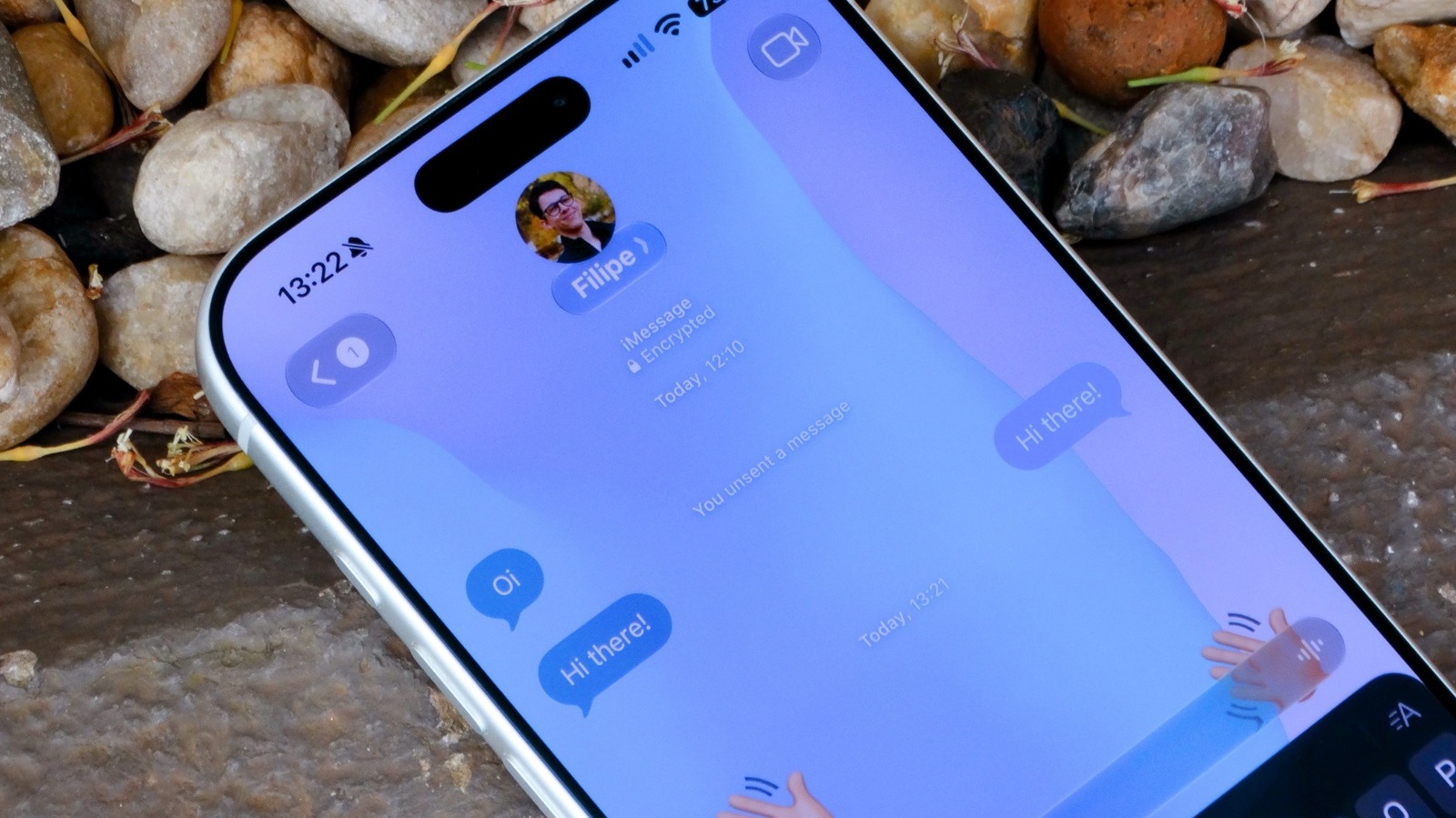
Apple's Messages app has gained the ability to customise conversation backgrounds, a feature introduced with iOS 26 that brings the app in line with rivals such as WhatsApp and Telegram, which have long offered theme options. Previously, iMessage conversations were limited to a plain white or black background, so the update lets iPhone users personalise their chats with animated wallpapers, their own photos, or images generated by Apple Intelligence.
To set a background, users open a conversation in Messages, tap the contact or group icon, and select the Backgrounds tab, where Apple offers animated Color, Sky, Water and Aurora themes alongside the option to use a personal photo; the AI-generated Playground option requires an iPhone 15 Pro or later. The feature only works for iMessage conversations, meaning it is unavailable for SMS or RCS chats with Android users, and it requires iOS 26 or later. Any background applies to everyone in the conversation, and the feature can be switched off entirely via the Conversation Background toggle in the Messages settings.
- iOS 26 lets iPhone users customise Messages conversation backgrounds
- Options include animated themes, personal photos, or AI-generated images
- Only works for iMessage chats, not SMS or RCS with Android users