Steps to reset an unresponsive Apple TV Siri Remote
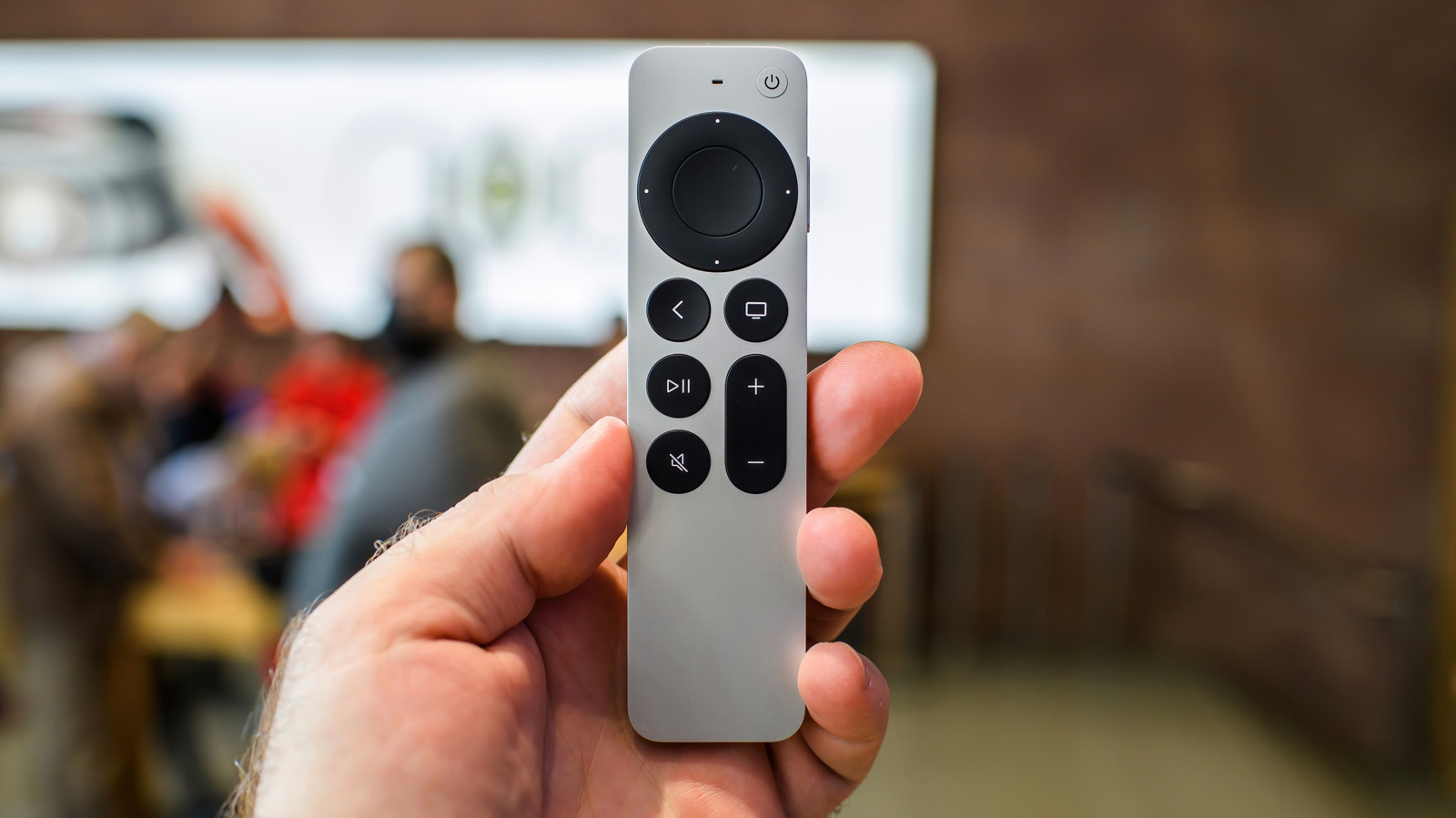
Engadget offers a troubleshooting guide for Apple TV owners whose Siri Remote has become unresponsive, disconnected, or intermittently faulty. This matters because the remote is small, easy to misplace and central to controlling the Apple TV, and users may also need to reset it before selling or handing the device to someone else. The guide covers both quick fixes and full resets, catering to different remote generations.
Before resetting, the article recommends checking the battery level via Settings, Remote and Devices, Remote, and Battery Level, and restarting the Apple TV system to resolve signal or Bluetooth issues. For persistent problems, users can check Bluetooth signal strength (tvOS 18.0 and later) or perform generation-specific reset procedures, such as holding the TV/Control Centre and Volume Down buttons, or Menu and Home for older aluminium/white remotes. If nothing works, a full factory reset wipes all settings and content, or users can fall back on an iPhone or iPad as an alternative remote.
– Check remote battery and restart the Apple TV before attempting a reset
– Reset methods vary by remote generation (Siri Remote vs aluminium/white)
– Factory reset or a smartphone/tablet remote are last-resort options
Read the full article at the source →
Originally published by Engadget as “How to reset an Apple TV remote”.