The downsides of switching from a MacBook to Windows
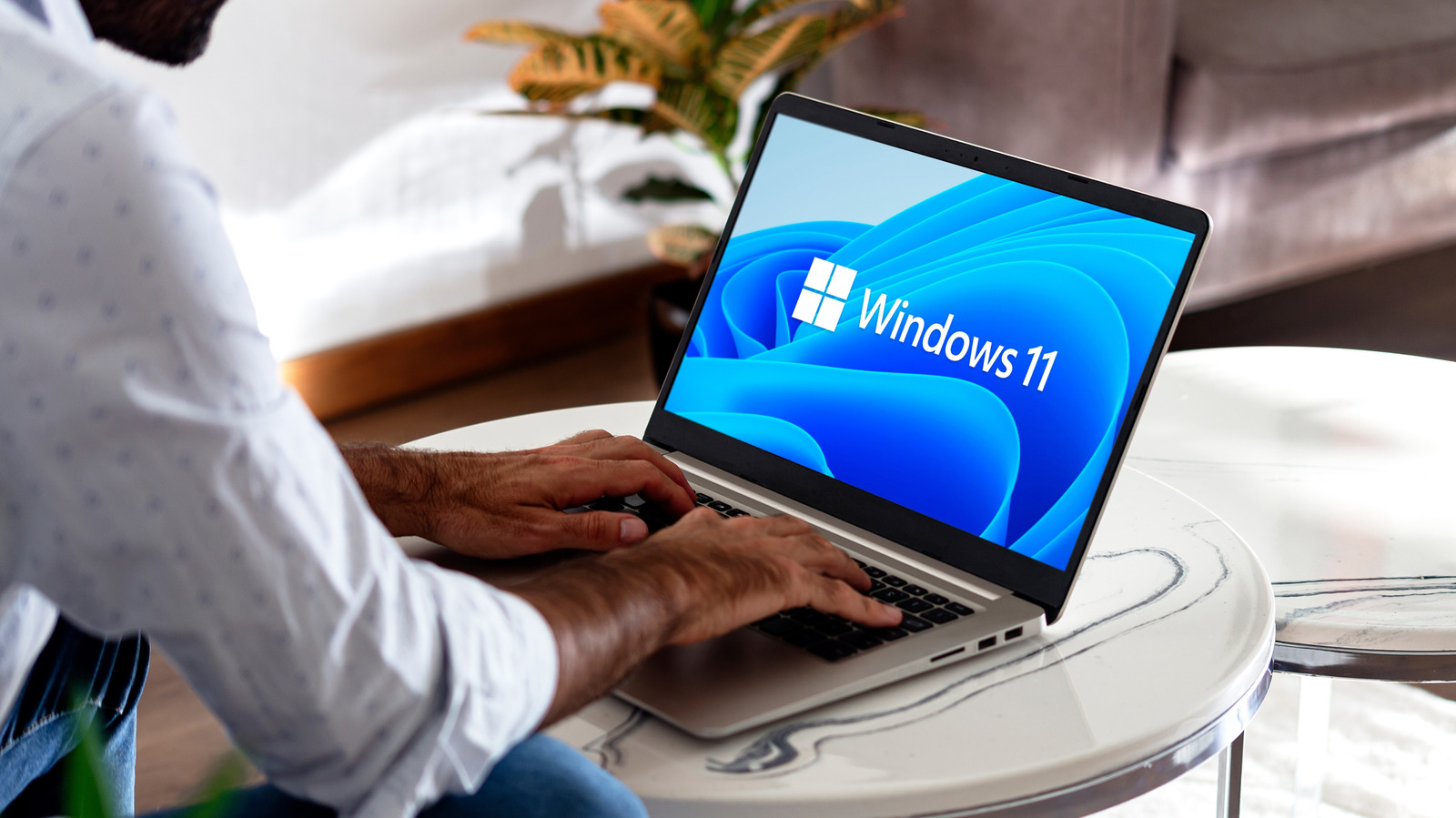
Engadget's guide outlines the trade-offs macOS users should expect if they switch to a Windows laptop, arguing the move can be worthwhile but comes with real friction. It notes that Apple's tight control over both hardware and software gives MacBooks a polished, consistent feel, whereas Windows manufacturers must juggle components from various suppliers, meaning build quality and performance vary far more widely across the price range.
The article highlights several practical differences: budget Windows laptops often use plastic bodies that feel less premium than even entry-level MacBooks, though pricier models like the Dell XPS 13 and Asus Zenbook A16 rival Apple's build quality. Battery life on most Windows machines still lags behind Apple's ARM-based M-series chips, since the majority of Windows laptops remain on x86 architecture, though newer ARM options from Qualcomm and MediaTek are narrowing that gap at the cost of some software compatibility. In return, Windows offers far greater hardware variety, including gaming laptops, touchscreens, RGB lighting and more generous port selections, plus unmatched compatibility with PC games and deep integration with Microsoft 365 tools like Word, Excel and Teams.
- Switching from MacBook to Windows brings both benefits and drawbacks
- Windows offers more hardware variety, gaming and Microsoft 365 integration
- MacBooks generally retain an edge in build quality and battery life