How to set up HDMI-CEC on your Samsung TV
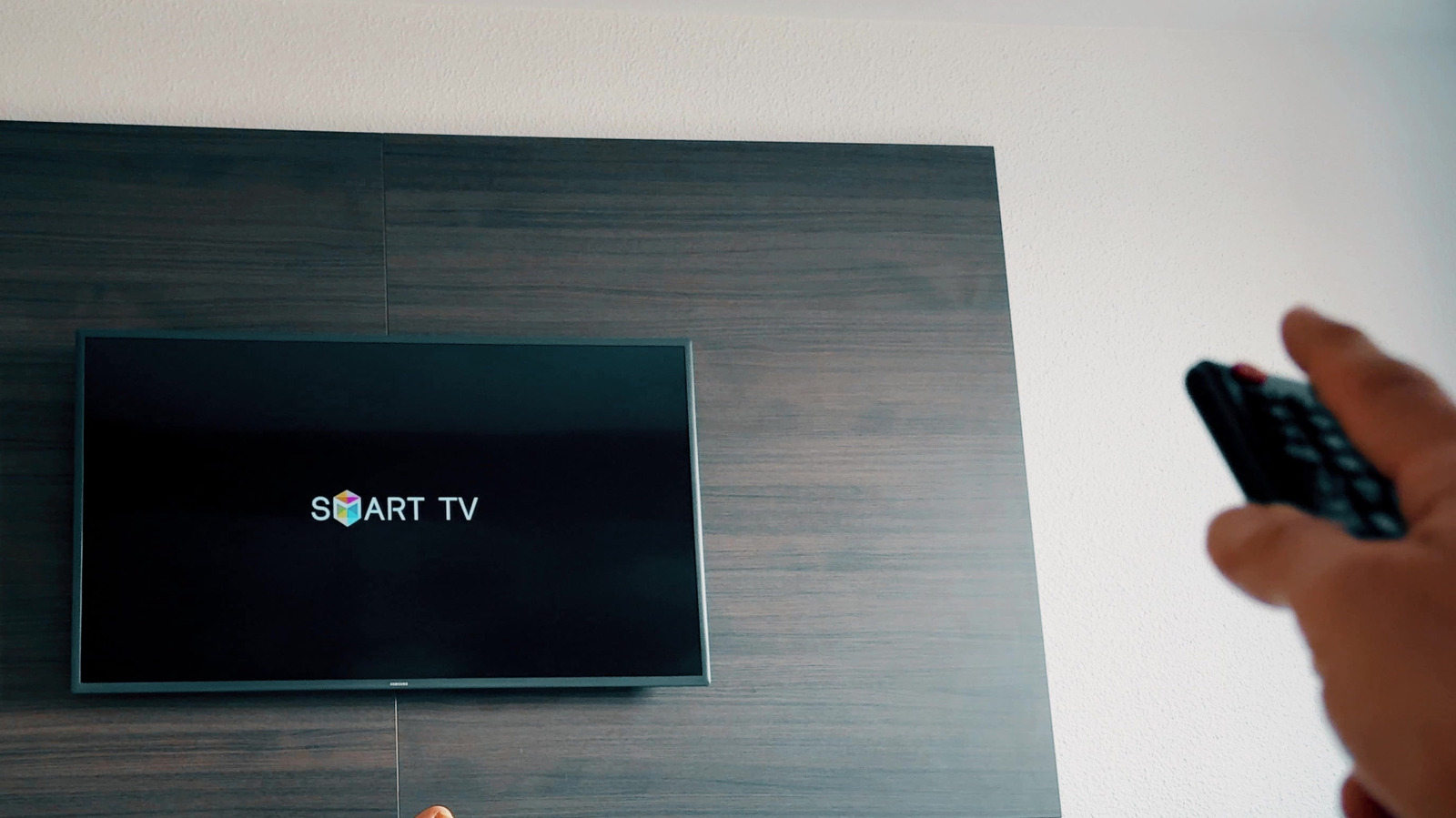
This guide explains HDMI-CEC, a feature that lets HDMI-connected devices control one another, and how to enable it on Samsung TVs, where it is branded Anynet+. The setting is significant because it underpins conveniences many users take for granted, such as a games console automatically waking a TV or a single remote controlling a soundbar; if disabled, either deliberately or by accident while browsing menus, these automated behaviours stop working.
Most Samsung smart TVs made after 2008 support the feature, and it is usually on by default. It can be enabled via Settings > All Settings > Connection > External Device Manager on newer models, though the menu location has varied over the years. Both the TV and connected device must support CEC, which other manufacturers label differently, such as LG's SIMPLINK or Sony's BRAVIA Sync, and the initial "handshake" between devices can take up to two minutes. Anynet+ can manage up to 12 compatible devices, including up to three of the same type but only one home theatre system, and troubleshooting unwanted behaviour typically involves checking cables, restarting hardware and installing firmware updates.
- HDMI-CEC lets connected devices control each other via one remote
- Samsung calls it Anynet+; found under Connection settings menus
- Anynet+ supports up to 12 devices, with some limitations per type