How to block time-wasting apps on iPhone using Screen Time
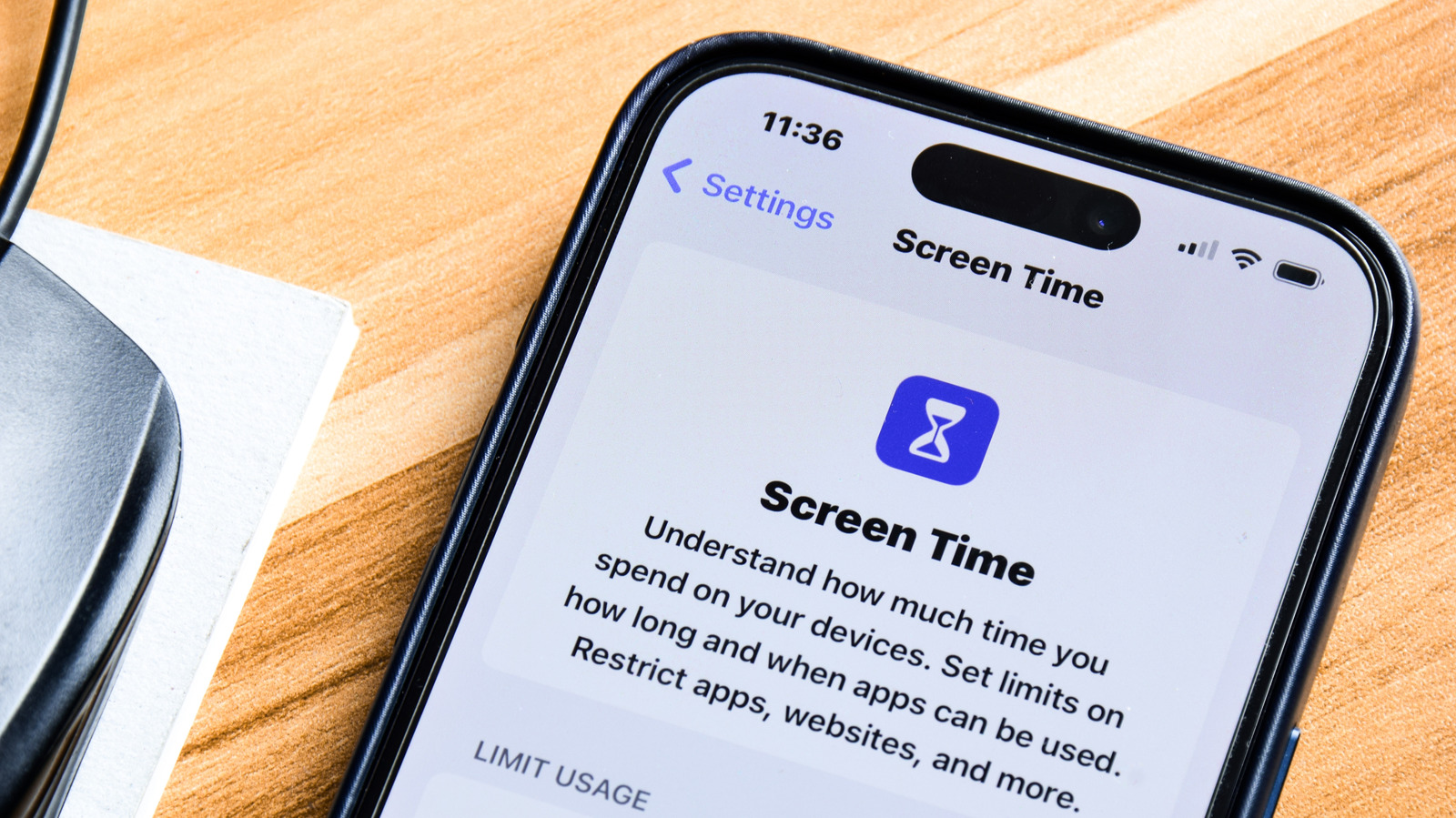
This how-to guide explains how iPhone and iPad users can use Apple's built-in Screen Time feature to curb excessive phone use, whether for themselves or their children. It matters because uncontrolled app usage is a common frustration, and Screen Time offers a free, native way to monitor habits and impose limits without third-party software.
The guide walks through Settings > Screen Time, where users can review weekly and daily usage charts, set "Always Allowed" apps and contacts for use during restrictions, activate "Downtime" to block non-essential apps and calls during set periods, and configure "App Limits" by category (such as Social or Games) with daily time caps and custom weekend schedules. It also notes that settings can sync across Apple devices via "Share Across Devices", and that parents in a Family Sharing group can apply the same controls—plus child-specific tools like Screen Distance and Communication Limits—to their children's devices.
- Screen Time helps iPhone users curb excessive app usage
- Set Downtime and App Limits to restrict specific apps or categories
- Also usable to manage screen time on children's devices