What does background app refresh on iPhone actually do?
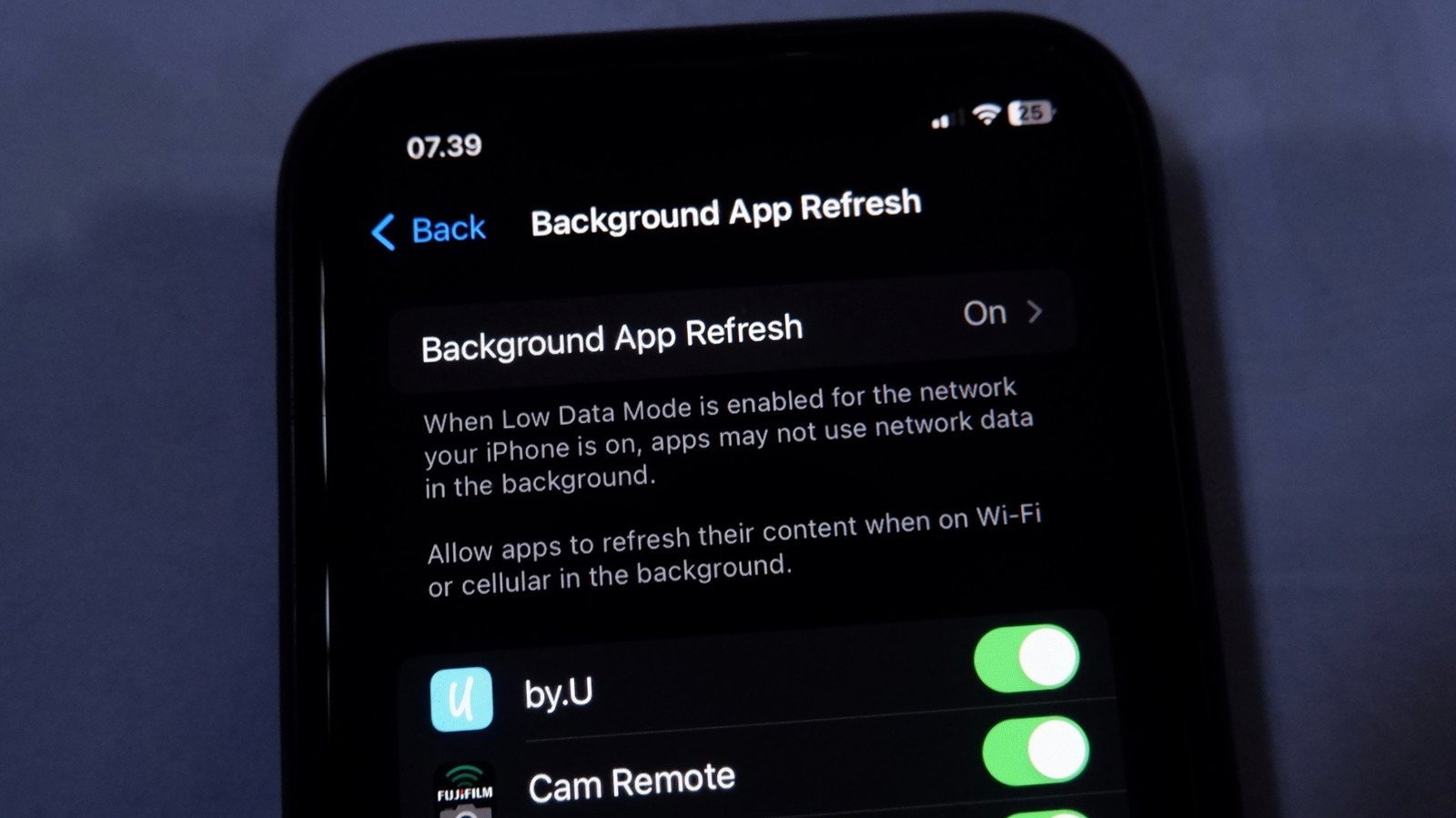
Background App Refresh is an iPhone setting that lets apps fetch new content from the internet while running in the background, so information is ready and up to date when you open them. This matters for anyone trying to conserve battery life or mobile data, as the feature is enabled by default for nearly every app but is not actually necessary for all of them, meaning it is often wasted resource use worth reviewing and adjusting.
The setting is found under Settings > General > Background App Refresh, where users can toggle it to work on Wi-Fi and cellular data, Wi-Fi only, or switch it off entirely, as well as disable it for individual apps. Apple recommends keeping it enabled for apps involving travel, navigation, file syncing, reminders and productivity, but says it is unnecessary for shopping, gaming or reference apps such as Wikipedia or IMDb; disabling it does not stop notifications, and enabling Low Power Mode automatically switches it off for all apps.
- Background App Refresh lets apps update content while running in the background
- Disabling it per-app can save battery and data without blocking notifications
- Low Power Mode automatically turns off background refresh for every app
New here? Start with this
Background App Refresh is a built-in iPhone feature that allows apps to quietly update their content in the background, even when they are not actively being used. The idea is that when you open an app, it already has the latest information ready, rather than making you wait while it loads. It is switched on by default for most apps installed on an iPhone.
The setting can be managed in the iPhone's Settings menu, where users can choose to allow it over Wi-Fi and mobile data, restrict it to Wi-Fi only, or turn it off completely, either for the whole phone or for individual apps. Because it is enabled so widely by default, it can end up running for apps that do not really need it, such as games or reference tools, using up battery and data unnecessarily.
This matters to iPhone owners because adjusting the setting is one of the simple ways to manage battery life and mobile data use, without losing important functionality like notifications, which continue to work even when the feature is switched off.