How to improve the audio quality on your iPhone
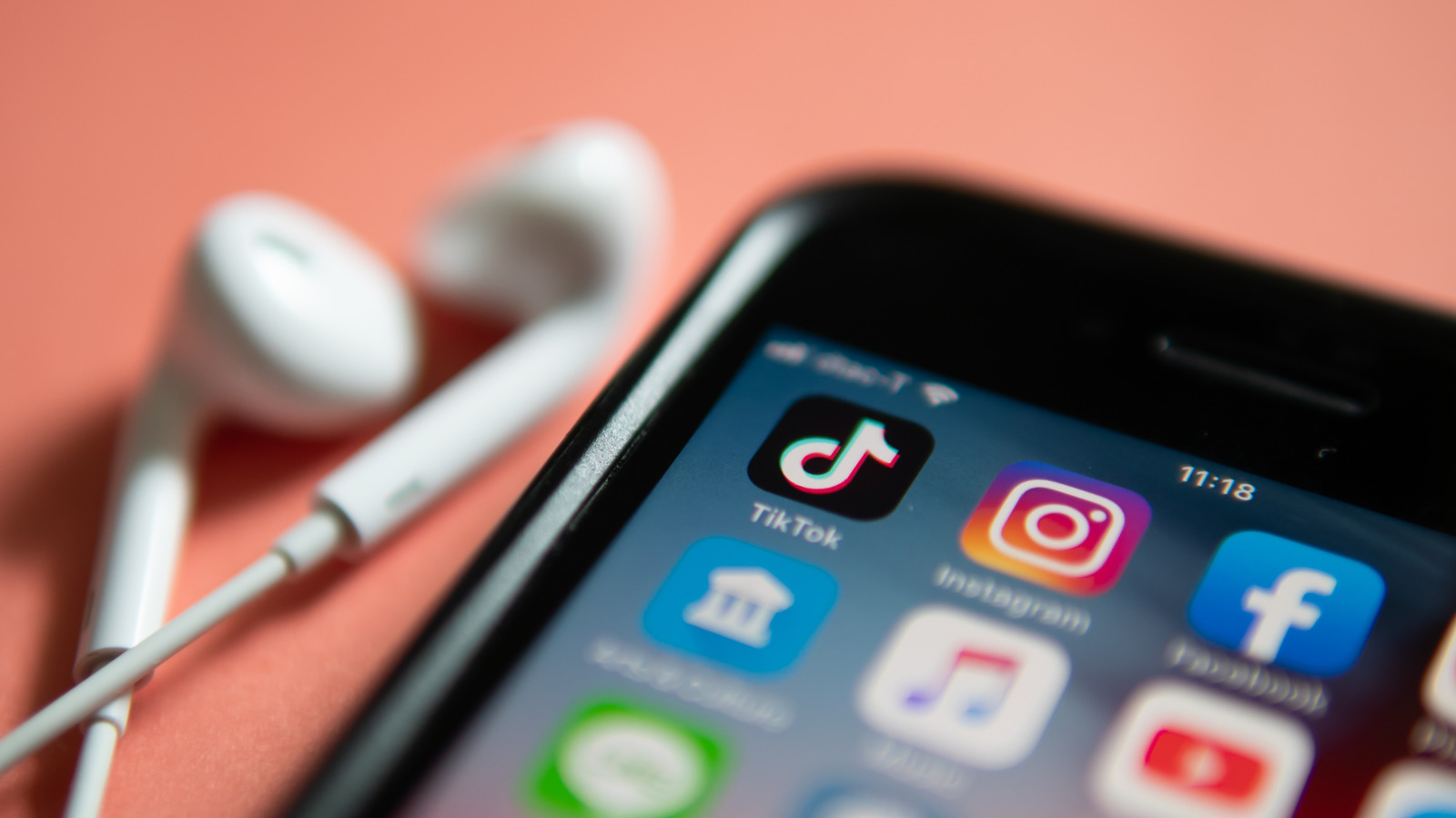
The iPhone's default sound is decent, but Engadget outlines several free and low-cost adjustments users can make to noticeably improve audio quality, whether listening through speakers, wired headphones or AirPods. This matters for anyone who regularly streams music or video on their phone, as small tweaks to streaming settings, equalisation and hardware can produce a much cleaner, richer sound without needing to buy a new device.
Key steps include raising streaming quality in Apple Music (Settings > Apps > Music > Audio Quality) or Spotify (Settings and privacy > Media quality), and experimenting with equaliser presets in both apps to suit personal taste. Lossless audio, available to Apple Music and Spotify Premium subscribers, offers CD-quality sound but uses significantly more data and, crucially, cannot be delivered over Bluetooth, meaning even premium AirPods won't benefit unless paired via a wired connection or specific Apple Vision Pro combinations. For genuinely high-fidelity listening, the article recommends pairing wired headphones with a dedicated DAC (digital-to-analogue converter), such as the budget-friendly FiiO KA11, though it notes Apple's studio-quality "Hi-Res Lossless" tier is unnecessary for most users without premium equipment.
- Streaming apps let you boost audio quality and enable equalisers manually.
- Lossless audio needs wired headphones or a DAC — Bluetooth doesn't support it.
- Hi-Res Lossless is overkill unless you own premium audio equipment.