Are USB-C flash drives better than USB-A ones?
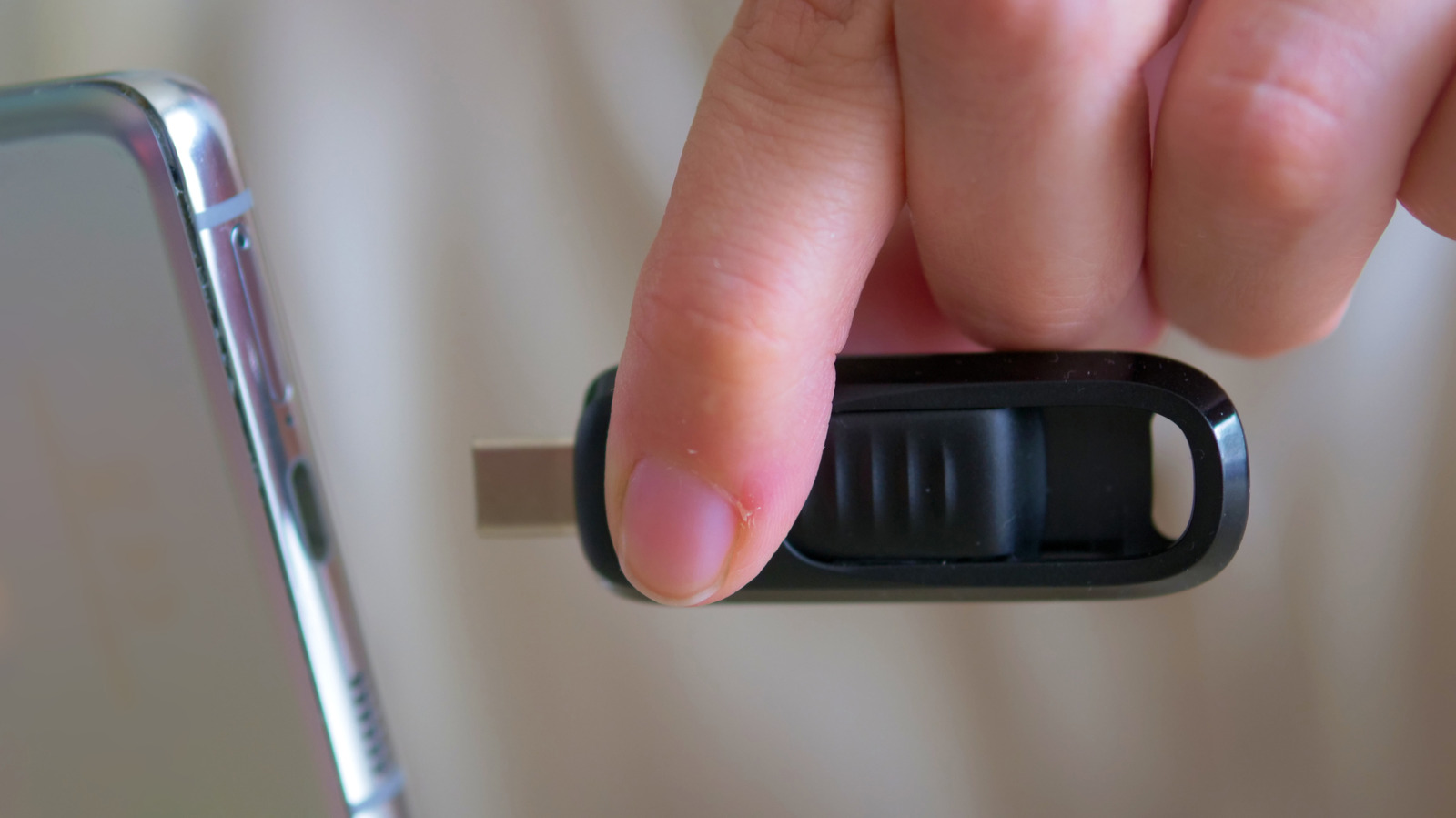
The connector type on a USB flash drive – whether USB-C or USB-A – has no bearing on its actual transfer speed, according to a comparison of the two standards. Speed is instead determined by the USB specification (such as USB 2.0 or USB 3.2) built into the drive and the port it's plugged into, meaning consumers should check listed read/write speeds rather than assume USB-C is automatically faster. This matters as USB-C becomes the default on phones, tablets and increasingly laptops, while USB-A remains common on older or budget hardware, desktops, TVs and other equipment.
USB-C offers greater convenience thanks to its reversible, compact design and near-universal presence on modern smartphones, making it ideal for quick file transfers on the go, and it can support faster theoretical top speeds (up to and beyond 10 Gbps) if both drive and device support it. USB-A, capable of up to 10 Gbps via USB 3.2 Gen 1/Gen 2, remains useful for compatibility with older PCs, creating bootable installation media and shared office kit, and is typically cheaper. Dual-ended USB-C/USB-A drives offer flexibility without adapters, though both ends usually share the same internal controller, so speed still depends on the drive's specification rather than the connector. Those handling very large files, such as video editors, are advised to consider portable SSDs rather than flash drives once speeds exceed 20 Gbps.
- Connector type (USB-C vs USB-A) doesn't determine flash drive speed
- Drive and port specifications, not connector shape, dictate actual performance
- USB-C wins on convenience; USB-A wins on compatibility and cost