Here’s why some monitors have two USB ports (and the best ways to use them)
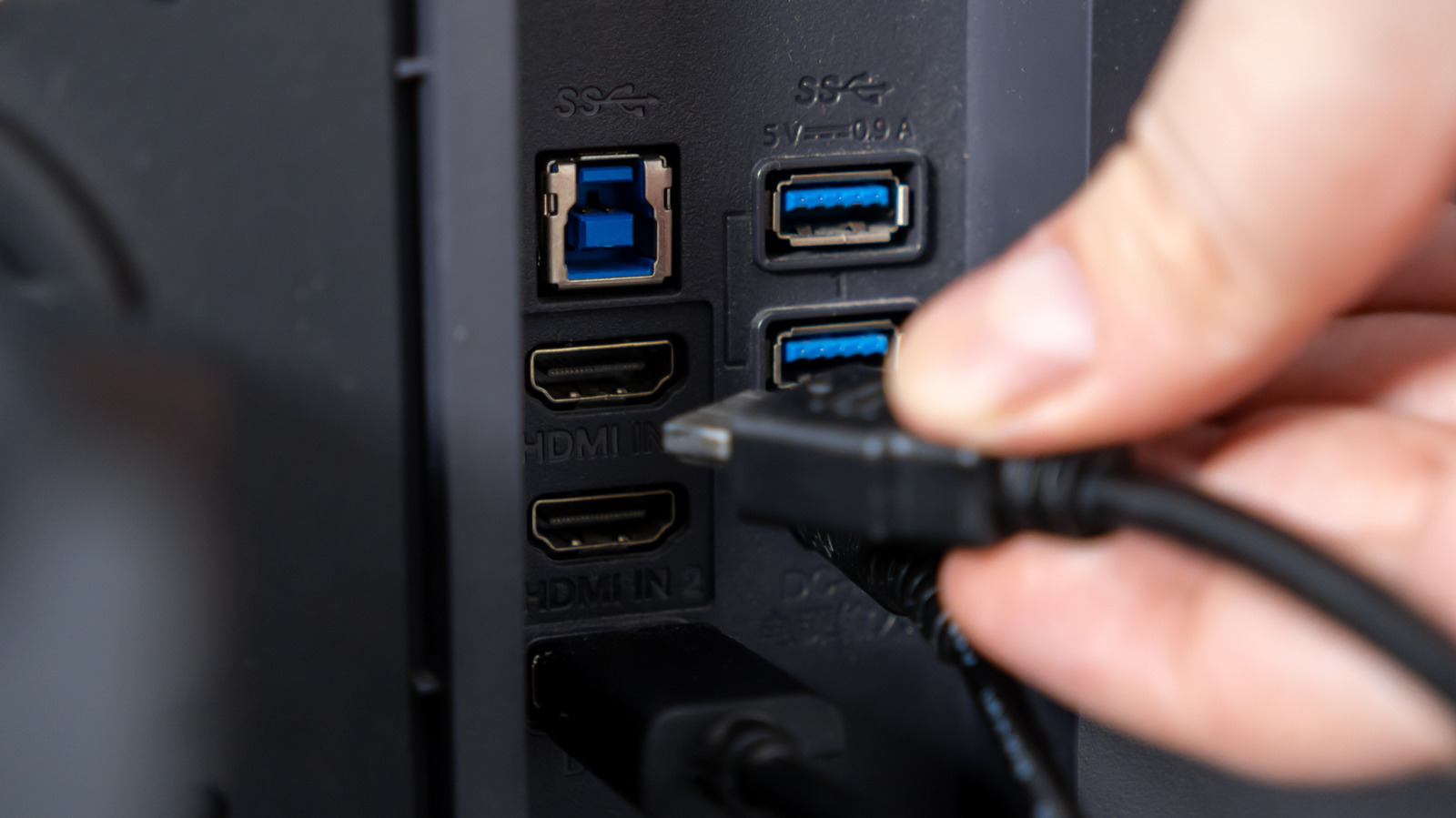
A monitor’s USB ports often function as a built-in hub, allowing accessories such as keyboards, mice, webcams and storage devices to communicate with a connected computer. They can simplify desk setups by keeping peripherals attached to the monitor, while compatible USB-C connections may carry video, USB data and laptop charging through a single cable.
The upstream connection links the monitor to the computer, while downstream ports are used for accessories; their arrangement varies by model. HDMI and DisplayPort generally require a separate USB cable for the hub to work, whereas USB-C may combine these functions if it supports standards such as DisplayPort Alt Mode and USB Power Delivery. Monitor USB ports are convenient for occasional storage transfers and charging, but connected devices share the upstream link’s bandwidth, making them less suitable for very large or speed-critical transfers.
- Monitor USB ports act as a hub for connected accessories.
- USB-C can combine video, data and laptop charging.
- Shared bandwidth may limit external drive speeds.