Guide to installing Sonos speakers with the S2 app
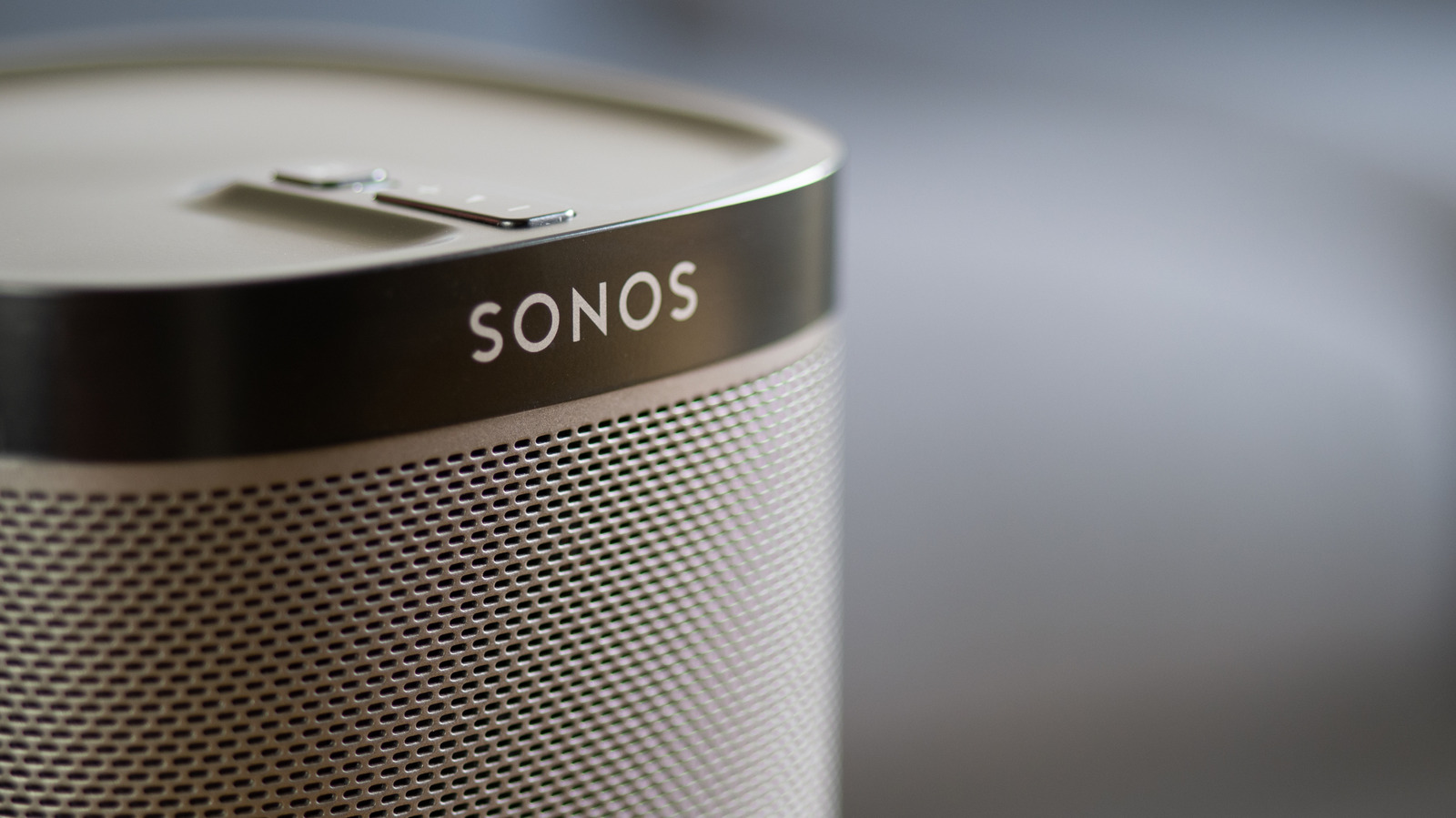
Sonos speaker setup is now relatively straightforward through the improved S2 app, despite the company’s troubled 2024 software update. Users need the app, a Sonos account and a speaker and mobile device connected to the same Wi-Fi network; the app then detects the speaker and guides them through connecting it and assigning it to a room.
Additional speakers can be added through Settings, while voice assistants such as Amazon Alexa are available through the same menu. Pairing problems are commonly caused by different networks, changed router passwords, VPNs or missing Apple permissions; restarting the speaker and updating the software may help. A factory reset should be a last resort because it erases saved EQ and TruePlay settings, and surround systems generally require matching speaker models.
- Set up Sonos speakers through the S2 app and shared Wi-Fi.
- Troubleshoot network, VPN and permission problems first.
- Factory resets erase saved audio settings.
Read the full article at the source →
Originally published by Engadget as “How to set up your Sonos speakers using the app”.