Android and Windows users can join FaceTime calls through web browsers
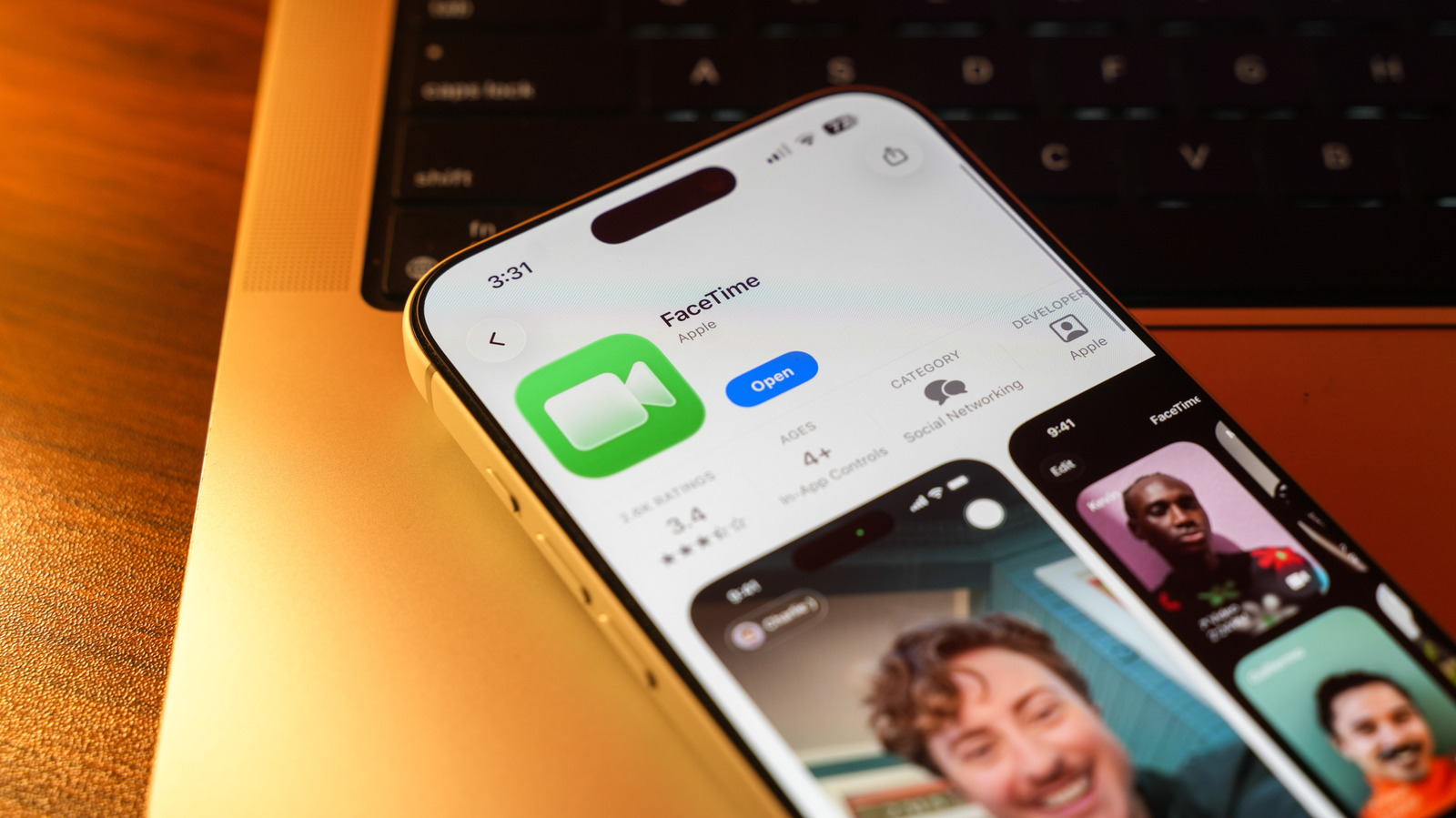
Apple's FaceTime application is accessible to Android and Windows PC users through web browsers, though this cross-platform functionality has been available since 2021 with iOS 15 and macOS Monterey. The feature allows non-Apple device users to join FaceTime calls without feeling excluded when communicating with iPhone-using friends and family, addressing a longstanding limitation of the service.
To join a FaceTime call from an Android phone or Windows PC, an iPhone, iPad or Mac user must initiate the call and send an invitation link. The non-Apple user simply opens the link, enters their name, and grants permission for camera and microphone access via a web browser—Apple recommends using the latest version of Chrome or Edge, and an internet connection is required. Standard call features work on both platforms, including audio and video switching, full-screen viewing, and microphone muting, though screen sharing and SharePlay (which allows users to share entertainment) are unavailable on non-Apple devices.
- Android and Windows users can join FaceTime calls via web browser links
- An Apple device user must send the call invitation
- Screen sharing and SharePlay features unavailable on non-Apple devices
Business Gadgets Markets Technology
Read the full article at the source →
Originally published by Engadget as “How to join a FaceTime call with your Android phone or Windows PC”.