How to choose the right USB to USB-C adapter
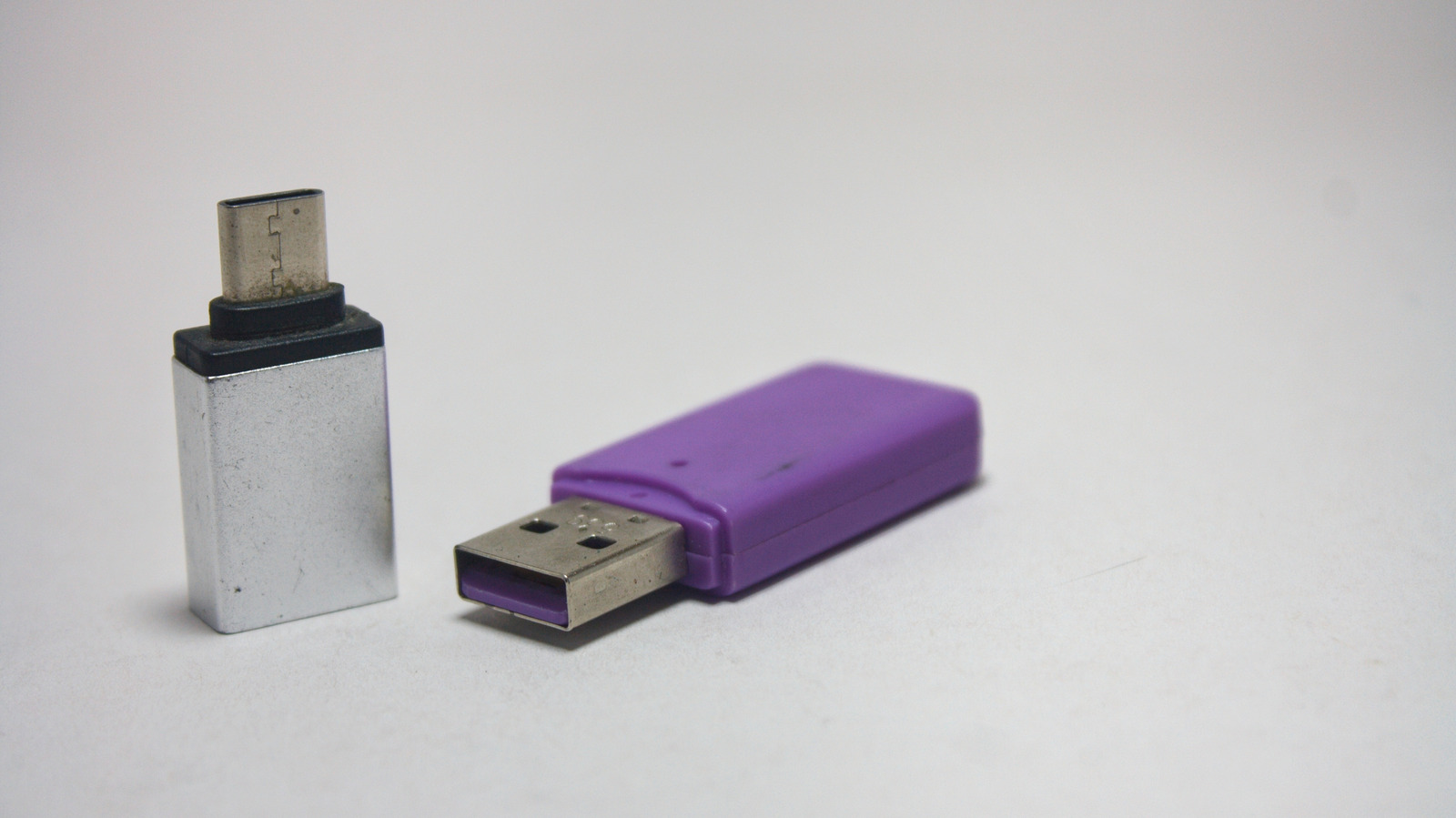
USB-A to USB-C adapters address a common problem for users with older devices and new USB-C equipped gadgets, but not all adapters perform equally. Selecting the wrong one can result in sluggish charging, poor data transfer speeds, or damaged device ports. Understanding the differences between adapter specifications is essential before purchasing.
The article details three main USB standards: USB 2.0 adapters max out at 480Mbps for data transfer and deliver approximately 2.5W of power (up to 7.5W with dedicated wall chargers), suitable only for low-power accessories like mice and keyboards. USB 3.0 adapters support up to 5Gbps data transfer—roughly ten times faster—whilst USB 3.2 Gen 2 adapters reach 10Gbps. When buying an adapter, consumers should identify their device's USB generation, determine intended use, and opt for certified brands with reputable track records, as cheap uncertified adapters risk power regulation failures that can overheat or permanently damage device charging ports.
- Not all USB-A to USB-C adapters perform equally; specifications vary significantly.
- USB 2.0: 480Mbps; USB 3.0: 5Gbps; USB 3.2 Gen 2: 10Gbps data speeds.
- Choose certified brands to avoid overheating and port damage risks.