Quick router changes can strengthen home network security
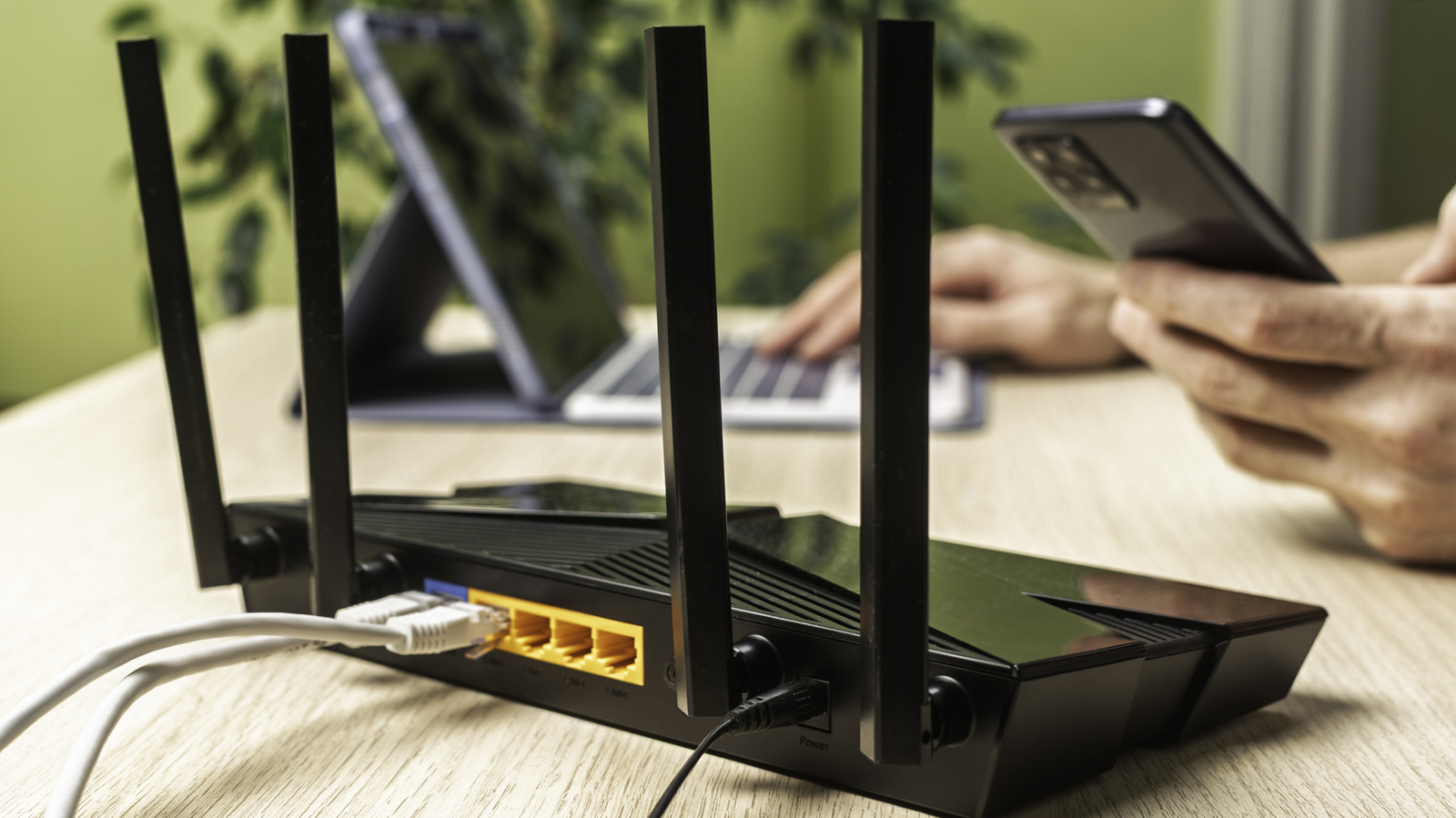
A few quick router changes can significantly improve home network security, as the router controls access between household devices and the internet. The article recommends replacing default credentials and network details, enabling stronger encryption, separating guests and smart-home devices, and disabling convenience features that create vulnerabilities.
Users should access the router’s admin panel through its local IP address, change the administrator username and password, and replace model-based SSIDs and Wi-Fi passwords. WPA3-Personal is preferred, with mixed WPA2/WPA3 as a compromise for older devices; guest networks can isolate visitors, children or smart devices, while WPS should be disabled because its PIN and button-based setup weaken security.
- Change default router and Wi-Fi credentials.
- Use WPA3 and separate guest devices.
- Disable WPS to reduce security risks.
Read the full article at the source →
Originally published by Engadget as “How to improve your router’s security in 10 minutes”.