How to get started with Shortcuts on your MacBook
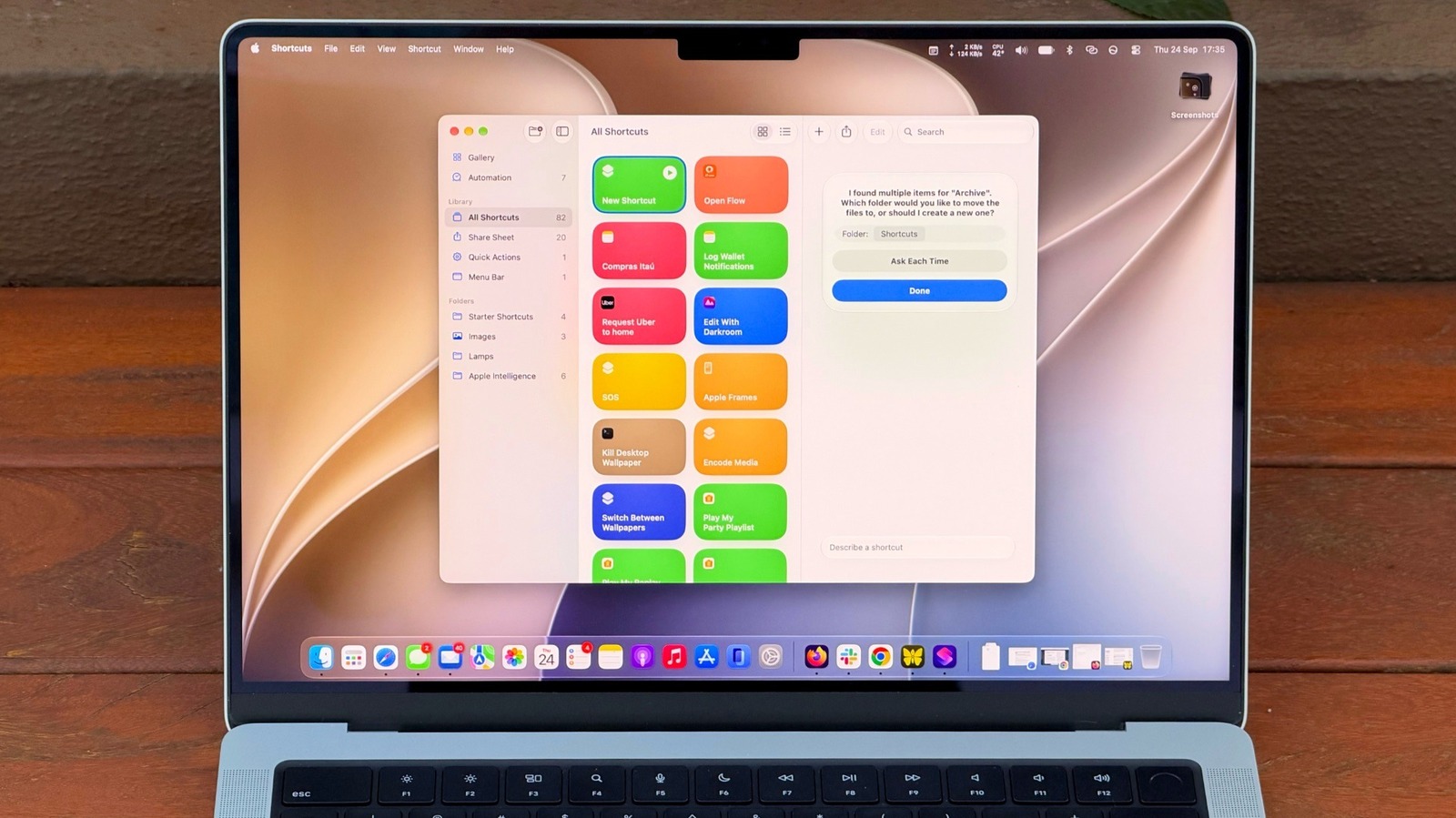
macOS 27 Golden Gate introduces a new "Describe a Shortcut" feature that uses AI to simplify the Shortcuts automation tool, making it far more accessible to users who previously found the app too complex. Shortcuts has been available on Mac since macOS Monterey but remained largely unexplored by most users; the new AI-powered approach allows people to describe what they need in plain language rather than manually selecting and connecting technical actions. This development significantly lowers the barrier to entry for automation on Mac.
The feature works by prompting users to provide detailed descriptions of tasks they want automated—such as archiving old Downloads folder files every Friday or summarising clipboard text. Users can assign keyboard shortcuts to their automations, pin them to the menu bar, or set them to run automatically through the Automation tab. However, Apple Intelligence capabilities (including this feature) require a Mac with an M1 chip or later, excluding Intel Mac users, and some limits may apply to particularly complex prompts.
- macOS 27 introduces AI-powered Shortcuts creation, making automation accessible without technical knowledge
- Specific, detailed task descriptions produce more reliable automations
- Requires M1 Mac or newer for Apple Intelligence support
Americas Art Celebrity Culture Entertainment Software Technology World