6 ways to make the most out of your Apple Wallet
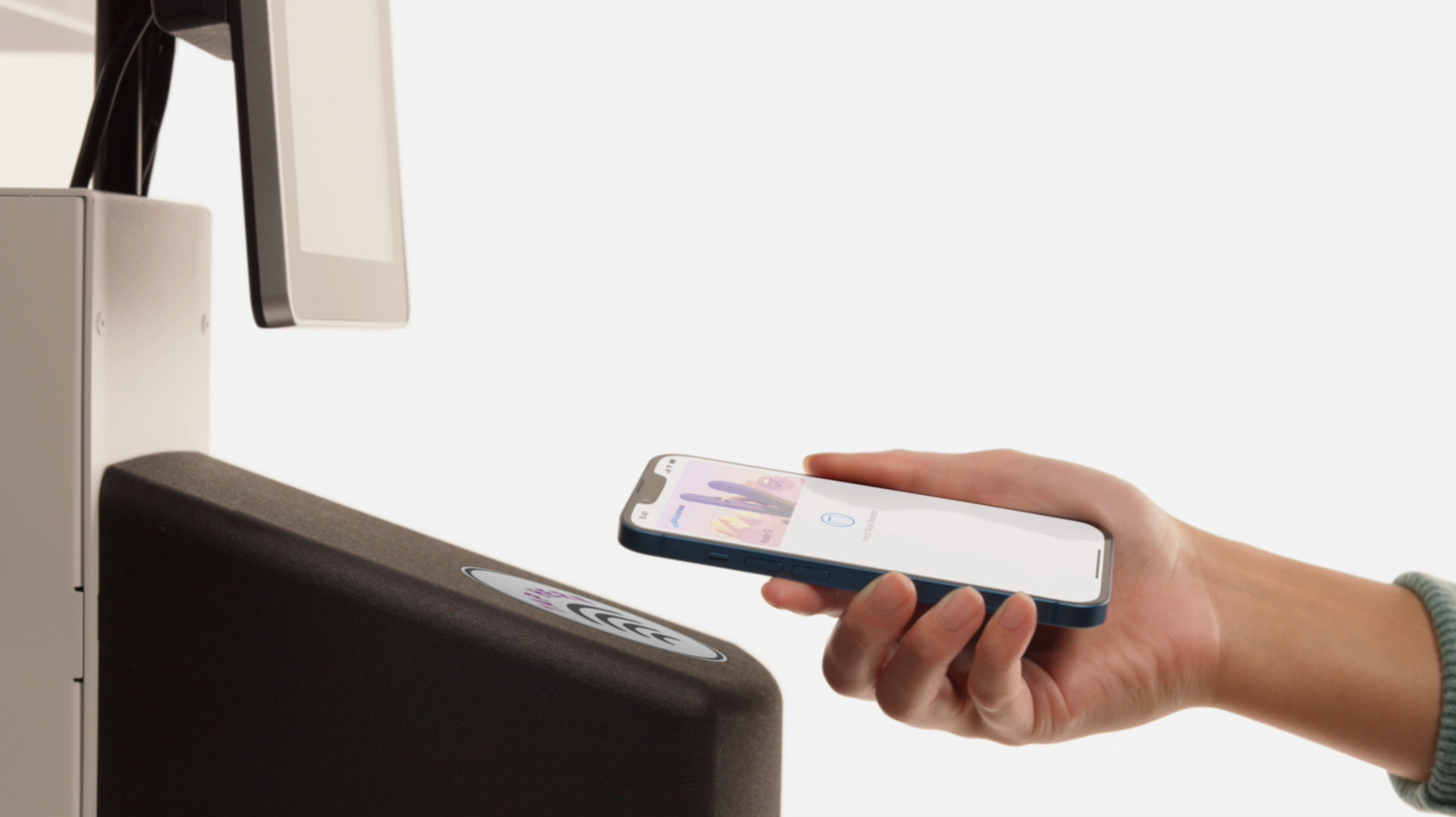
Apple Wallet has evolved well beyond storing payment cards, boarding passes and tickets, now offering a range of features that many users may not know about, especially with the arrival of iOS 27. The update adds several new capabilities while building on existing tools that let people rely less on a physical wallet, phone functions Engadget rounds up for users to explore via the Wallet app's settings.
Key additions include the ability to create custom passes for services not natively supported, using Apple Intelligence to scan a physical card or choosing from Standard, Membership or Event templates. iOS 27 also introduces bill-splitting via Apple Cash, which reads a receipt photo and accounts for item costs, tax and tips, though it only works with Apple Cash rather than apps like Venmo or PayPal. Other established features include digital driver's licences and passports (supported in 15 US states plus Puerto Rico, with the US the only country offering virtual passports), useful for identity checks and TSA checkpoints, and contactless transit payments via Express Mode, which functions without unlocking the device and can even work for a few hours after the battery dies via power reserve mode.
- iOS 27 lets Apple Wallet create custom passes and split bills via receipt photos
- Digital IDs cover 15 US states plus Puerto Rico and US passports
- Express Mode enables transit payments even after the phone's battery dies