Before you throw out your old USB drives, do this first
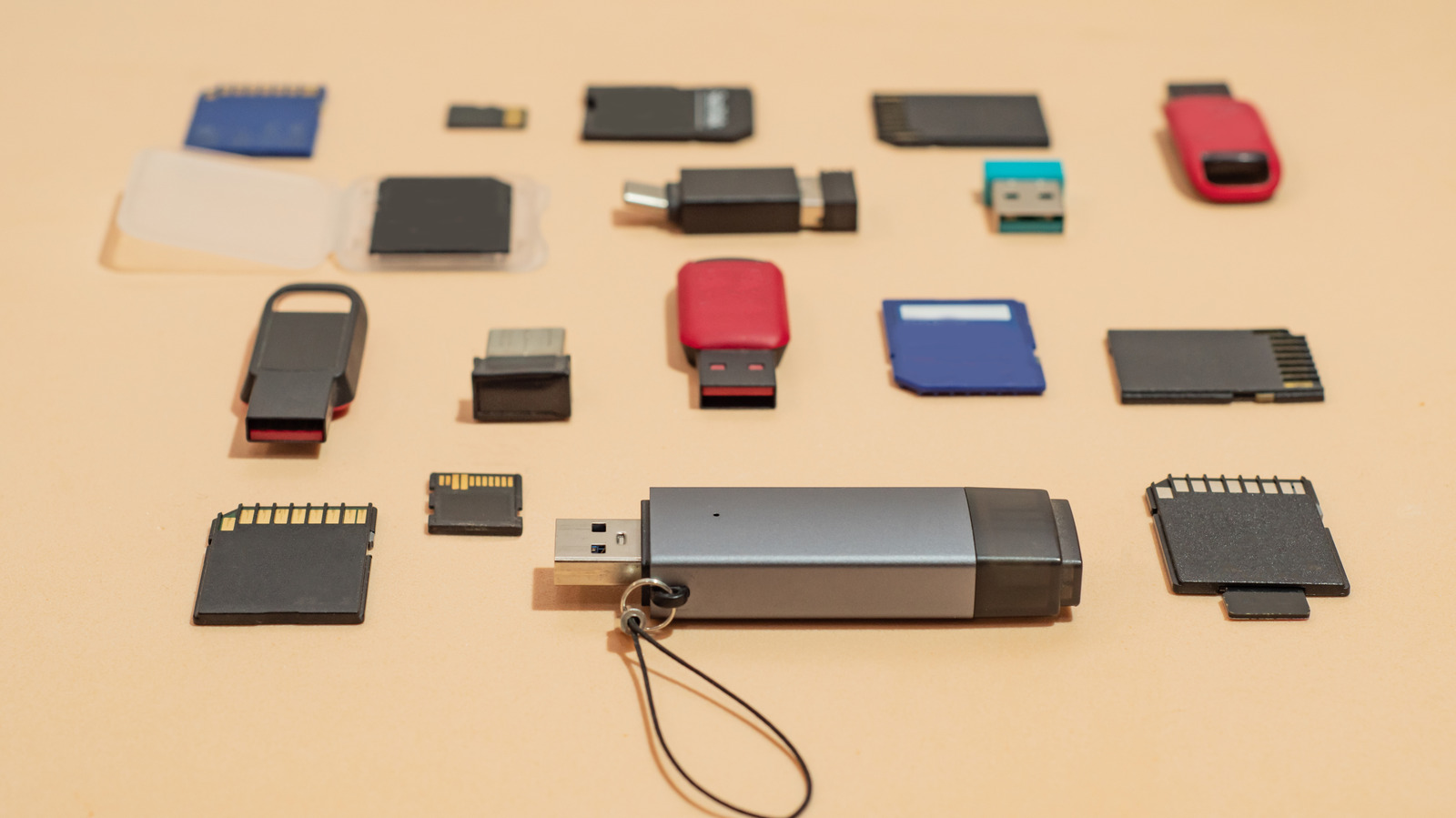
An Engadget guide warns that simply deleting files from an old USB drive or other storage device is not enough to protect your data before recycling or discarding it, since deleted files can often be recovered with data recovery software. This matters because old flash drives frequently contain sensitive material, such as tax records or scanned identification documents, that could pose a privacy risk if the device ends up in the wrong hands.
The article recommends performing a full format rather than a quick one, as this overwrites existing data and checks for bad sectors, making recovery far harder; it explains how to do this using File Explorer on Windows or Disk Utility on a Mac. Citing Cornell University's IT security guidance, it suggests drives being recycled should be overwritten three times, while those being disposed of should be physically destroyed, and it details how to smash mechanical hard drives or damage the memory chips inside SSDs and flash drives for maximum security.
- Deleting files doesn't erase data; drives should be fully formatted first
- Full format overwrites data using Windows File Explorer or Mac Disk Utility
- For sensitive data, physically destroying the drive is safest