Does your Android Auto keep lowering the volume? This might be why
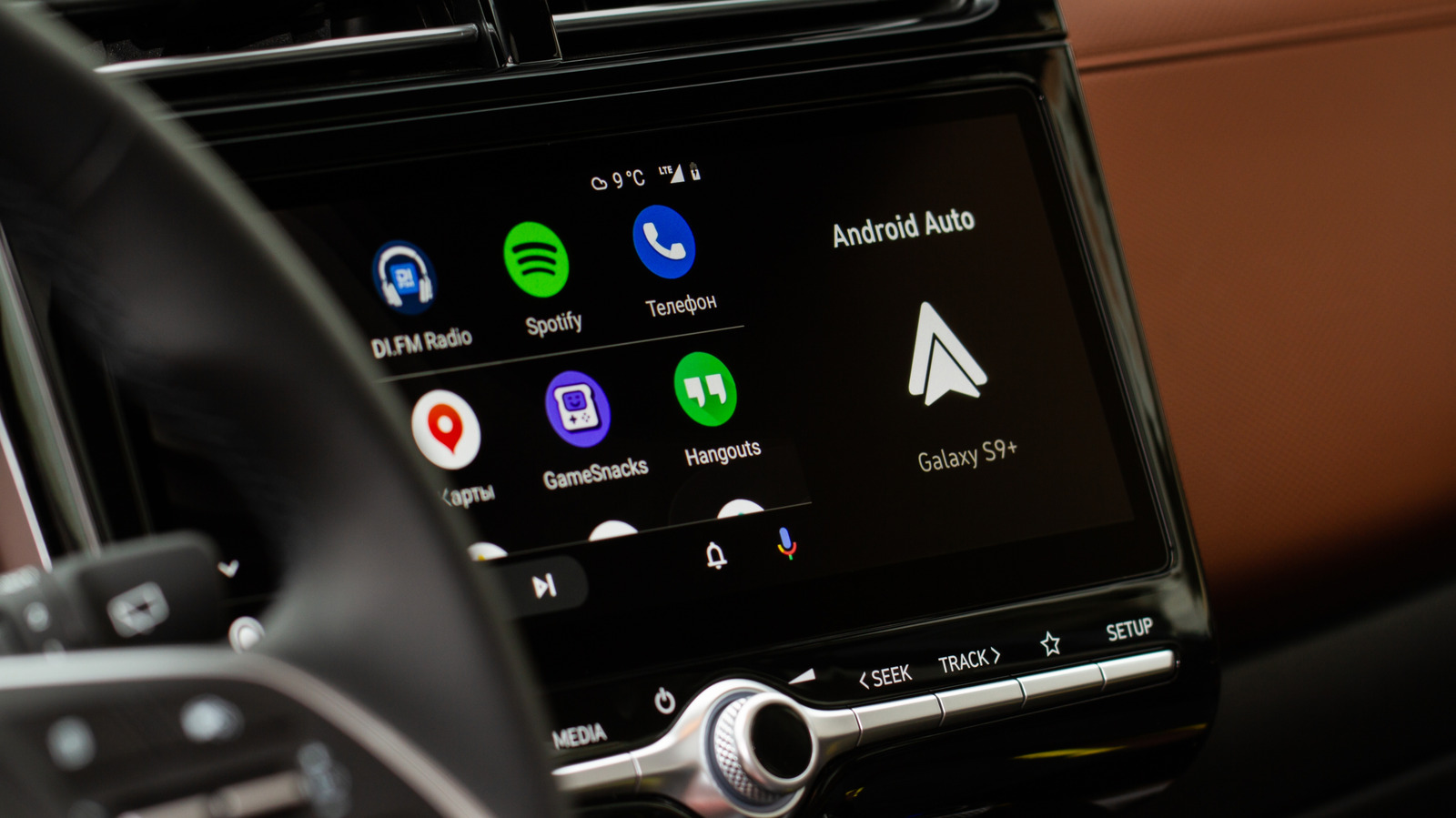
Android Auto sometimes lowers your music or media volume automatically while driving, and this is typically intentional rather than a fault. The behaviour, known as "audio ducking," is designed to ensure drivers can clearly hear important alerts, such as text messages, calls or navigation prompts, without them being drowned out by music or podcasts, and normally lasts only a few seconds before playback returns to normal volume.
Audio ducking has been part of Android since version 8.0 and prioritises notification sounds over whatever media is currently playing, with apps like Google Maps or Waze also triggering it for directions and driving alerts. A separate, rarer cause is Android's hearing-safety feature, introduced in Android 14, which tracks prolonged loud listening and lowers volume to protect users' hearing, though this can be switched off via the media volume limit setting. To stop ducking from notifications, users would need to disable alerts for the relevant app, but major apps like Spotify, YouTube Music, Google Maps and Waze offer no built-in settings to prevent or adjust this behaviour.
- Android Auto's volume dips are usually deliberate "audio ducking," not a bug
- It prioritises alerts like texts, calls and navigation over music
- No settings exist in major apps to disable it; only turning off notifications helps