Don’t forget to turn off this setting after buying a new TV
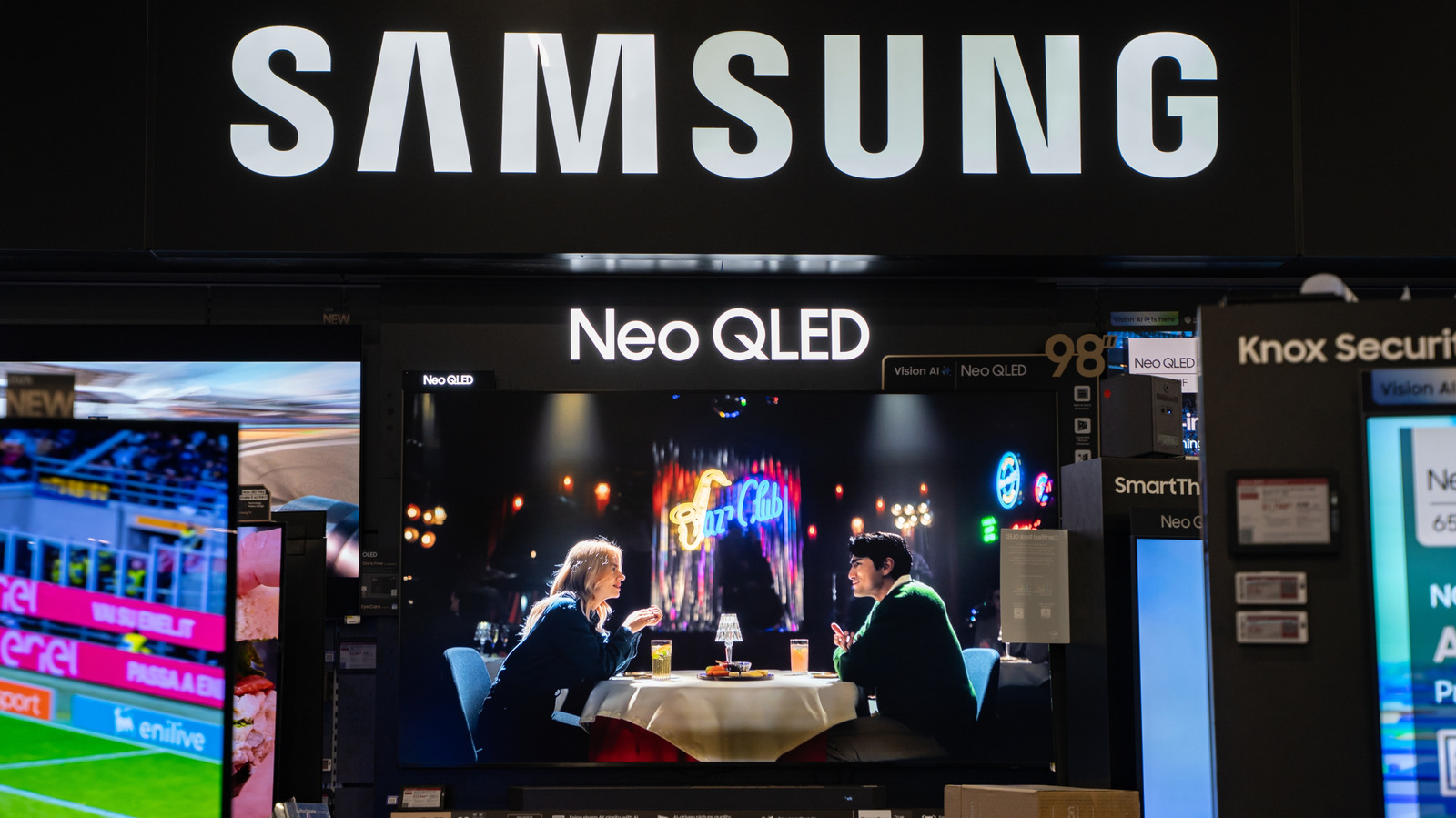
New televisions frequently arrive with "store" or "demo" mode switched on, which is designed for retail display conditions rather than home viewing and can leave the picture looking oversaturated, overly bright or otherwise unnatural. This setting is enabled by default even on TVs bought online, and because it is built for showroom lighting, it can make the screen look markedly worse once the set is set up in a living room. Crucially, the mode can also periodically reset any manual picture adjustments, meaning attempts to fix the display without disabling it first are likely to be undone automatically.
The setting boosts backlight brightness and alters contrast to counteract strong shop lighting, and may also display looping adverts or on-screen specifications such as resolution and refresh rate. It is typically found within a TV's advanced settings menu, sometimes labelled Store Mode, Demo Mode or Retail Mode, alongside an "Auto Store Mode" option that should also be switched off; the exact location varies by manufacturer. Turning the feature off and selecting "Home" mode instead should immediately improve picture quality, though further tweaks or content-specific presets may still be needed for the best result.
- New TVs often ship with picture-distorting "store" or "demo" mode enabled
- This mode can reset manual picture settings every few minutes
- Switch to "Home" mode in advanced settings for a proper picture