Here’s how to pair your Roku remote
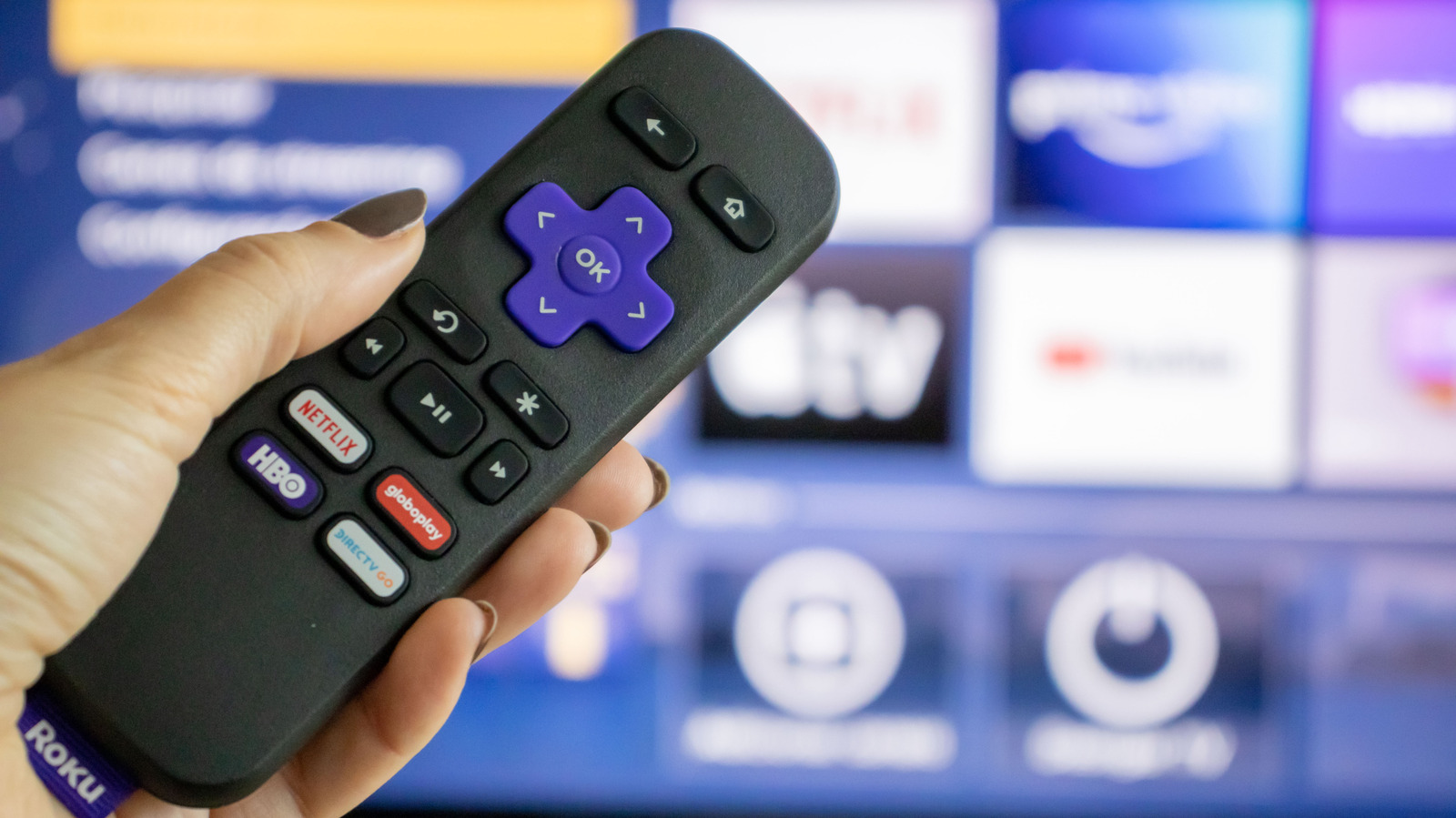
This is a how-to guide explaining how to pair a Roku remote with its streaming device, useful for anyone who has replaced a lost remote or performed a factory reset. Most modern Roku devices use Wi-Fi Direct or Bluetooth rather than infrared, enabling features like voice control and no need for a direct line of sight, but this also means the remote must be paired before use.
To re-pair, users should put both the Roku device and remote into pairing mode: unplug the Roku, wait five seconds, then plug it back in; on the remote, hold the pairing button (usually under the battery cover) for five seconds until the status light flashes, or hold Back and Home together if there's no dedicated button. If a physical remote isn't available or won't pair, the free Roku mobile app (for Android and iOS) offers an alternative, replicating the remote's layout with added benefits such as faster on-screen typing, voice search, content discovery and routing TV audio through connected phone headphones.
- Unplug and replug the Roku device to enter pairing mode
- Hold the remote's pairing button, or Back+Home, for five seconds
- The Roku mobile app is a backup if the remote won't pair