How Apple’s Thunderbolt ports are different from USB-C
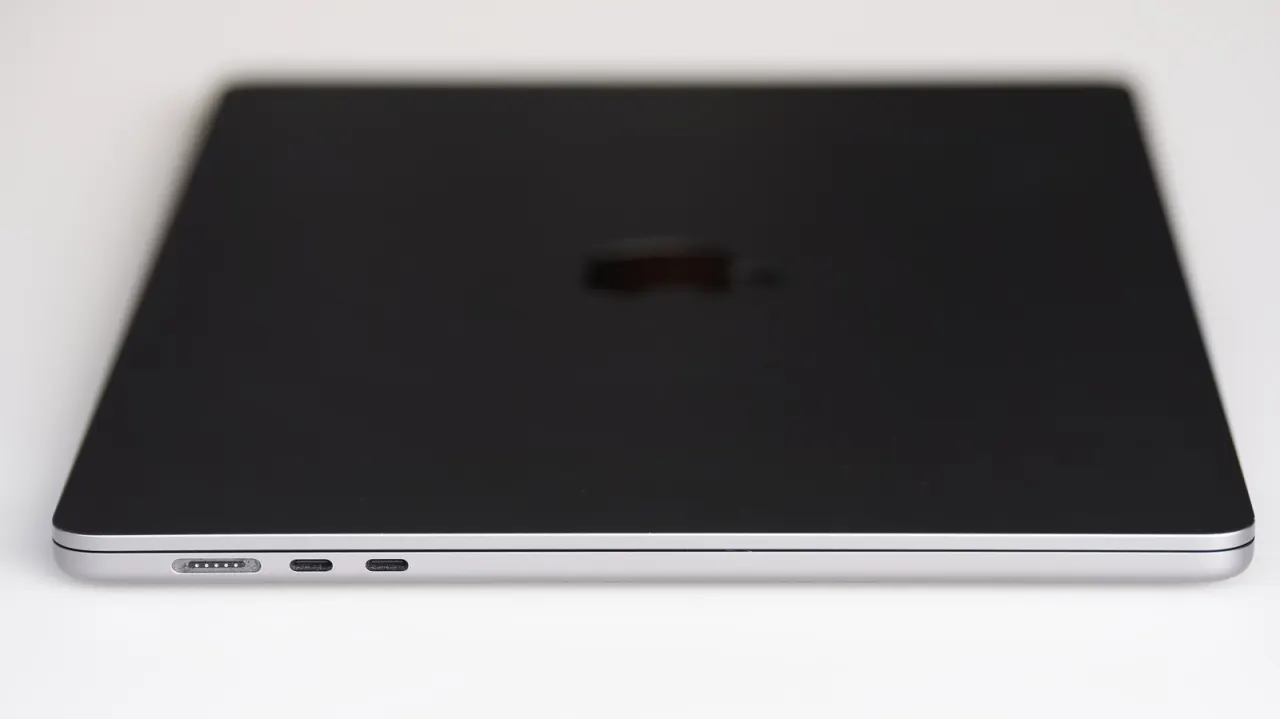
USB-C describes the connector’s shape, while Thunderbolt is a set of features and performance standards that can use that connector. This means two ports that look identical may differ substantially in speed, display support and compatibility, so checking a device’s specifications matters.
USB-C ports can range from USB 2 at 480 Mbps to USB4 Version 2.0 at 80 Gbps, but manufacturers can vary which features they include. Thunderbolt 4 guarantees up to 40 Gbps, while Thunderbolt 5 guarantees 80 Gbps and can reach 120 Gbps in one direction; it can also support up to three 4K monitors. Thunderbolt devices generally work with USB-C ports only when the port and cable support them, and certification adds to their cost.
- USB-C names the connector; Thunderbolt defines capabilities.
- Thunderbolt 5 guarantees 80 Gbps and can reach 120 Gbps one way.
- Port and cable specifications determine speed and compatibility.
New here? Start with this
USB-C and Thunderbolt are often confused because they look identical, but they refer to different things. USB-C is simply the physical shape of the connector, whilst Thunderbolt is a standard that guarantees certain speeds and capabilities. A device can have a Thunderbolt port with a USB-C connector, but a USB-C connector does not necessarily mean it is Thunderbolt.
The main difference is what the ports can do. USB-C ports vary widely in speed – some transfer data slowly, others quickly. Thunderbolt ports guarantee minimum speeds: Thunderbolt 4 reaches 40 gigabits per second, whilst Thunderbolt 5 reaches 80 gigabits per second. Two ports that look identical can therefore be quite different in performance.
This matters because it is easy to assume any USB-C port can do anything, but what a port actually does depends on which standard it supports. Checking a device's specifications before purchasing is therefore important if you need fast data transfer, multiple monitor support, or compatibility with certain equipment. Thunderbolt certification typically increases a device's cost.