How to add extra Ethernet ports if your router doesn’t have enough
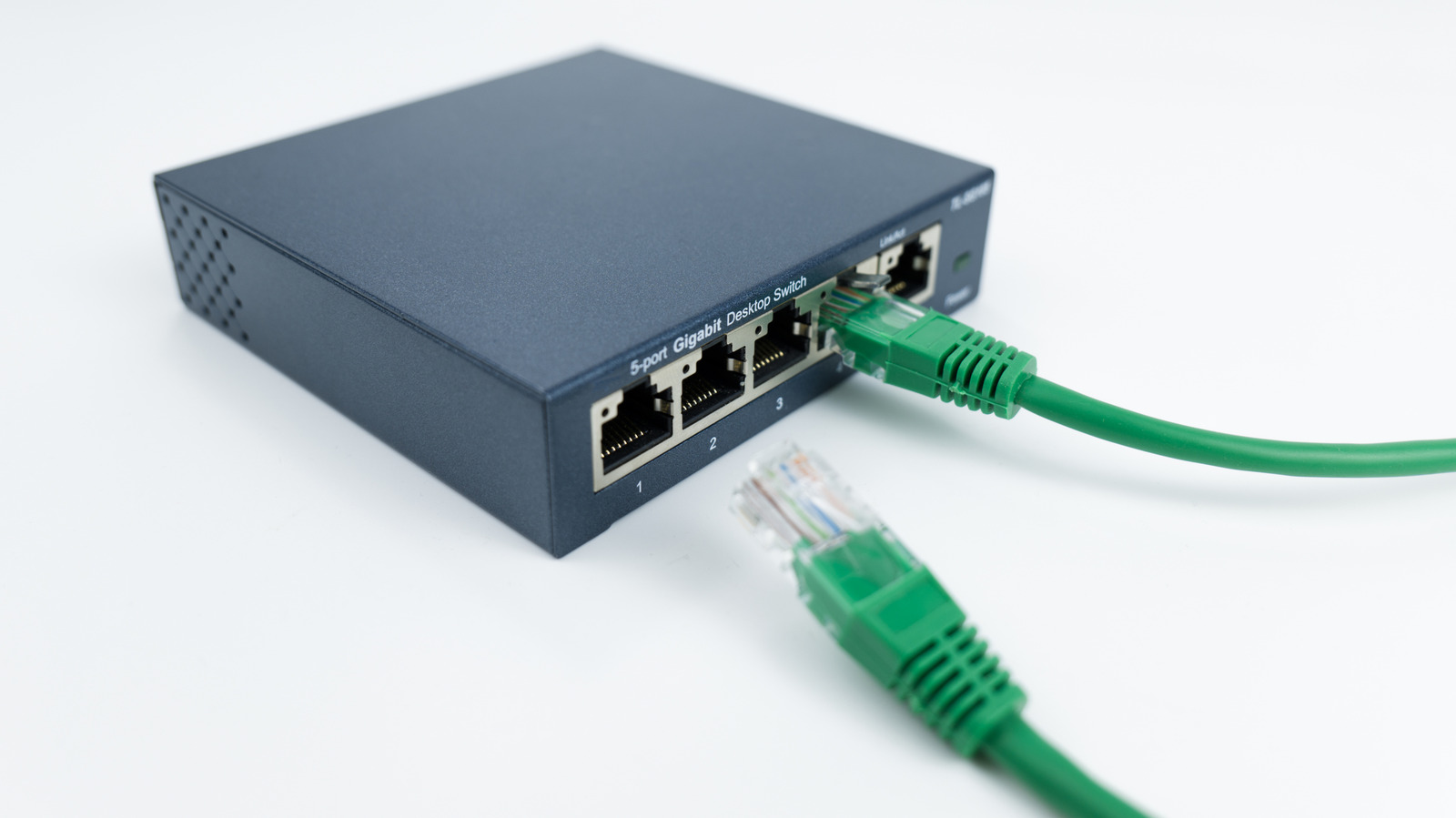
Ethernet switches provide a straightforward solution for expanding wired network connections when a router's ports are exhausted, without requiring a new router altogether. These simple plug-and-play devices connect to one LAN port and immediately expand wired network capacity. This matters because Ethernet connections deliver superior performance and consistency for demanding applications like online gaming, 4K streaming and large file transfers compared to Wi-Fi.
Most home routers include four LAN ports plus one WAN port for modem connection, leaving limited options as connected devices proliferate. Ethernet switches typically come with five, eight or 16 ports, with one slot connecting to the router, leaving four, seven or 15 usable ports respectively. Unmanaged switches are recommended for most domestic users as they require no configuration and cost less than managed alternatives, whilst port speeds should align with your devices to avoid bottlenecks—most modern switches support at least gigabit speeds, which suffices for typical home internet.
- Ethernet switch expands router ports without replacing your router
- Switches add 4-16 usable ports; unmanaged models suit most homes
- Ensure port speeds match devices to prevent bottlenecks