How to configure Apple Music’s lossless audio and equaliser settings
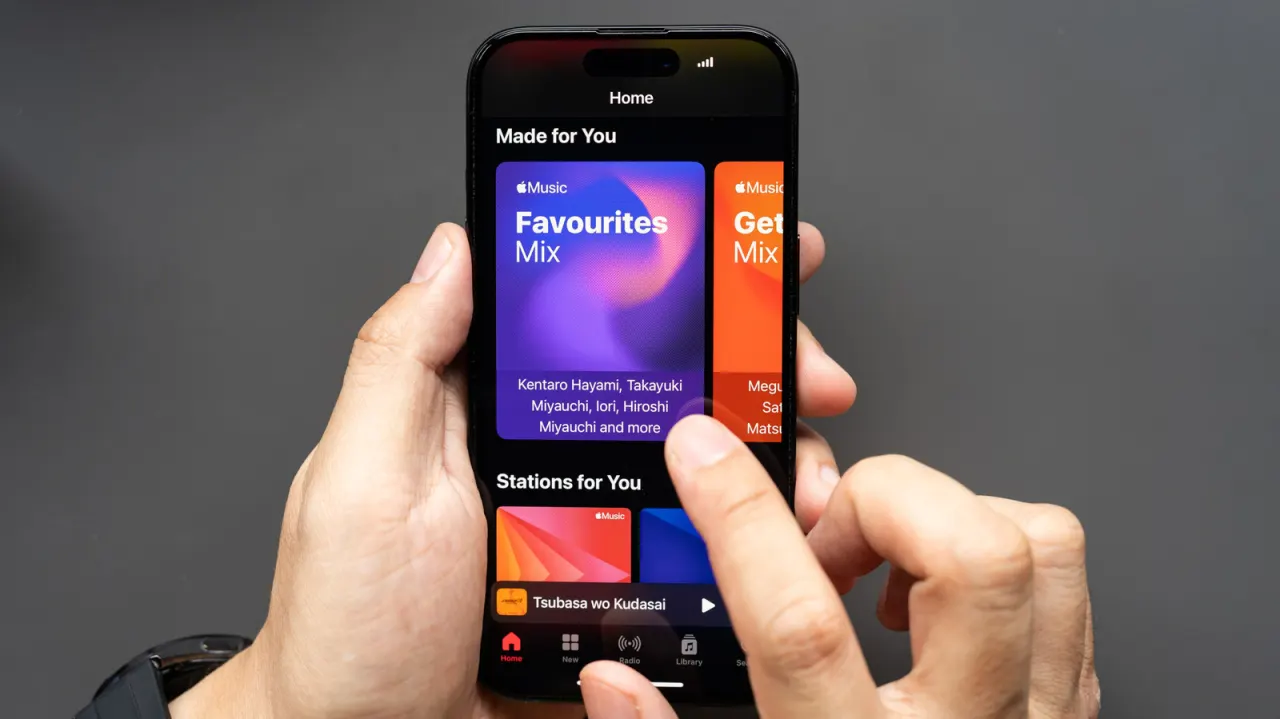
Apple Music offers lossless audio and equaliser settings across its apps, letting listeners adjust sound quality to suit their equipment and data limits. Lossless playback is off by default, so users need to enable it in settings on each device.
The standard Lossless tier streams at 24-bit/48kHz, while Hi-Res Lossless reaches 24-bit/192kHz and is intended for dedicated hi-fi equipment. On iPhone, high-resolution Bluetooth audio is not supported, so wired playback is needed to hear lossless quality; Android’s equaliser links to the phone’s audio settings, while desktop apps include a ten-band equaliser.
- Lossless audio must be enabled in device settings.
- Standard Lossless is 24-bit/48kHz; Hi-Res reaches 192kHz.
- iPhones need wired playback for lossless audio.
New here? Start with this
Lossless audio is a way of streaming music that preserves all the sound data from the original recording, rather than compressing it to save space. For listeners with higher-quality headphones or speakers, this can mean noticeably better sound quality, though it does use more data and storage than standard compressed audio.
Apple Music offers lossless audio to its subscribers across multiple devices and quality levels. The standard lossless tier streams at 24-bit/48kHz, whilst Hi-Res Lossless reaches 24-bit/192kHz and is intended for dedicated hi-fi equipment and high-end audio setups. The service also includes customisable equaliser settings so listeners can adjust the sound to suit their equipment.
Setting up lossless playback requires manually enabling it in your device's settings, as it remains switched off by default. The experience varies by device: on iPhone, wired connections are needed to access lossless quality since high-resolution Bluetooth audio is not supported, whilst desktop apps include a ten-band equaliser and Android devices link to the phone's own audio settings.
Read the full article at the source →
Originally published by Engadget as “How to adjust the audio quality in Apple Music”.