How to check which apps are draining your iPhone battery
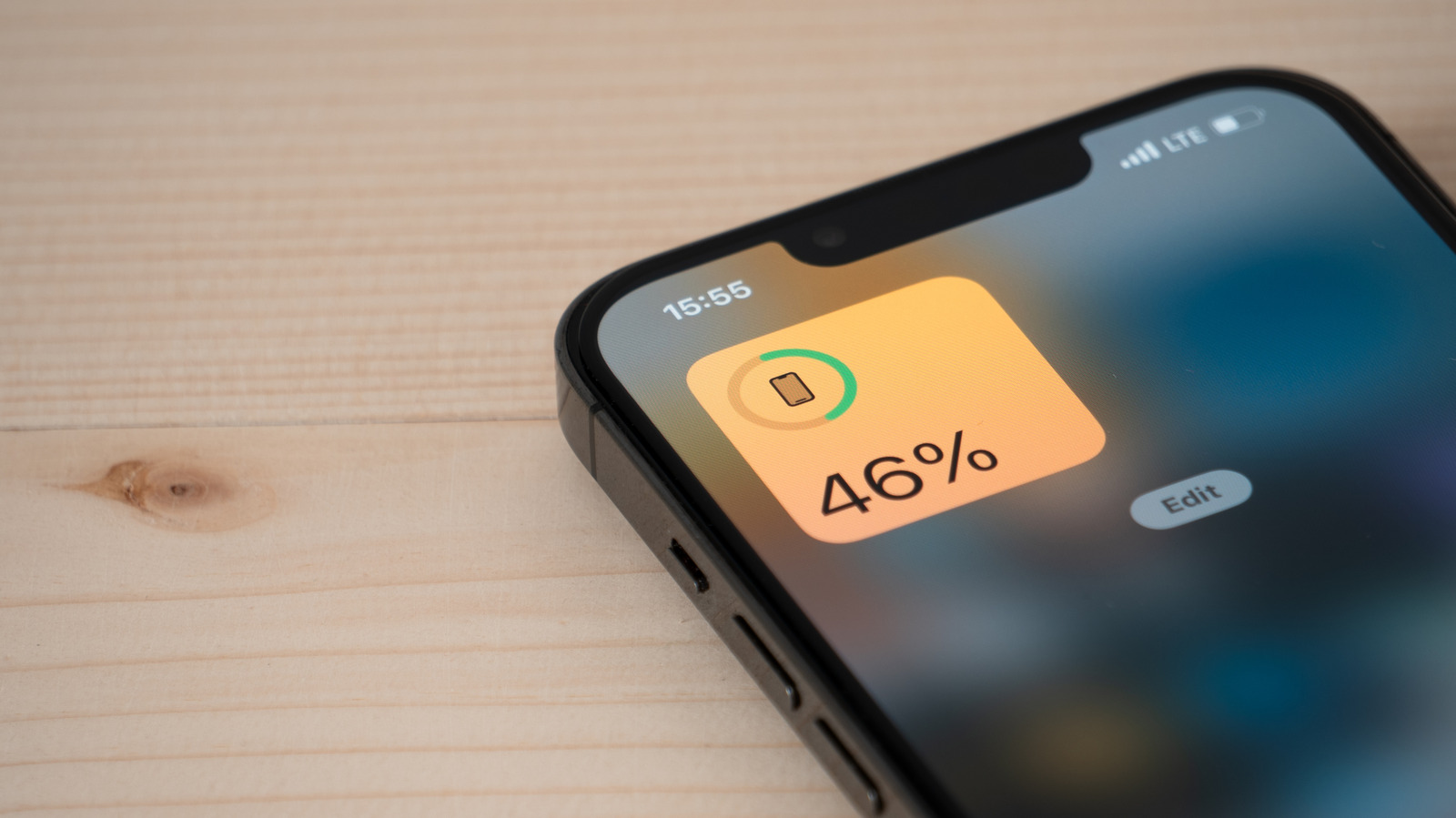
The article explains how iPhone users can identify which apps are draining their battery the fastest, using a built-in feature that has been part of iOS since iOS 8. This matters because some apps quietly consume significant power in the background, such as through location tracking or content refreshing, even when a user is not actively interacting with them, and identifying the culprits is the first step towards extending battery life through the day.
To check usage, users open the Settings app, select Battery, and tap "View All Battery Usage" for a detailed breakdown, distinguishing between "On Screen" time and background activity. The piece recommends several fixes, including disabling Background App Refresh in General settings, restricting Location Services access to "While Using the App" rather than leaving it on permanently, and checking overall battery health, since a worn-out battery may need replacing regardless of app settings.
- iOS Settings > Battery shows which apps drain power most
- Background activity, not just screen time, affects battery life
- Disabling Background App Refresh and limiting location access helps