How to connect your retro GameCube to a modern TV
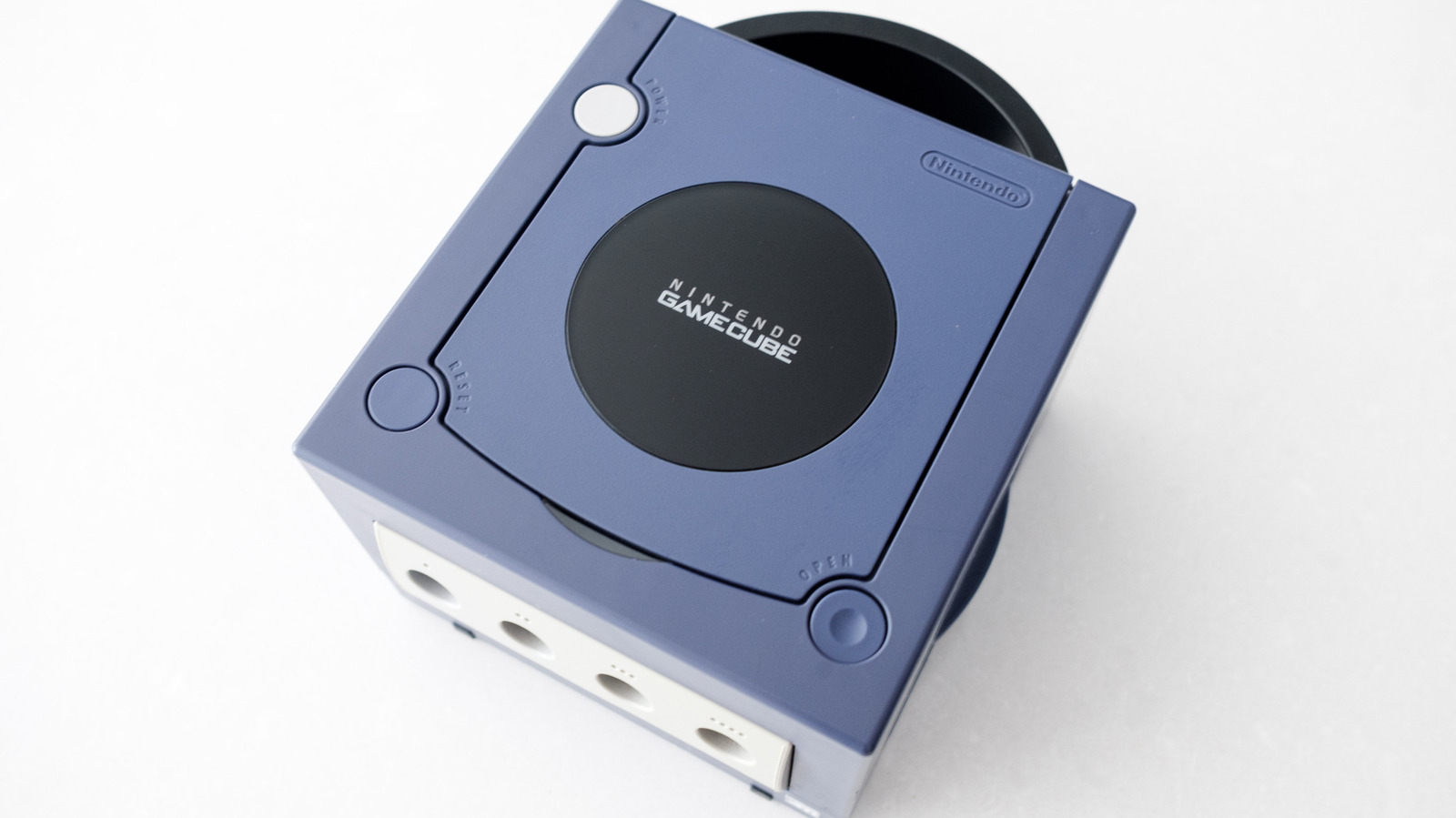
Engadget explains how to connect a retro Nintendo GameCube to a modern LCD or OLED television, ahead of the console’s 25th anniversary. The key factor is the console model: earlier DOL-001 units can use their Digital AV Out port with an HDMI adapter, while later DOL-101 models lack that connection and are harder to adapt.
Owners can identify a DOL-001 by checking for two rear AV ports or reading the model label underneath. Recommended HDMI adapters include the Retro-Bit Prism HD Adapter, Carby and Bitfunx models; after connecting one to the Digital AV Out port and TV via HDMI, compatible games can be started while holding B to enable 480p progressive scan for better picture quality.
- DOL-001 GameCubes connect easily to modern TVs using HDMI adapters.
- Check for a Digital AV Out port before buying an adapter.
- Enable 480p progressive scan in supported games for clearer video.