How to connect your Roku Streaming Stick or TV to Wi-Fi without the remote
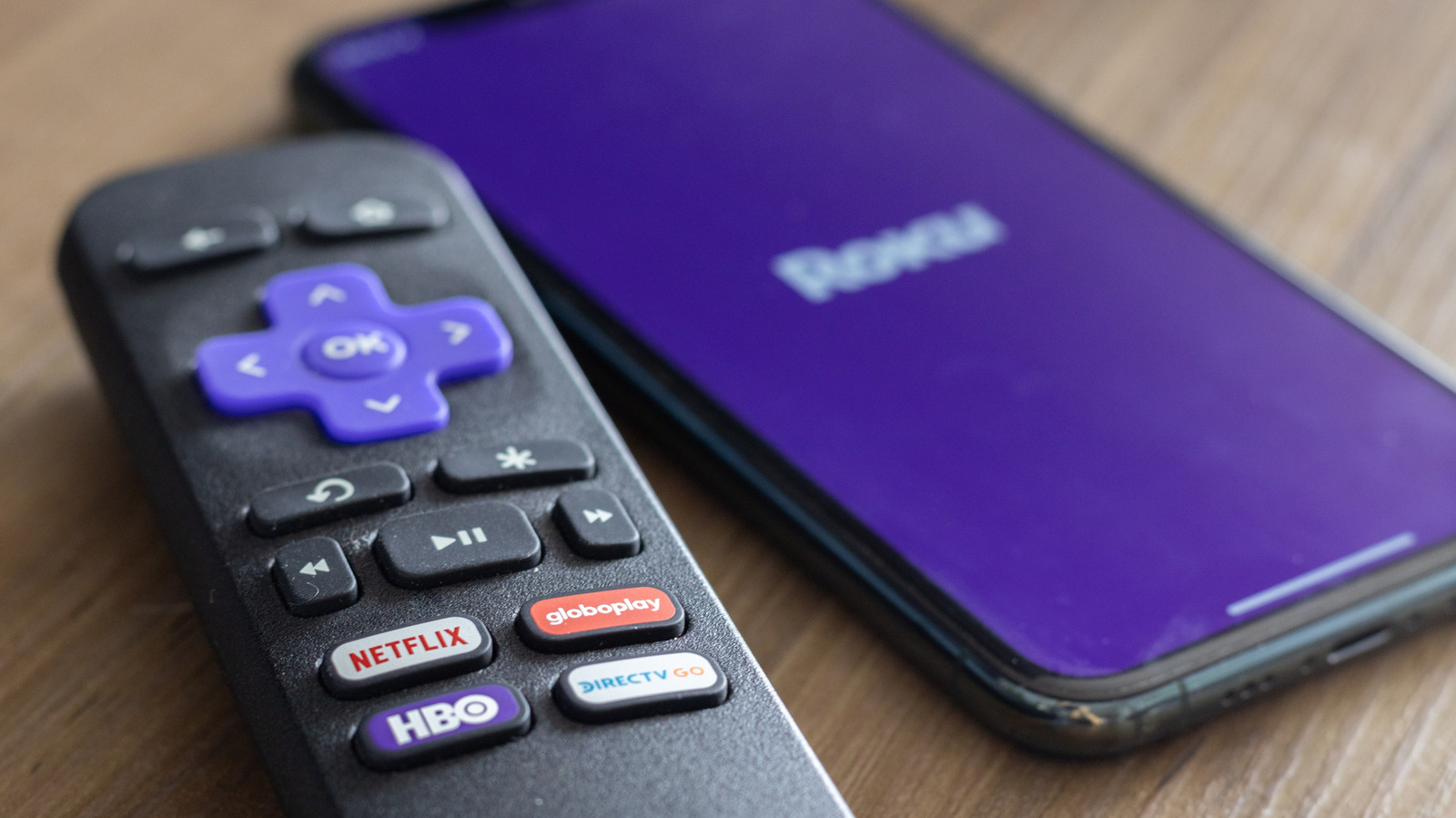
Losing the remote for a Roku Streaming Stick or Roku TV needn't mean losing the internet connection, as several remote-free methods exist to get the device back online. This is useful for anyone who has misplaced a remote or lost their connection after a router change, since Roku devices otherwise rely on the remote for initial Wi-Fi setup.
The free Roku mobile app, available for iOS and Android, allows a phone to control the device once both are on the same network, via a virtual remote in the app's Devices and Settings menus. If the Roku isn't already online, a "hotspot trick" can help: create a mobile hotspot named and passworded to match the Roku's old network, let the Roku connect automatically, then use a second device on that hotspot to switch it to the real Wi-Fi network. Alternatively, plugging an Ethernet cable directly into a Roku with a port bypasses Wi-Fi setup entirely. Common causes of connection failures include mistyped passwords, weak signal, or older Roku models unable to use 5GHz networks, which can often be resolved by power-cycling the Roku, router and modem.
- Roku app, phone hotspot or Ethernet can restore Wi-Fi without a remote
- Roku app needs phone on same network; hotspot trick works if offline
- Common fixes: check password, signal, or 2.4GHz-only older models