How To Convert Or Upscale A Photo
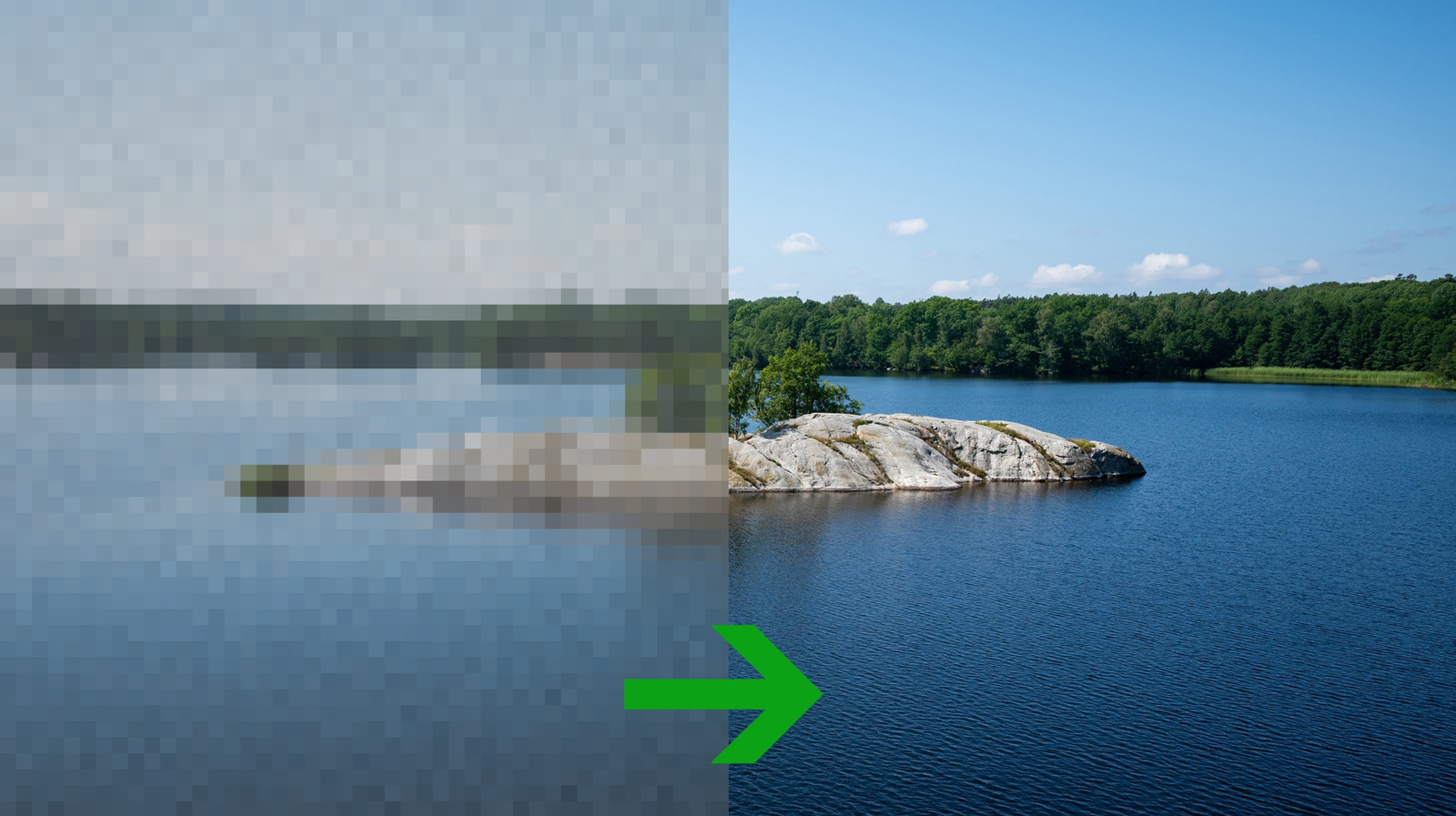
The article explains that enlarging a photograph can reduce quality unless the upscaling method suits the image type. Traditional methods create extra pixels from nearby ones, while AI tools predict missing detail; both can be useful, but neither reliably restores information that was absent from the original.
Nearest-neighbour upscaling is best for pixel art, diagrams and solid shapes because it preserves hard edges, whereas bilinear interpolation can make photographs look soft. Bicubic interpolation uses more surrounding pixels and is presented as a dependable default for most photos, while Lanczos may be worth trying if bicubic results disappoint. AI upscaling can clean up grainy or degraded images, but may invent inaccurate details, as illustrated by an example where software added eyes to a deliberately blurred face.
- Choose the upscaling method for the image type.
- Bicubic is a strong default for most photographs.
- AI can improve images but may invent details.