Tailor your iPhone’s Camera Control button to your shooting habits
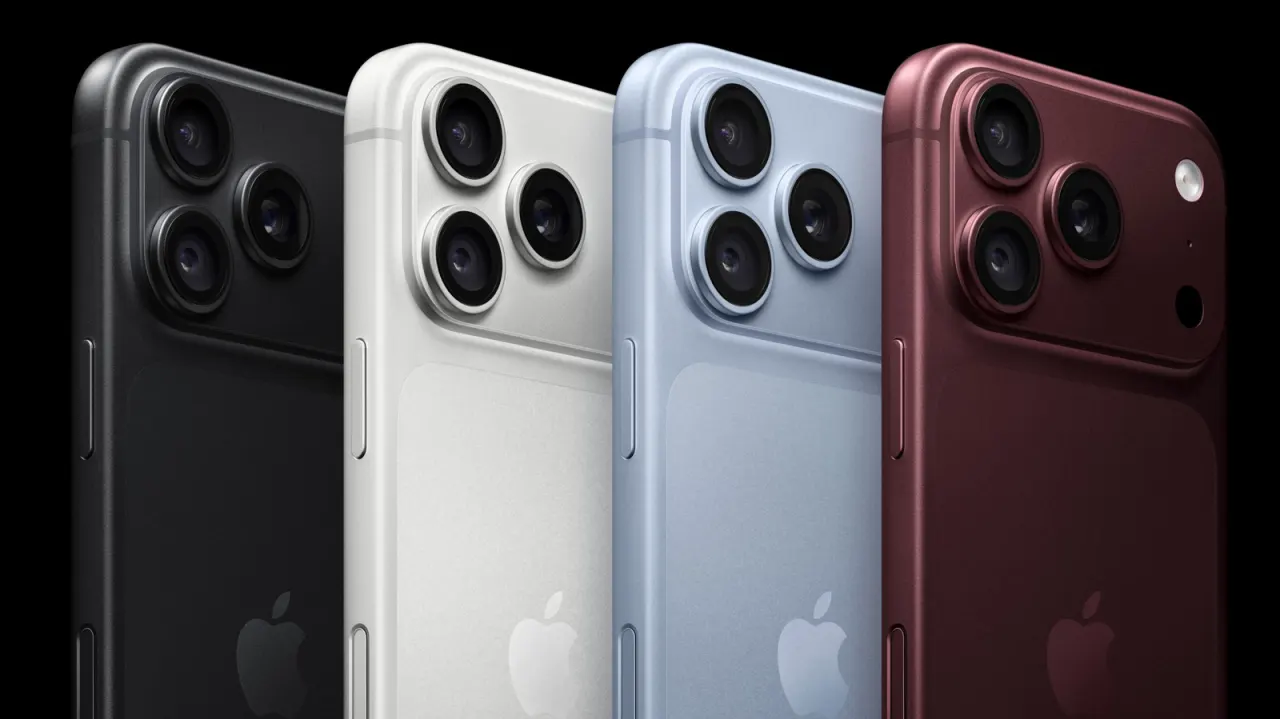
Apple’s Camera Control button can be customised to fit how someone takes photos and uses their iPhone. Adjusting its launch action, gestures and settings can make one-handed camera use more convenient and reduce accidental presses.
In Settings > Camera > Camera Control, users can choose which supported app opens, configure light presses and swipes, and select and reorder camera adjustments. Accessibility settings let users disable the button or change how much force and how quickly it responds; the article’s author recommends a slower response and keeping only frequently used controls such as zoom, exposure and styles.
- Camera Control settings can be tailored to your photography habits.
- Choose its launch app, gestures and camera adjustments.
- Accessibility options can reduce accidental presses.
New here? Start with this
The Camera Control button is a physical button found on recent iPhone models, designed to provide direct access to camera features without needing to navigate menus. It was added to make photography quicker and more intuitive for iPhone users.
Different people take photos in different ways, and a one-size-fits-all button might not suit everyone's preferences or habits. Being able to adjust how the button works means users can improve their experience and reduce accidental presses or frustrating interactions.
The button's behaviour can be adjusted through the iPhone's settings, with options to change which app it launches, how it responds to touches and pressure, and which camera features it controls. Some users may also benefit from accessibility features that modify the button's responsiveness or allow it to be disabled entirely.
Read the full article at the source →
Originally published by Engadget as “How to customize Camera Control on your iPhone”.