Resetting Google Home Mini devices can resolve faults before transfer
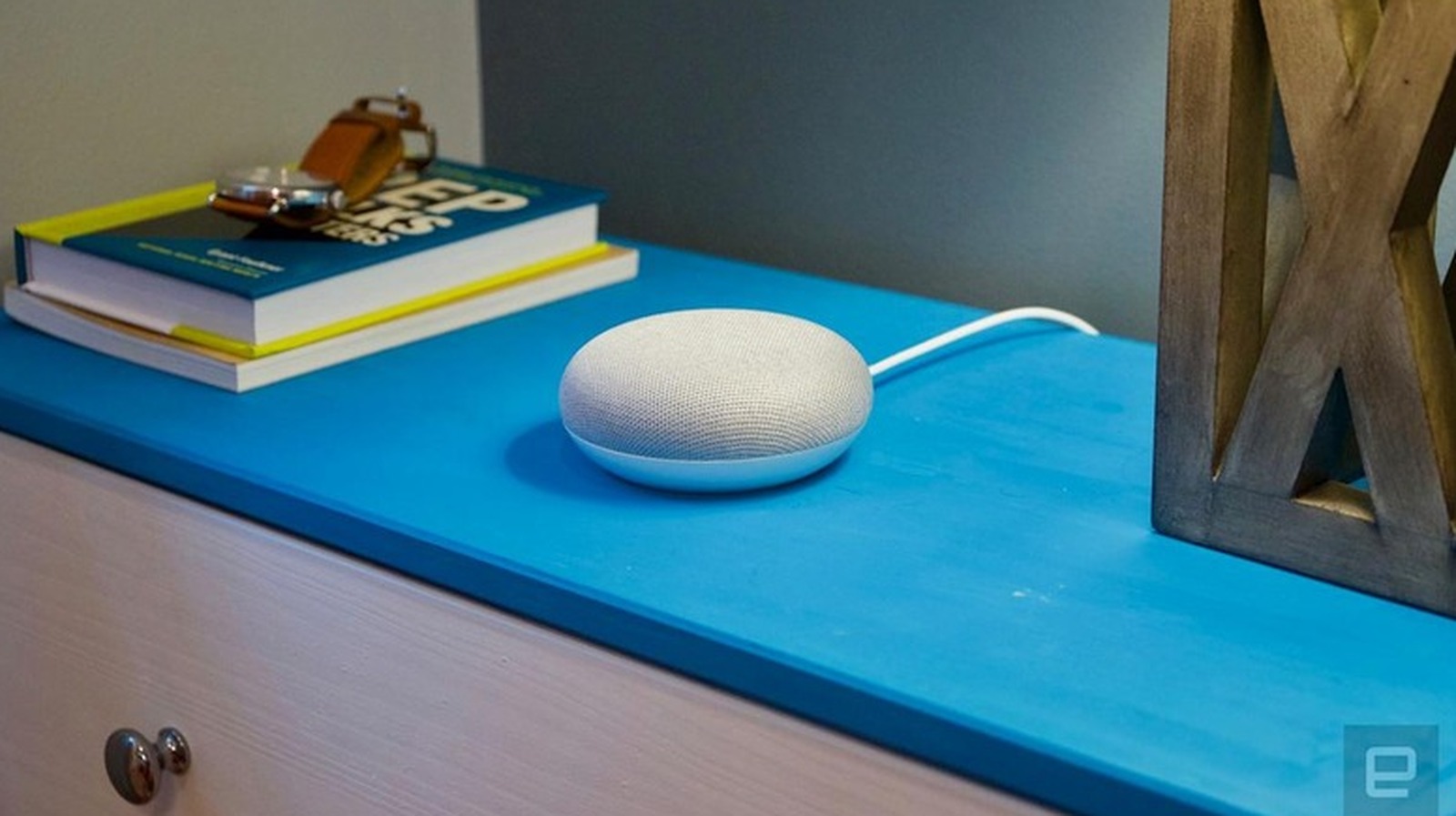
Google Home Mini devices can be factory reset to resolve connectivity issues, respond problems, or prepare devices for transfer to new owners. Whilst Google discontinued the Nest Home Mini and Nest Audio earlier this year, the company continues to provide software updates and customer support for existing units. The factory reset process is straightforward and requires only physical controls on the device, taking just a few minutes to complete.
The reset procedure varies slightly depending on the model: the original Google Home Mini (1st gen) requires pressing and holding a reset button on the bottom for approximately 15 seconds total, whilst the Nest Mini (2nd gen) involves turning off the microphone switch and pressing the centre for 15 seconds. Display models like the Nest Hub require holding both volume buttons simultaneously for about 10 seconds. A factory reset permanently removes all personal data, Wi-Fi credentials and linked accounts, so users should ensure they don't simply need a reboot by unplugging the device for a minute. After resetting, users must reconfigure the device through the Google Home app to reconnect to Wi-Fi and link their accounts.
- Factory reset wipes Google Home Mini completely; cannot be done via voice commands
- Different models require different physical button combinations held for 15 seconds
- Reset is permanent; reconnection requires manual setup through Google Home app
Read the full article at the source →
Originally published by Engadget as “How to factory reset your Google Home Mini”.