How to fix iMessage “Not Delivered” error on iPhones
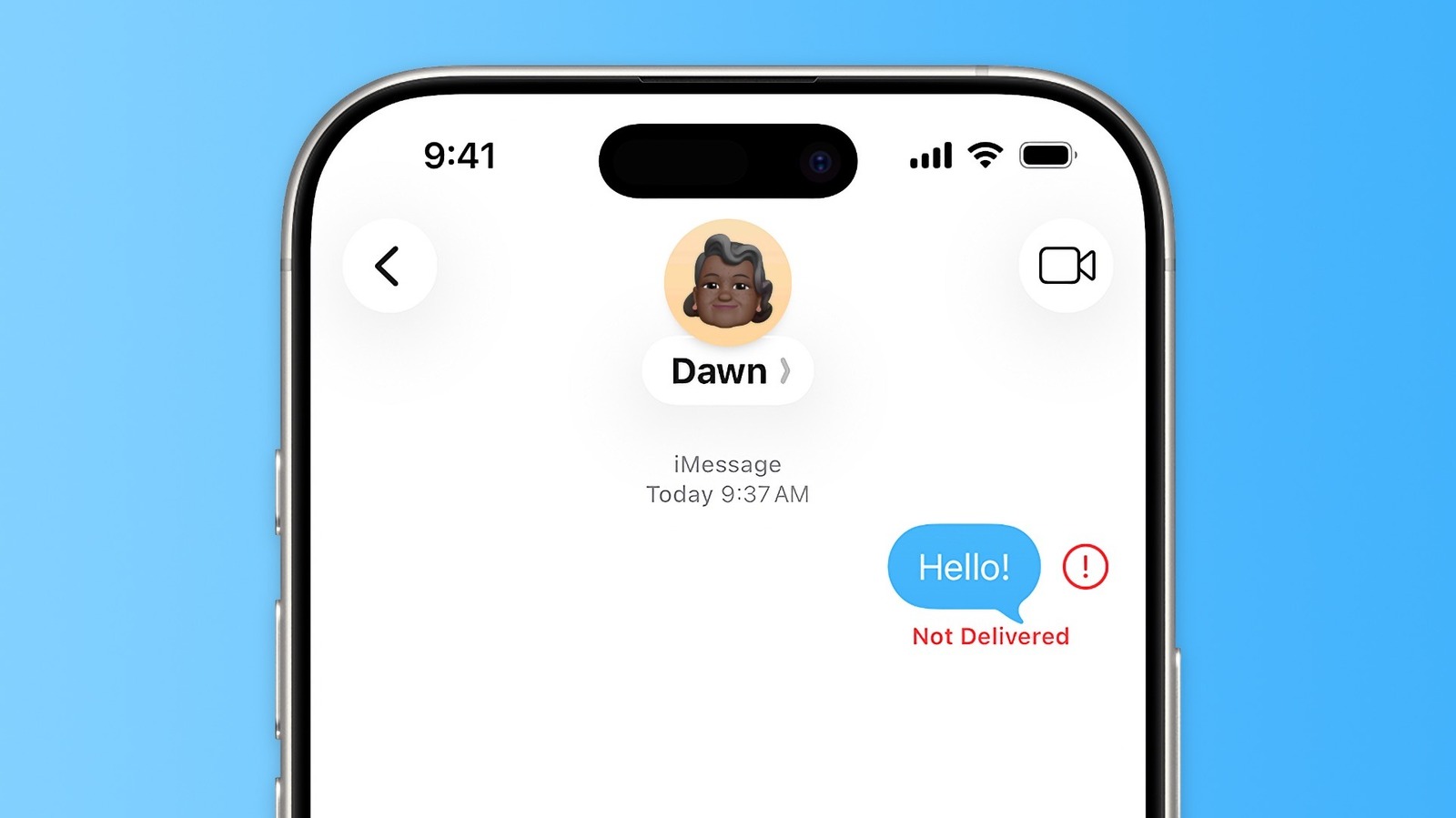
Engadget offers a troubleshooting guide for iPhone users who encounter the "Not Delivered" error in the Messages app. This matters because the app juggles three separate messaging protocols behind the scenes, meaning failed sends can stem from several different causes, and the fix often depends on identifying which one is at fault.
The guide explains that Messages relies on iMessage (blue bubbles, Apple's own service), plus RCS and SMS (green bubbles), which are used for texting Android users. Suggested fixes include tapping the red exclamation mark to retry, toggling airplane mode to reconnect to a network, manually resending as a text message, or enabling "Retry as Text Message" in settings so this happens automatically. Other steps include checking that iMessage is properly activated and correctly linked to your phone number or email, verifying Apple's System Status page for server outages, enabling MMS for media sharing with Android contacts, restarting the device, and ensuring iOS is fully up to date.
- iPhone "Not Delivered" errors often stem from iMessage, RCS or SMS issues
- Try resending, toggling airplane mode, or sending as text message
- Check iMessage activation, server status and iOS updates for persistent problems