How to improve CarPlay navigation if you use Google Maps over Apple Maps
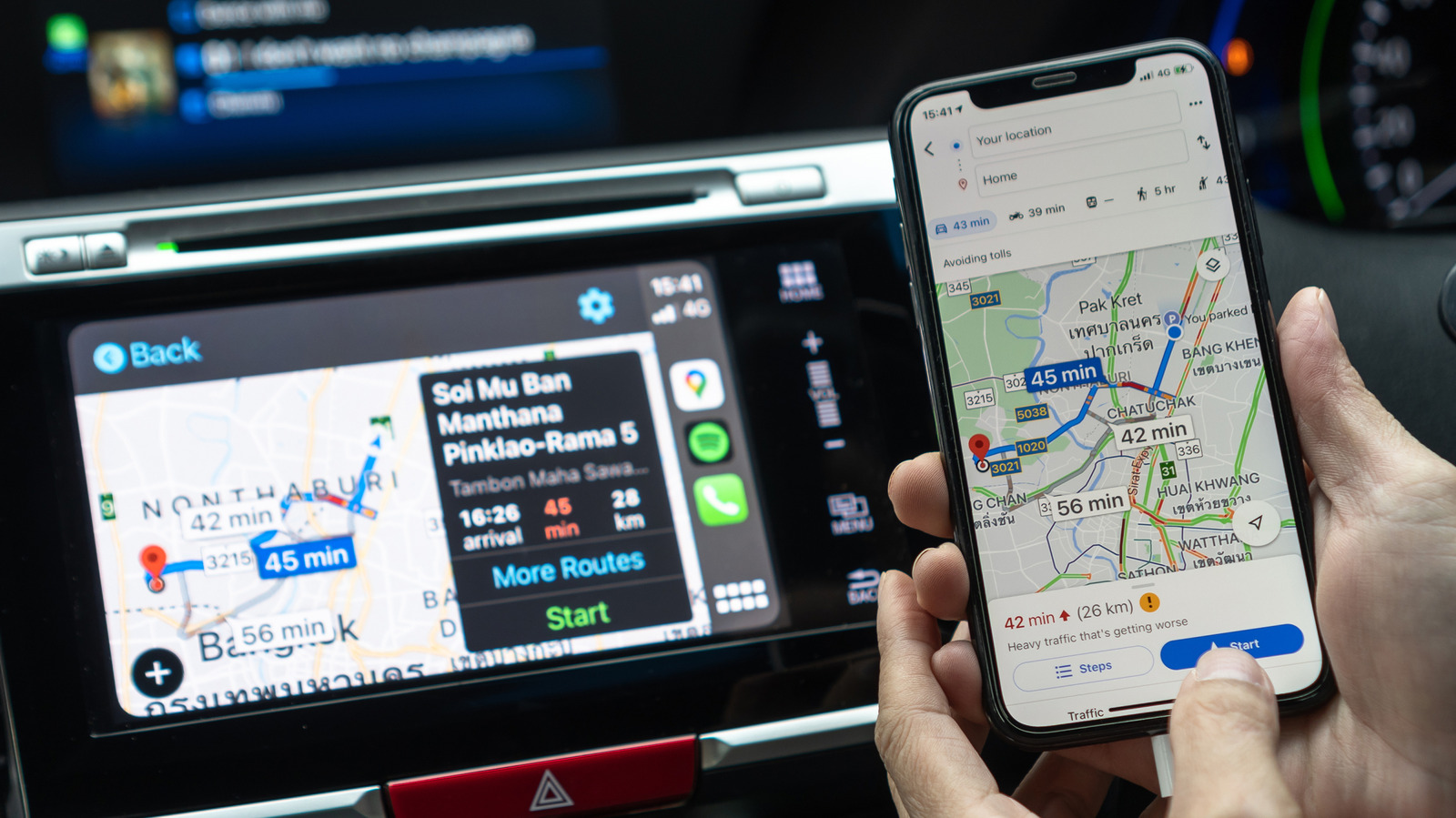
The article outlines ways to make Google Maps easier to use in Apple CarPlay, for drivers who prefer its traffic data, business listings or familiar interface. In the EU and Japan, users can set Google Maps as their default navigation app, so Siri requests and tapped addresses open it instead of Apple Maps.
Elsewhere, drivers can add “on Google Maps” to Siri requests, move the app to the first page of the CarPlay Home Screen or add its widget. The article also recommends saving home and work addresses, downloading offline maps over Wi-Fi for long trips, and adjusting map orientation and appearance settings.
- EU and Japan users can set Google Maps as CarPlay’s default.
- Elsewhere, add it to the Home Screen or dashboard widget.
- Save regular destinations and download maps before long trips.