
How to program your Roku remote to voice control your non-Roku TV
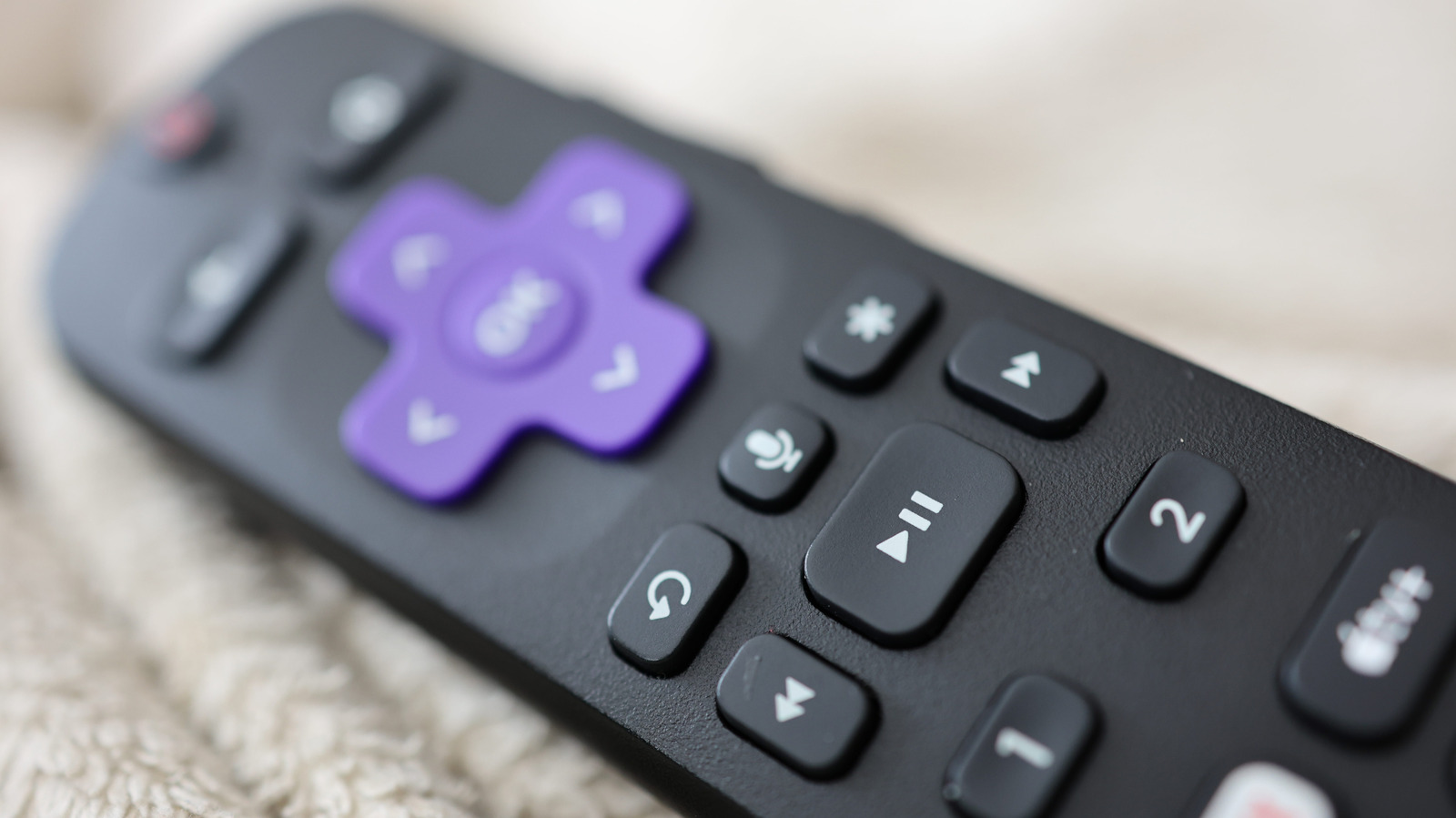
Roku users can configure compatible voice remotes to control basic functions on non-Roku televisions, reducing the need to use separate remotes. The feature relies on HDMI-CEC support, which allows connected devices to communicate and can enable voice commands for switching the television on or off and changing volume.
To set it up, users should go to Settings, then Remotes & devices, select their remote and choose TV control setup; Roku will attempt to identify the television and test controls. Most current Roku streaming-player remotes include voice control, identifiable by a microphone button, although the Roku Streambar SE remote is an exception; TV makers may label HDMI-CEC differently, such as Samsung’s Anynet+ or Sony’s Bravia Sync.
- Configure Roku’s remote to control compatible non-Roku TVs.
- HDMI-CEC must be enabled for voice TV controls.
- Setup is found under Roku’s remote settings.