How to properly clean and sanitize your secondhand tech finds
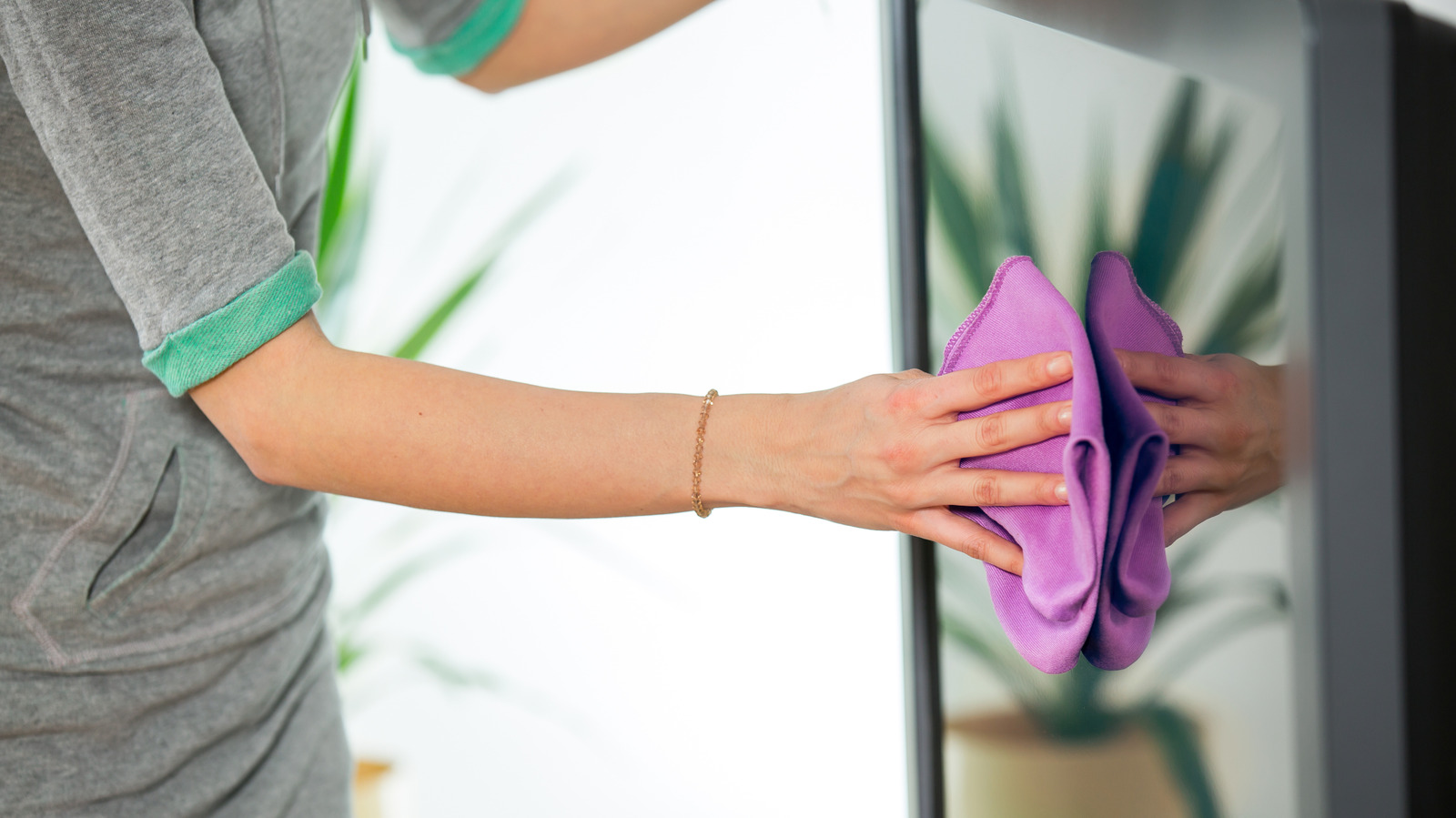
Buying secondhand electronics can save money and reduce waste, but items should always be properly cleaned rather than simply trusting a seller's word that they're already sanitised. Used gadgets can harbour hidden grime, dust and bacteria, so giving them a thorough clean before use helps protect both hygiene and the device's components.
The article recommends unplugging items first, then wiping surfaces with a soft microfiber cloth and avoiding harsh chemicals like chlorine, peroxide or ammonia, which can damage screens and internals; mild detergent, dedicated cleaning solutions (such as Whoosh! or Tech2Clean), or a small amount of isopropyl alcohol on a cotton swab are safer options. Compressed air and soft brushes help clear dust from crevices in laptops, keyboards and turntables, while earbuds, smartwatch straps and phones deserve particular attention, with the latter noted as potentially ten times dirtier than a toilet seat. Portable UV sanitisers from brands like Phonesoap or Homedics offer an extra disinfecting step for smaller items, and accessories such as cases, chargers and cables should be cleaned too.
- Always clean secondhand tech yourself, even if sellers claim it's sanitised.
- Use microfiber cloths, mild solutions or alcohol swabs—avoid harsh chemicals.
- UV sanitisers offer extra disinfection for phones, earbuds and small gadgets.