Safe laptop fan cleaning can prevent dust-related thermal throttling
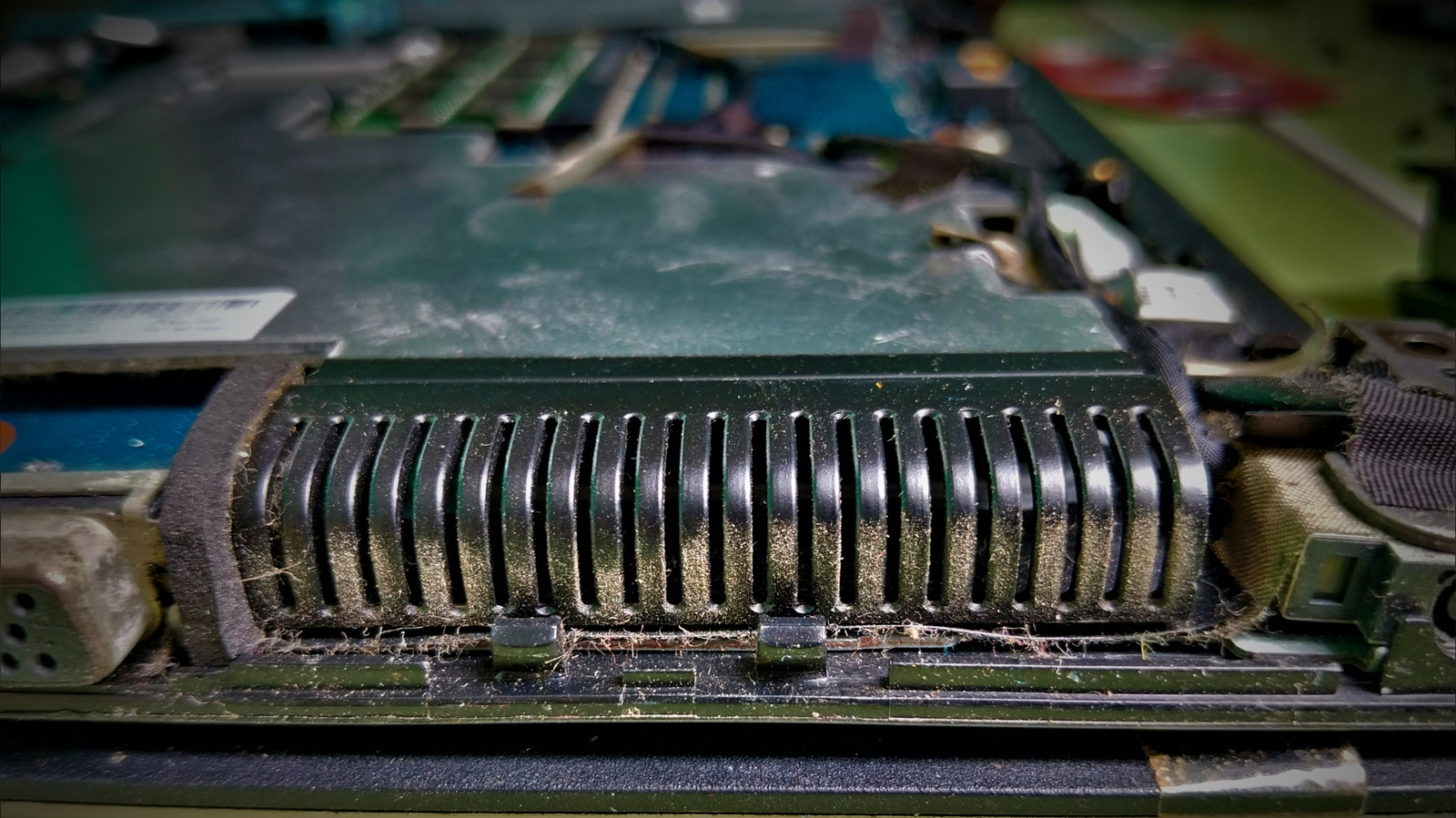
Dust accumulating in a laptop’s vents, fan or heat sink can restrict airflow and cause thermal throttling, reducing processor performance to control temperatures. Routine cleaning usually does not require dismantling the laptop: switch it off, unplug it and use short bursts of electronics-safe compressed air through the vents.
Lenovo suggests cleaning every three to six months, depending on the environment, while ESD-safe brushes, non-static cloths and bulb blowers are alternatives. Deeper cleaning may require removing the base, but laptop designs vary considerably; accessing some cooling assemblies can involve removing storage, the battery or system board, and may expose delicate thermal materials, so the model’s service manual should be consulted. WD-40 should not be used, and heat sinks or vapor chambers should only be removed by those equipped to handle thermal paste, pads and possible electrical risks.
- Start with the vents and use electronics-safe compressed air.
- Clean every three to six months, depending on dust levels.
- Consult the service manual before opening the laptop.
Both sides, in good faith
The strongest fair case each way — we don't pick a winner.
The case for
Regularly removing dust from vents and cooling components can preserve airflow, reduce thermal throttling and help maintain performance over time. Using short bursts of electronics-safe compressed air with the laptop switched off is a relatively simple, low-cost maintenance measure, especially in dusty environments.
The case against
Cleaning advice can encourage users to apply inappropriate methods or open laptops without understanding the risks. Compressed air, static discharge, damaged fans and disturbed thermal materials can cause harm, while some laptops are difficult to access safely; consulting the service manual or using professional help may therefore be wiser.
Art Celebrity Culture Entertainment Gadgets Technology
Read the full article at the source →
Originally published by Engadget as “How to properly clean your laptop fan”.