How to record audio on your iPhone
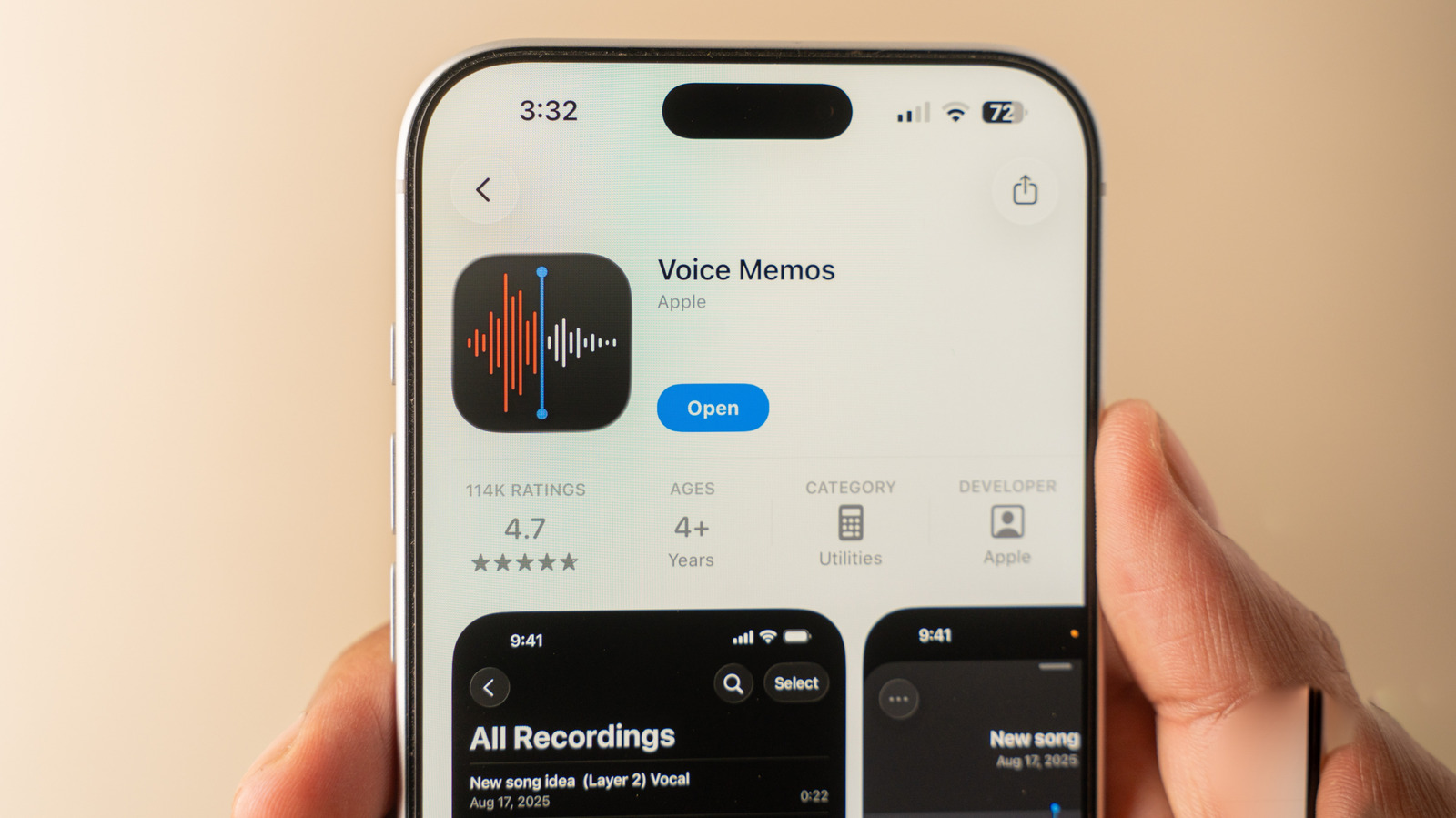
Apple's Voice Memos app, which comes pre-installed on all modern iPhones, makes recording audio straightforward without requiring additional software downloads. The app includes useful features such as real-time transcription of recordings, making it suitable for interviews, lectures, or meetings where capturing audio content is important.
The app offers basic recording with a single tap, but includes advanced capabilities such as pausing and rewinding whilst recording, the ability to re-record specific sections if there are mistakes or background noise, and adjustable recording modes including Mono, Stereo, and Spatial (3D) audio. Users can trim recordings, enhance audio quality to reduce background noise and echo, adjust playback speed, and search transcripts to locate specific content. Multitrack recording is available on iPhone 16 Pro and newer models. Voice Memos synchronise automatically across Apple devices via iCloud, and recordings can be organised into folders for better management.
- Voice Memos is a built-in iOS app featuring real-time audio transcription and editing
- Advanced features include re-recording sections, noise reduction, and spatial 3D audio
- Recordings sync across Apple devices via iCloud and can be searched by transcript