How to sideload Android APKs on your Chromebook
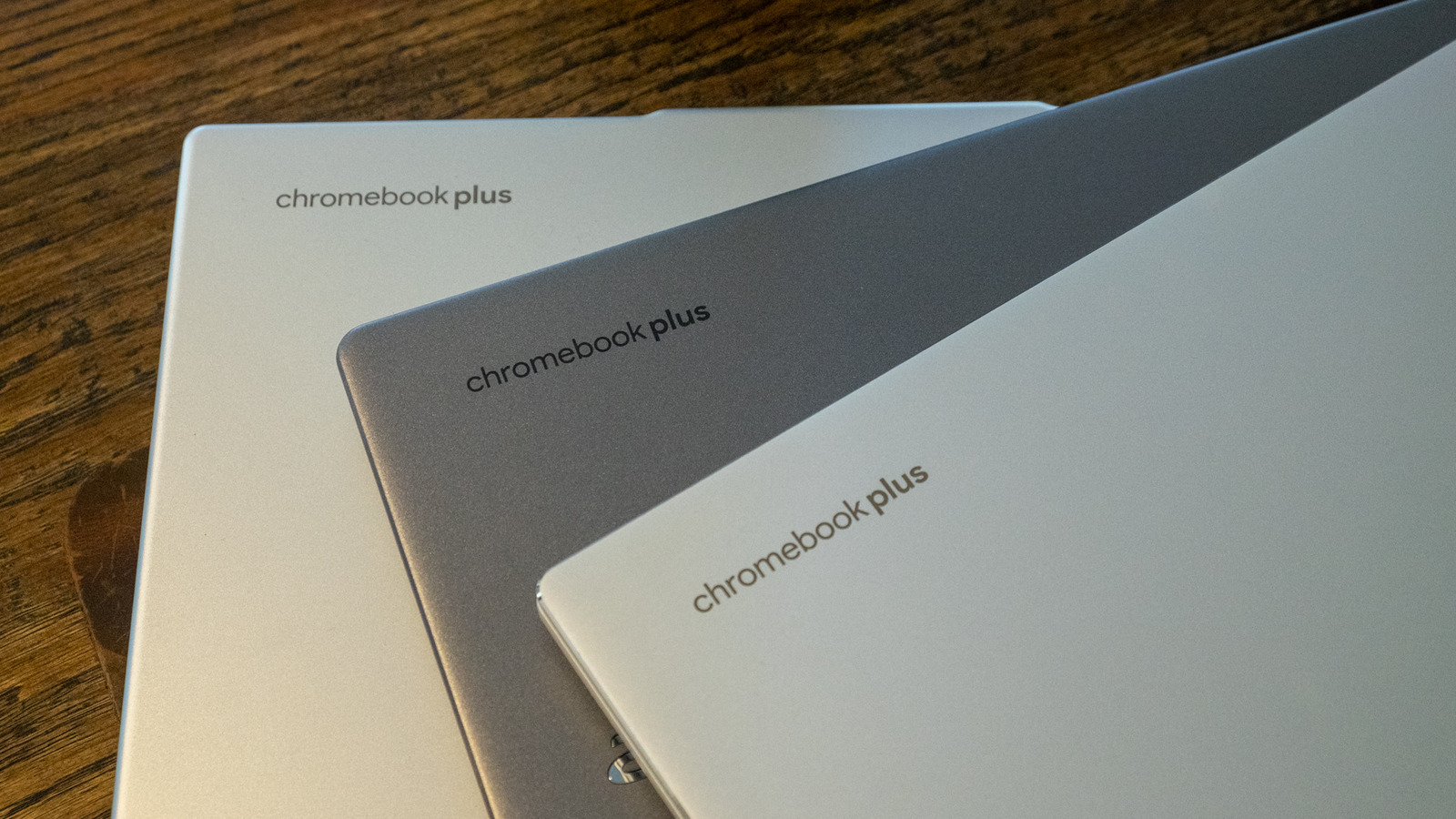
Chromebook users are not restricted to apps available on the Google Play Store, and can instead sideload Android APK files obtained from elsewhere online when the app they want isn't offered as a Play Store, Linux, or progressive web app. Google provides an official method for doing this using Android Debug Bridge (ADB), which avoids the alternative of enabling developer mode, a process that wipes all data from the device.
The ADB method only works on Chromebooks released after 2020 and requires enabling Linux on the device first, then activating ADB debugging through the Developers settings menu, which triggers a restart. Once set up, users can install the APK via Terminal using commands such as "adb connect arc" and "adb install filename.apk", or alternatively run the app through an emulator using Android Studio. The article stresses that sideloaded apps are unverified by Google, so users should check that any APK is legitimate and malware-free before installing it.
- Chromebooks can run Android apps sideloaded outside the Play Store.
- Google's ADB method avoids wiping data via developer mode.
- Only works on post-2020 Chromebooks; unverified APKs carry risk.