How to stop Siri from interrupting while you’re using CarPlay
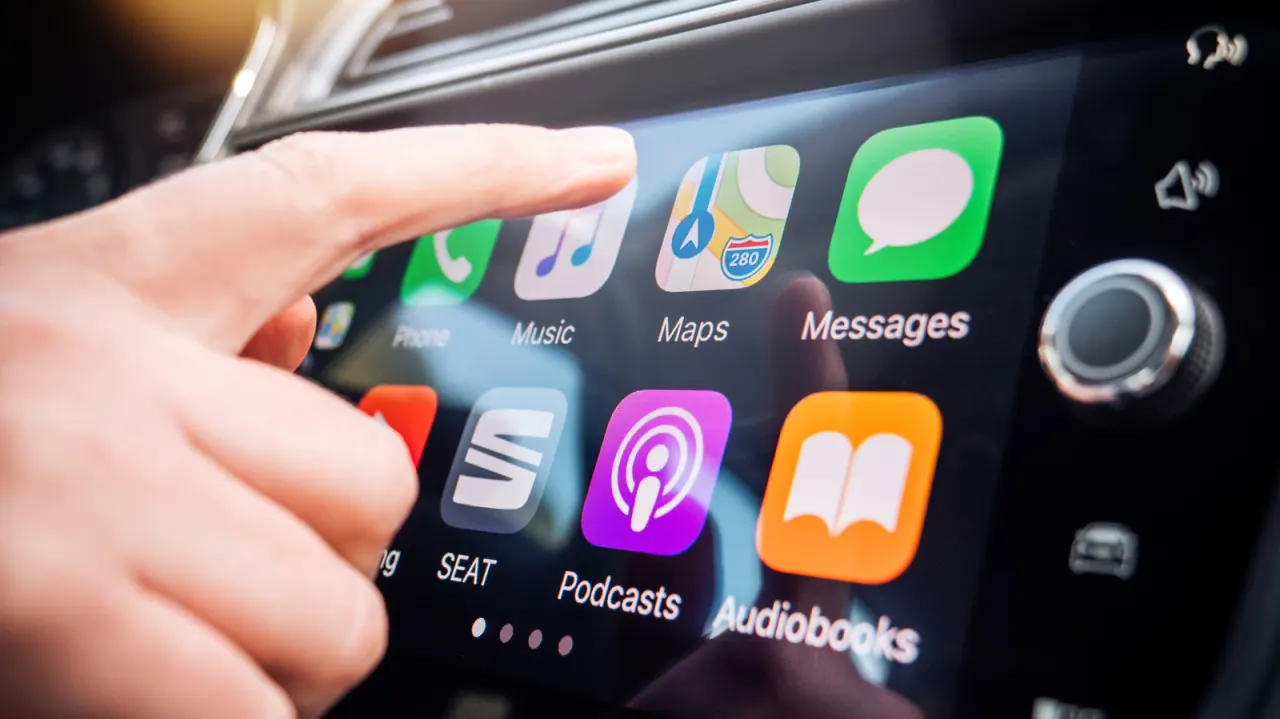
Apple's CarPlay is designed to make using an iPhone safer while driving, but Siri can undermine this by interrupting music, podcasts or conversations with audible notifications, or by failing to hear commands properly over road noise. Since Siri cannot be fully disabled without breaking CarPlay, users are advised to adjust several settings instead to cut down on unwanted interruptions and improve reliability, reducing distraction and potential safety risks on the road.
Key fixes include enabling a Driving Focus mode (Settings > Focus) to limit alerts to chosen contacts and set auto-replies; disabling "Announce Messages" under Notifications > Announce Notifications so Siri stops reading out incoming alerts; and turning on "Reply Without Confirmation" to skip Siri repeating back dictated replies. Further tweaks under Settings > Accessibility > Siri, such as "Require Siri for Interruptions" and increasing "Siri Pause Time", stop the assistant misfiring due to background noise, while Settings > Apple Intelligence & Siri > Talk to Siri allows some activation methods to be switched off.
- Siri can needlessly interrupt CarPlay use, but can't be fully switched off.
- Use Driving Focus and disable "Announce Messages" to cut interruptions.
- Accessibility settings can stop Siri misreading noise as speech.
New here? Start with this
Apple's CarPlay system is meant to let people use their iPhone more safely while driving, but its built-in voice assistant, Siri, can get in the way. It sometimes talks over music or conversations to read out notifications, or misunderstands commands because of road noise, which can be distracting rather than helpful.
Siri cannot simply be switched off, because CarPlay relies on it for hands-free control. Instead, iPhone users can adjust a number of settings, such as driving-specific "Focus" modes, notification preferences and accessibility options, to reduce unwanted interruptions and make Siri respond more reliably.
This matters because distraction while driving is a recognised road safety concern, and tools designed to help, like voice assistants, can sometimes have the opposite effect if they are not set up carefully.