How to use ChatGPT’s new, more natural Voice Mode for conversations
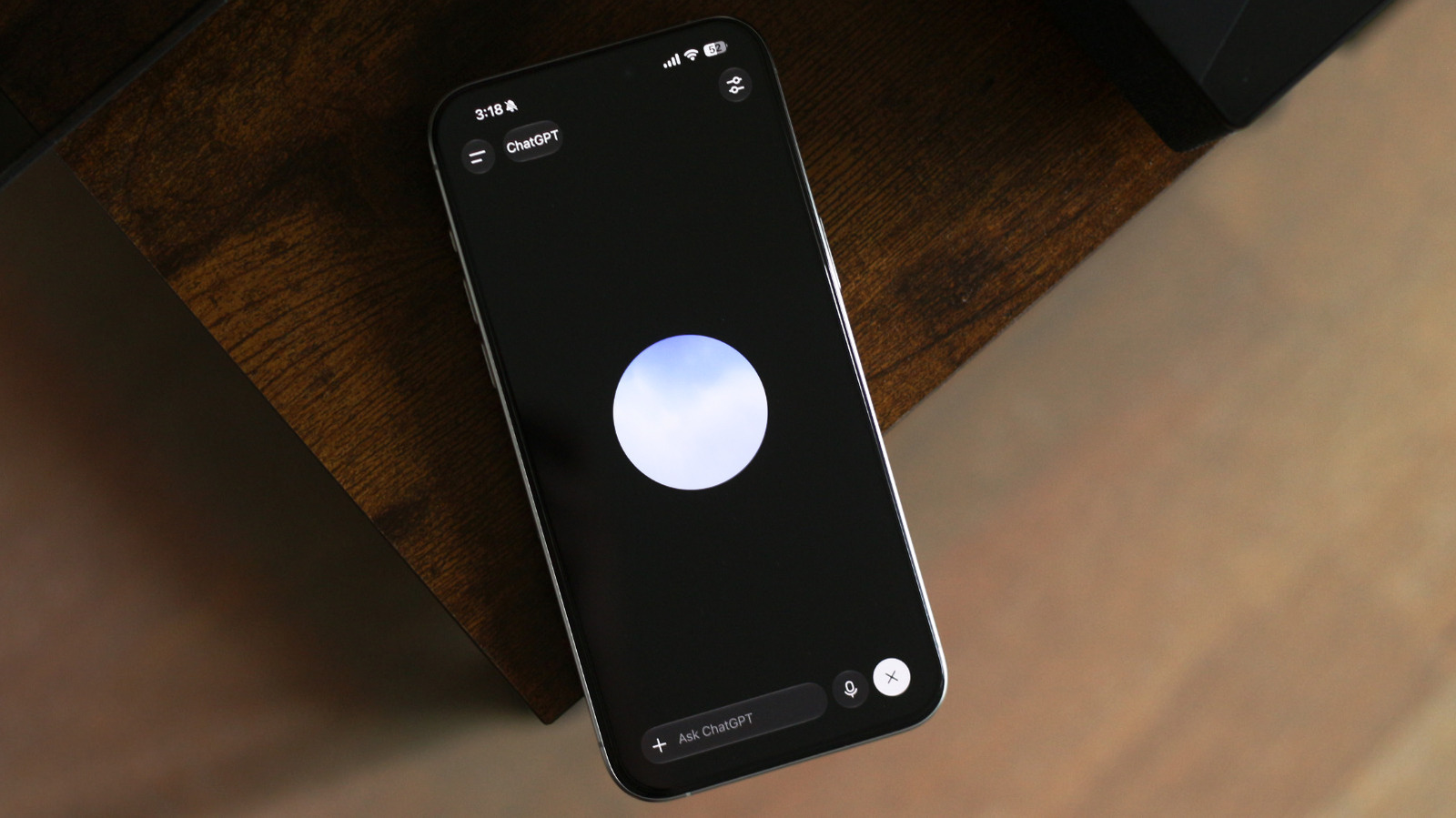
ChatGPT has rolled out a new voice system called GPT-Live, replacing the previous Advanced Voice Mode as the default way users can talk to the AI assistant. The upgrade uses a "full-duplex" architecture that lets the model listen and speak simultaneously, addressing a common frustration where the assistant would interrupt users by mistaking a pause for the end of their turn, and making spoken exchanges feel considerably more natural.
GPT-Live is available on the ChatGPT app for Android and iOS, as well as via any web browser, with paid Pro, Plus and Go subscribers getting the fuller GPT-Live-1 model and free users receiving a "mini" version. Paid users can also adjust response intelligence between Instant, Medium and High settings, and the system can hand off complex reasoning or research tasks to other models, such as GPT-5.5, in the background. The mode currently lacks screen or video sharing support, though users can switch back to the older voice model via the app's settings if needed.
- OpenAI's new GPT-Live voice mode lets ChatGPT listen and speak at once
- Replaces Advanced Voice Mode as default on app and web
- Free users get a "mini" version; paid users get more customisation options