How to use Claude’s voice mode
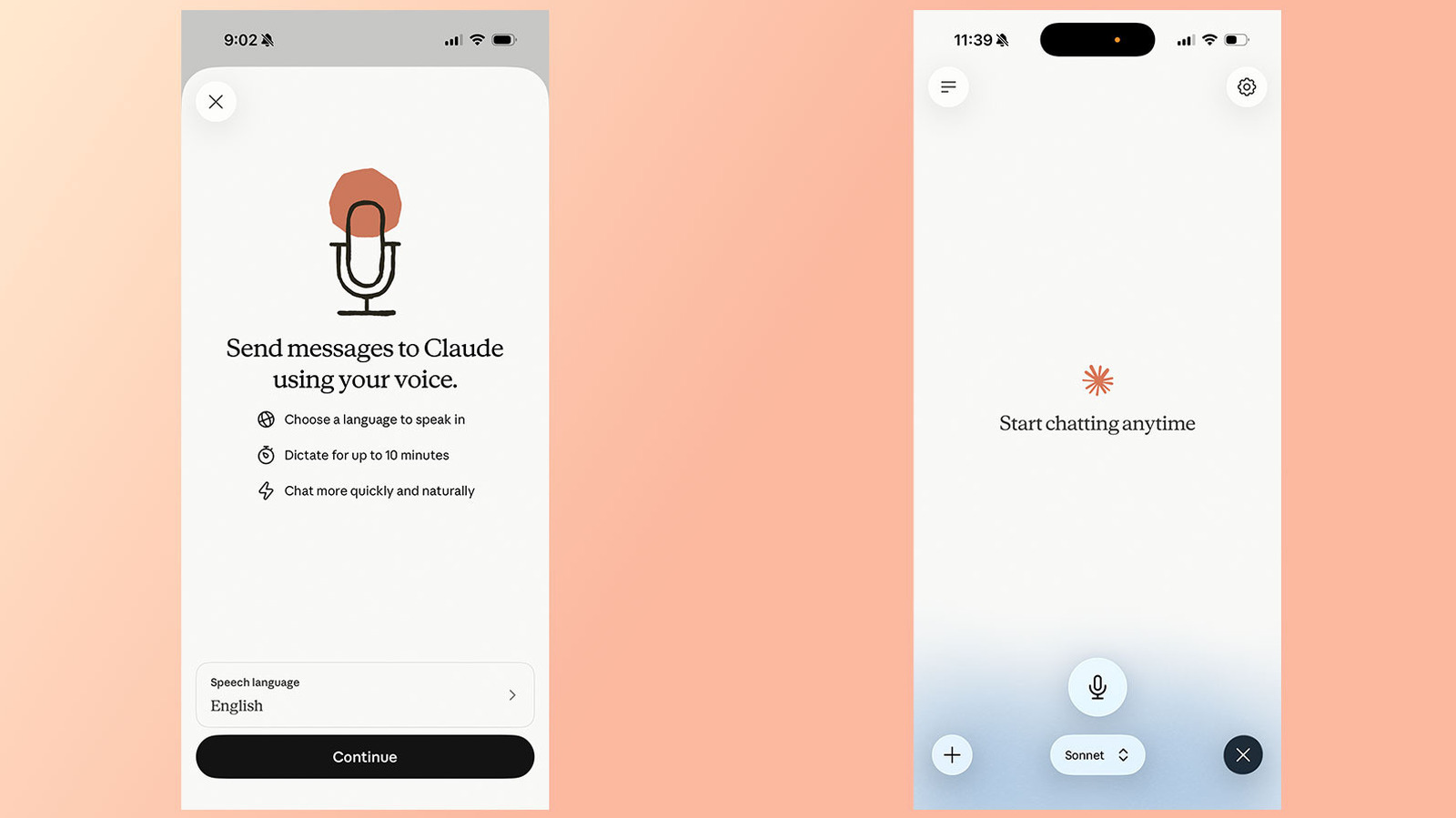
Anthropic has upgraded voice mode for its Claude chatbot, expanding it beyond the lightweight Haiku model to also support the more capable Sonnet and Opus models, while adding the ability to draw on connected apps and services. The update, rolled out in July, aims to make spoken interactions with Claude more useful and versatile, bringing the feature closer in capability to text-based chat and putting it in more direct competition with rivals such as ChatGPT.
Voice mode is accessible on Claude's mobile, desktop and web apps, with Anthropic recommending mobile for the best experience; users start it via a waveform icon and can switch models through a picker at the bottom of the interface. Unlike ChatGPT's newer "duplex" system, Claude's voice mode remains "turn-based," listening fully before responding, so Anthropic advises asking multi-part questions separately. The feature can also tap connected apps like Gmail, Calendar and Slack, and now supports 14 languages and various dialects, with English users able to choose from five distinct voice options via the Settings menu.
- Claude's voice mode now works with Sonnet and Opus, not just Haiku.
- It can access connected apps like Gmail and Slack.
- Supports 14 languages and multiple voice options, unlike ChatGPT's duplex mode.