How to use your phone as a remote for any smart TV
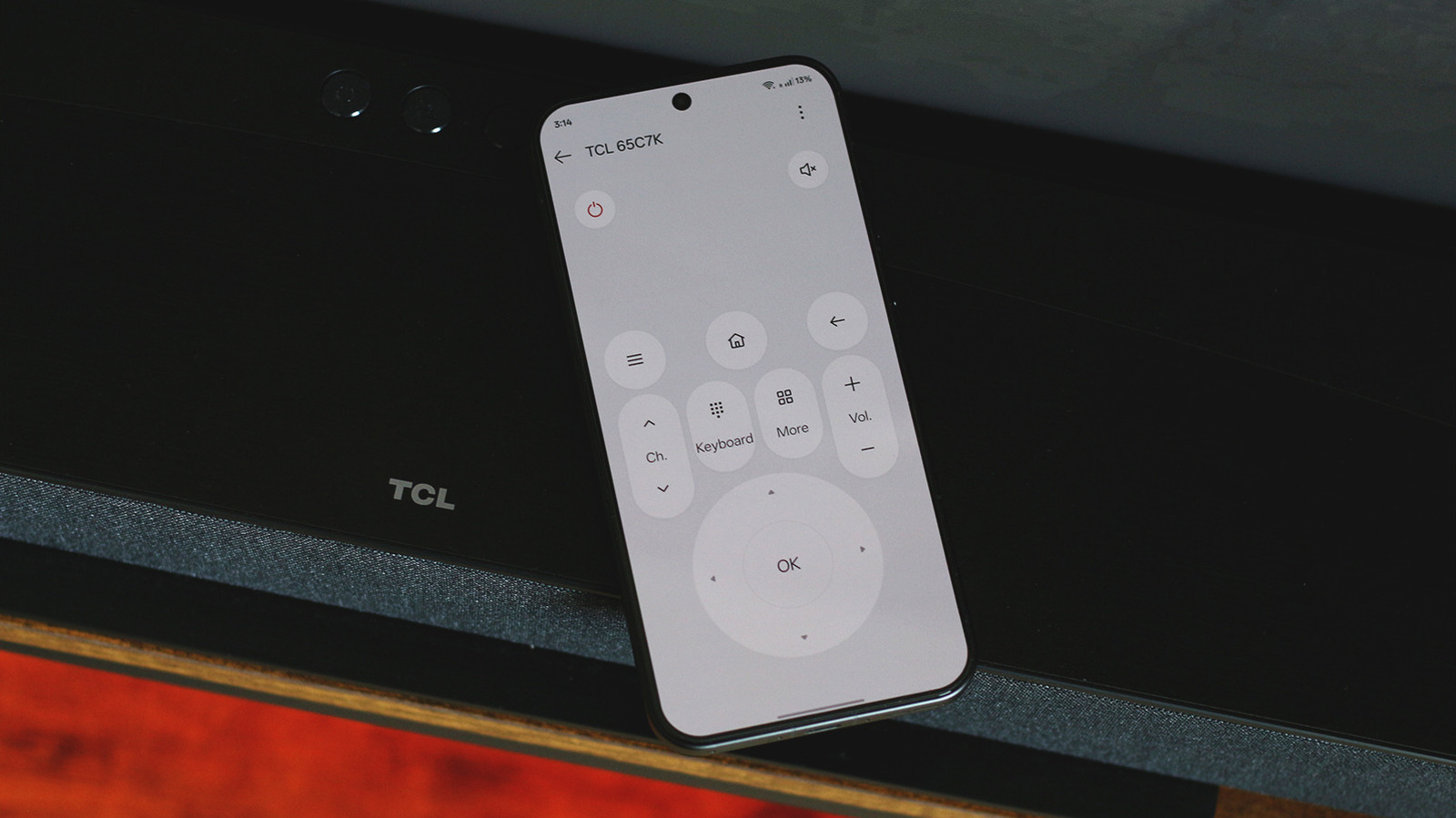
Modern smartphones can serve as remote controls for smart TVs, offering a more convenient alternative to traditional remotes that are easily misplaced. The primary advantage is that smartphone keyboards make searching for content and entering credentials far simpler than using an on-screen interface with a physical remote, particularly useful since most people carry their phones constantly.
There are several methods to achieve this depending on your device. Some Android phones feature built-in infrared blasters with pre-installed universal remote apps; alternatively, most smart TV platforms—including Google TV, Android TV, Roku and Fire OS—offer dedicated mobile companion apps that connect via Wi-Fi and Bluetooth. Apple TV users can use the built-in Control Centre on iPhones, whilst Android users can opt for third-party apps like the TV Remote Control app, which has over 500,000 downloads and a 4.6-star rating. These apps typically include D-pad controls, volume buttons, and virtual keyboards, and many offer additional features like content curation and app launching.
- Use your smartphone as a TV remote via built-in apps or third-party solutions.
- Phones offer superior keyboards for searching and entering credentials on TVs.
- Most platforms support Wi-Fi or infrared connectivity depending on your device capabilities.