Installing an iOS public beta on your iPhone? Always do this first
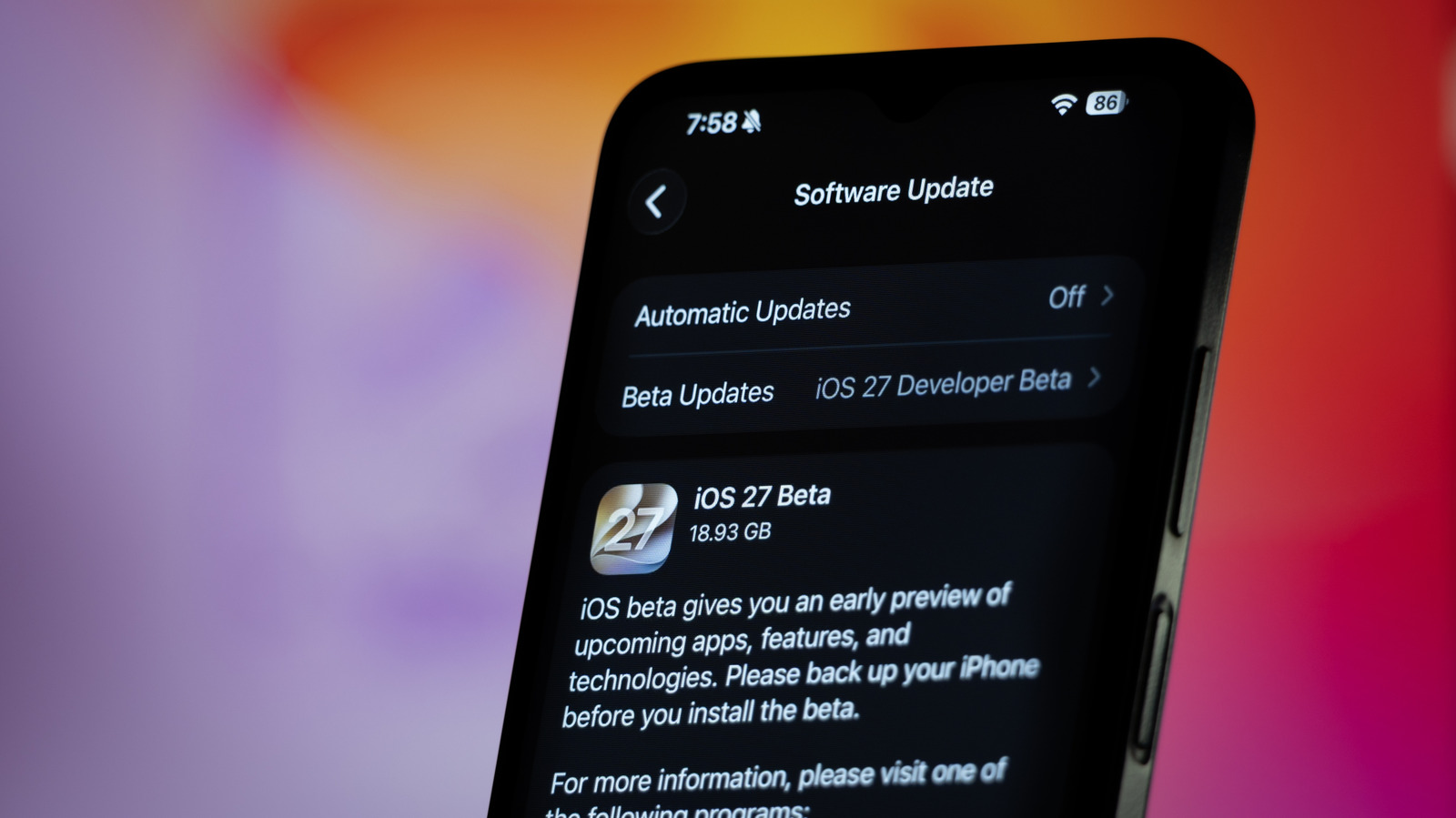
Ahead of installing an iOS public beta, Engadget advises iPhone users to make a full computer-based backup rather than relying solely on iCloud. This matters because beta software carries real risk—apps can break, phones can slow down or drain battery faster, and in rare cases a device can fail to update properly—so having a reliable way to recover lost data or revert to a stable OS version is essential before experimenting with new features such as iOS 27's Siri AI and Liquid Glass improvements.
The article explains that while iCloud can back up devices automatically, it is unsuitable for beta testers because it periodically overwrites backups, meaning a beta-based backup won't restore properly on the older stable version if a downgrade is needed. Instead, users should connect their iPhone to a Mac or Windows PC, create and encrypt a full backup via Finder or the Apple Devices app, and then "archive" that specific backup so it remains untouched by future updates. Should the beta cause problems, the guide notes that users can revert to stable iOS via IPSW.me by downloading the appropriate firmware file and using Recovery Mode.
- Always archive a computer backup before installing an iOS beta.
- iCloud backups aren't reliable for reverting from a beta.
- Stable iOS can be restored via IPSW.me and Recovery Mode if needed.