Is your iPhone stuck in SOS mode? Here’s how to fix it
Apple's support resources outline what to do when an iPhone displays the "SOS" or "SOS only" symbol, indicating limited connectivity that restricts users to emergency calls rather than normal cellular service. This matters because the symbol can appear unexpectedly, even outside remote or off-grid areas, leaving users unable to make regular calls or send texts until the underlying network issue is resolved.
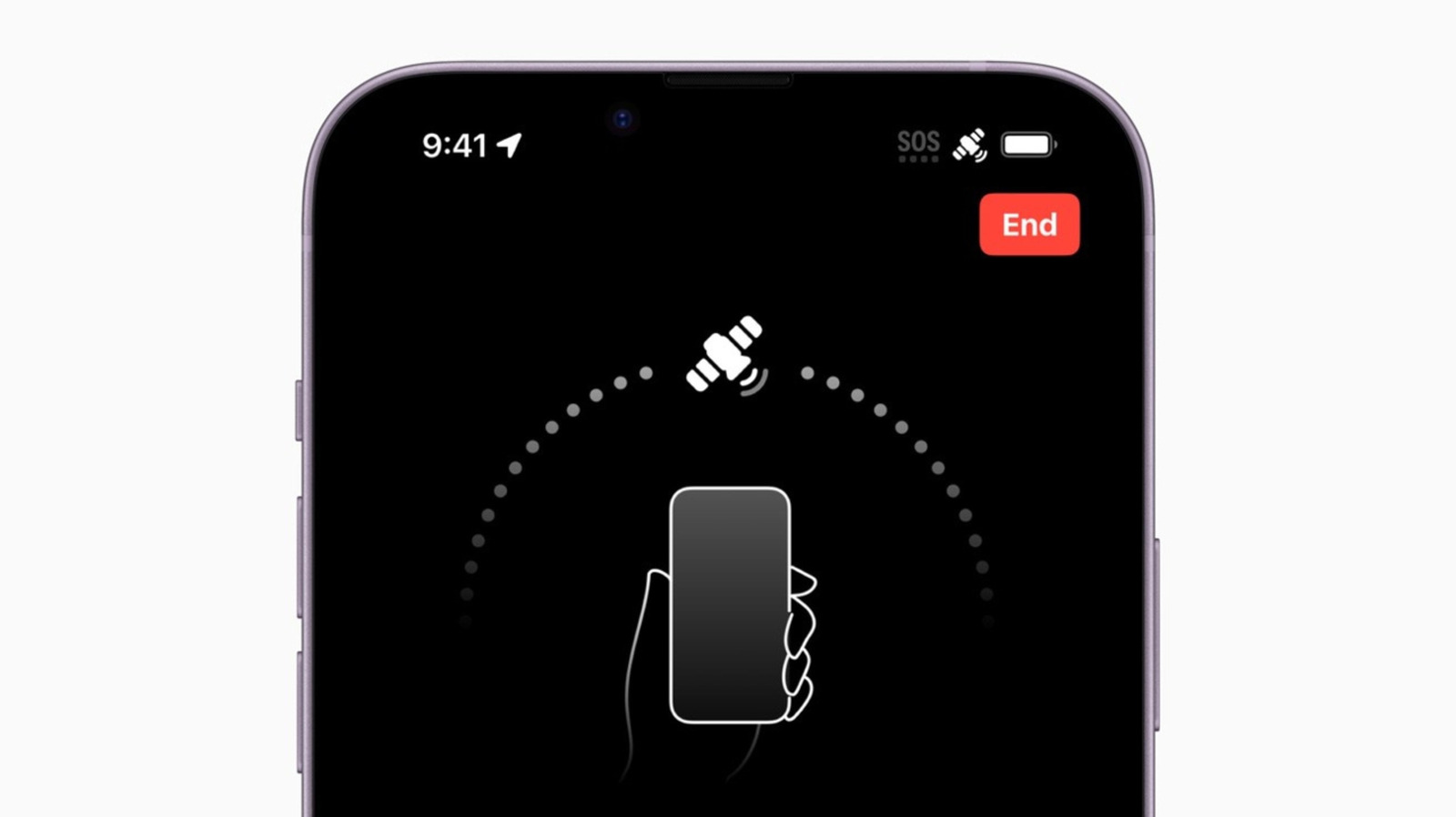
Apple recommends a series of troubleshooting steps: toggling Airplane Mode on and off for at least 15 seconds, restarting the device, checking for and installing the latest iOS update, and reviewing SIM or eSIM settings under Cellular in the Settings app, including reinserting a physical SIM if needed. If the problem persists, users should check for carrier settings updates via the General tab, and if all else fails, contact their carrier directly, though this can be difficult when only emergency calls are possible. Separately, Apple's satellite-based Emergency SOS feature, available on iPhone 14 and later, allows emergency contact and location sharing in 18 countries including the UK, US, Canada, Australia and several European nations, and can be tested in advance using Apple's Connection Assistant.
- SOS symbol means only emergency calls are possible, not full service
- Fixes include Airplane Mode toggle, restart, iOS and carrier updates, SIM checks
- iPhone 14+ supports satellite SOS in 18 countries, including the UK