Microsoft Redesigns Copilot as Unified Workplace Platform with Office Integration and AI Automation
Developing story first seen 1 hour ago
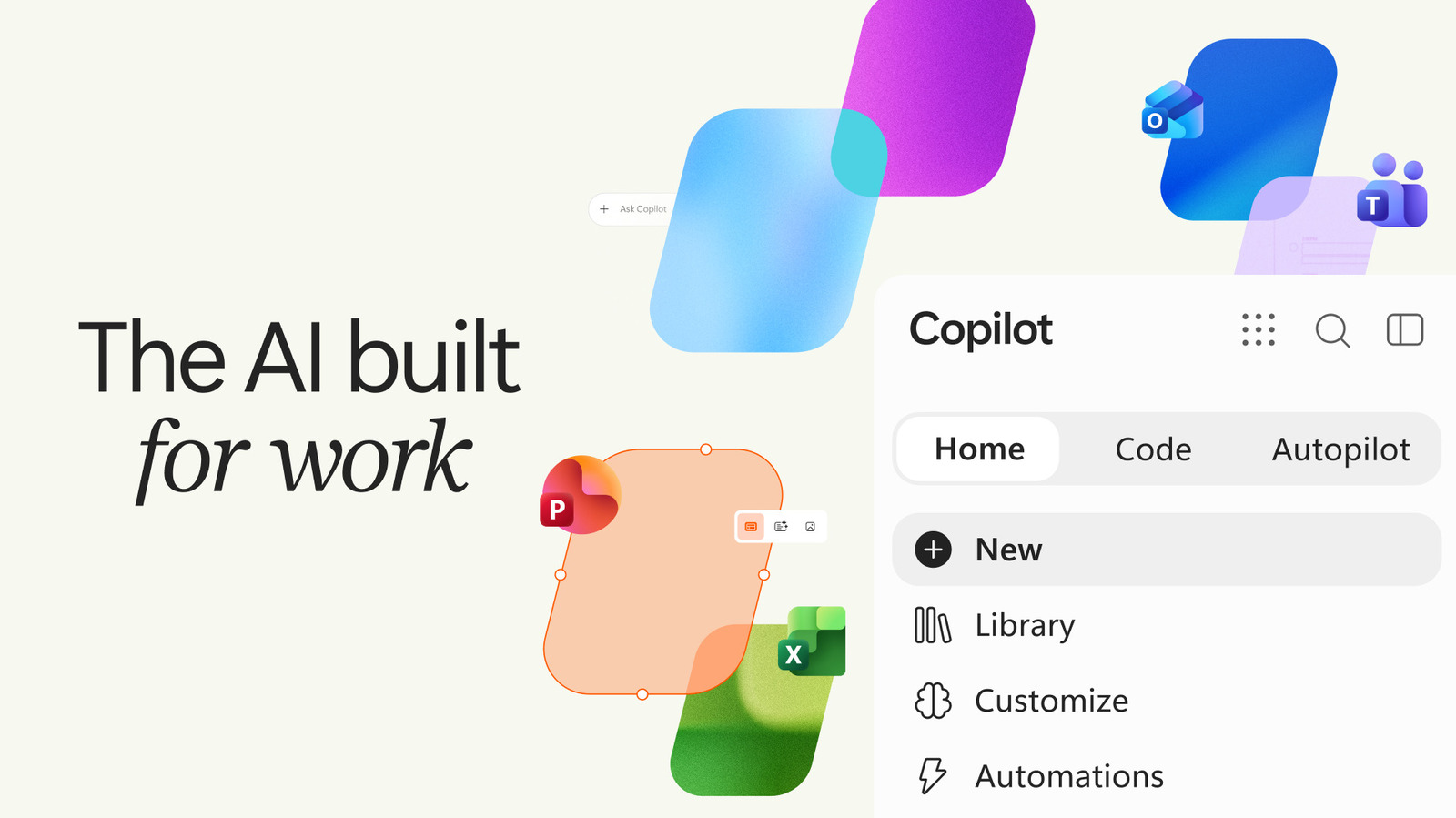
Microsoft is redesigning its Copilot app with a tabbed interface and direct Office integration, bringing chat, task-building and automated agents into one workplace platform. The change is intended to make Copilot more useful for businesses that handle data, reports, presentations and recurring workflows, although Microsoft has yet to establish comparable consumer demand.
The Home tab will support everyday conversations and eventually route requests between basic Chat and more capable Copilot modes. Code will let users describe apps, dashboards, widgets or automations in plain language, while Autopilot will handle recurring work autonomously, such as organising supplier reviews, meetings, follow-ups and stakeholder updates.
- Microsoft is unifying Copilot’s workplace tools in a redesigned app.
- Office integration targets business productivity and enterprise workflows.
- New modes enable natural-language building and autonomous task management.
New here? Start with this
Copilot is an artificial intelligence assistant that Microsoft has developed to help with work tasks. It has been integrated into various Microsoft products, but the company is now attempting to create a more unified version that brings all its capabilities together in one application.
The redesign aims to help businesses manage common workplace activities more efficiently, from handling documents and data to organising meetings and workflows. By integrating Copilot more directly with Microsoft's office software like Word and Excel, Microsoft intends to make it easier for companies to use AI assistance without switching between multiple tools.
The shift reflects a broader belief among technology companies that artificial intelligence will become central to how people work. However, Microsoft faces a challenge in convincing everyday consumers and smaller businesses that they need such a tool, even as larger enterprises explore AI-powered workplace solutions.
Both sides, in good faith
The strongest fair case each way — we don't pick a winner.
The case for
Unified workplace automation represents a genuine productivity advancement that allows workers to escape tedious, repetitive tasks and focus on higher-value creative and strategic work. Integrated AI that handles routine administrative work—scheduling, data organisation, follow-ups—streamlines operations and improves efficiency for both organisations and employees, reflecting meaningful progress in workplace technology that can enhance job satisfaction and organisational competitiveness.
The case against
Deep integration of AI automation into workplace platforms raises substantial concerns about job displacement, worker autonomy and the pace of change without adequate support or retraining systems. Concentrated algorithmic decision-making in workplace systems creates risks around employee monitoring, data privacy and unequal distribution of benefits, wherein organisations gain efficiency gains whilst workers face intensified oversight and potential skill devaluation without genuine consultation about whether such changes align with their interests or wellbeing.
Full account
Microsoft has officially introduced a redesigned Copilot application that consolidates multiple artificial intelligence capabilities into a unified workspace platform. The new interface features three primary tabs—Home, Code, and Autopilot—each delivering distinct functionalities for workplace productivity. The launch simultaneously marks the rebranding and cloud-based evolution of Scout, the personal AI assistant Microsoft introduced at its Build conference earlier this year, now relaunched as Autopilot. The structural consolidation reflects Microsoft's intent to position Copilot as an integrated platform rather than a collection of individual tools.
The Home tab serves as the primary interface and integrates conversational AI with collaborative features. A personalised information dashboard aggregates essential workplace data—recent correspondence, scheduled meetings, and ongoing team communications—permitting users to resume work seamlessly. The system will employ intelligent request analysis, routing straightforward questions through basic chat functionality whilst directing more complex queries to operational modes where Copilot assumes greater responsibility. The Code tab adds an unexpected capability, allowing users to define requirements for applications, monitoring systems, dashboards, and workflow automations through conversational language alone, without requiring programming expertise. These applications operate as cloud-hosted internal tools employing GitHub Copilot's underlying technology and executing within protected, organisation-resident computing environments.
Autopilot represents the most autonomously functional component, operating as a persistent digital agent with dedicated cloud infrastructure including independent identity, memory systems, and computational resources. The system can autonomously execute complex business processes—such as managing comprehensive supplier evaluations, coordinating schedules, facilitating meetings, and pursuing stakeholder communications—without requiring ongoing human direction. The implementation emphasises enterprise-level governance, integrating throughout Microsoft's standard business applications whilst maintaining security controls, audit capabilities, and permission management. Users can reference Autopilot directly within their work environment, engaging it as they would a colleague.
The redesign strategically positions Copilot as enterprise-grade artificial intelligence infrastructure targeted at large organisations already dependent on Microsoft's productivity ecosystem. The emphasis on security, governance, and integration within existing business applications reflects Microsoft's primary commercial orientation. However, the sources differ notably in their characterisation: one frames the announcement as a transformational 'super app' initiative with particular emphasis on enterprise security architecture and technical specifications, whilst the other describes it as an incremental redesign and explicitly acknowledges Microsoft's struggle to establish compelling consumer use cases, though noting simultaneous pursuit of both business and consumer markets.
Where outlets differ
Source 1 frames this as a transformational 'super app' launch; Source 2 characterises it as an incremental redesign ('another facelift')
Source 1 emphasises the Scout-to-Autopilot rebranding narrative; Source 2 omits this historical context
Source 1 focuses exclusively on enterprise orientation; Source 2 explicitly acknowledges weak consumer adoption whilst addressing both market segments
Source 1 emphasises technical architecture details (sandboxed environments, Microsoft IQ technology, tenant deployment); Source 2 prioritises functional capabilities and business process outcomes
Source 1 features a dedicated 'Today' personalised dashboard component; Source 2 does not reference this specific element
Source 1 details governance, audit, and permission mechanisms prominently; Source 2 is less specific on enterprise controls
Coverage
- The Verge — Microsoft unveils Copilot platform combining workplace chat, coding and AI agents
- Engadget — Microsoft expands Copilot with Office tools and no-code automation