One problem with your iPhone’s Always-On Display can easily be fixed
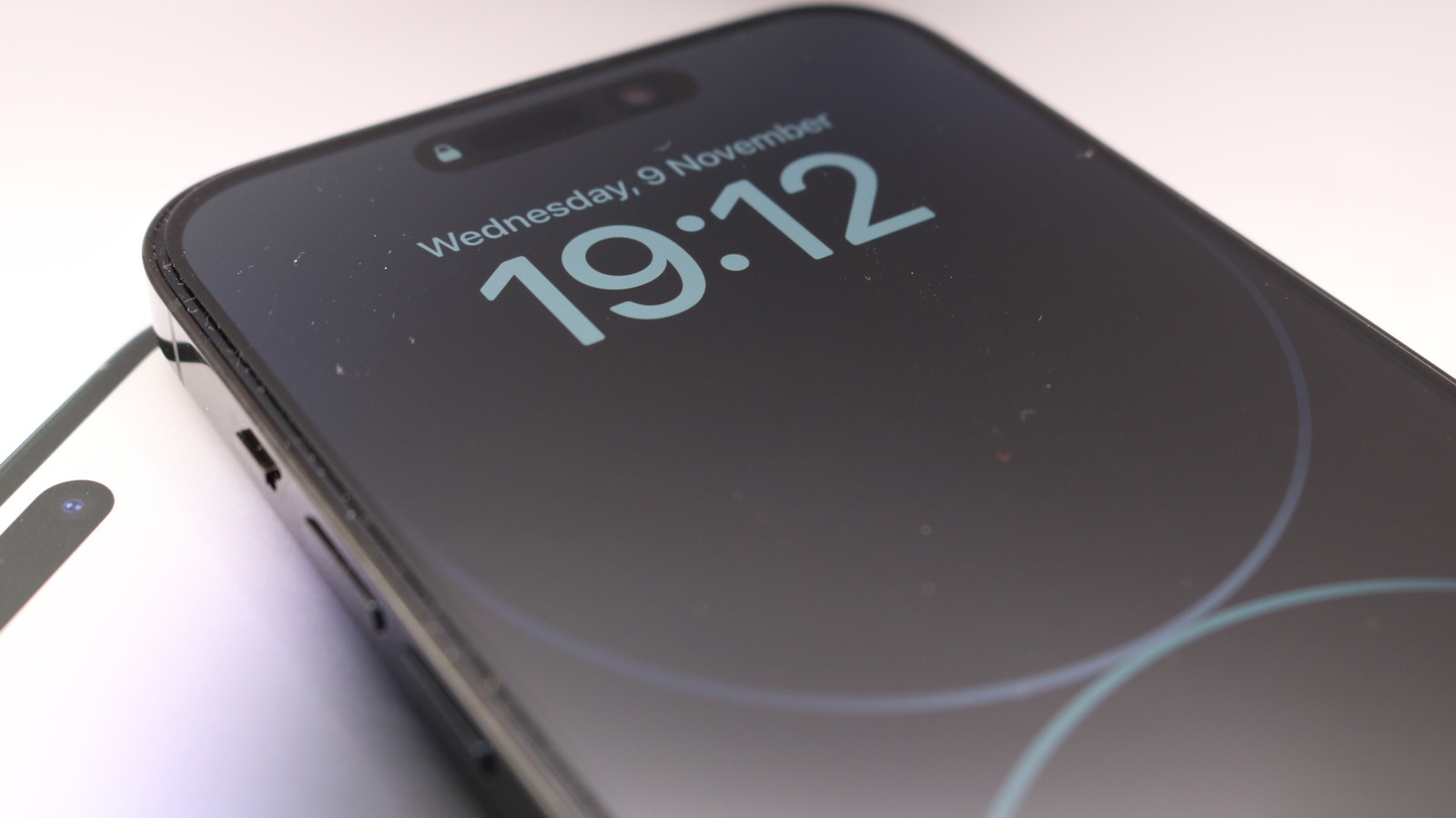
iPhone's Always-On Display feature allows users to see information on their Lock Screen without unlocking the device, but some users experience the display turning off unexpectedly. Apple provides several straightforward solutions to address this issue, ranging from checking basic settings to adjusting power and focus modes.
The Always-On Display may turn off for several reasons: intentional design features (such as when the phone is face-down, during CarPlay sessions, or when using Continuity Camera), automatic system behaviour (if the screen isn't interacted with for extended periods or if the front-facing camera is obstructed), or user-configurable settings. The two most controllable causes are Low Power Mode and Focus modes—disabling Low Power Mode and ensuring Sleep Focus is turned off can often restore the feature. Users can also check Focus mode settings to confirm Always-On Display is enabled within their chosen focus profiles, or restart their iPhone to resolve temporary glitches.
- Always-On Display turns off in certain situations by design (face-down, CarPlay, etc)
- Low Power Mode and Sleep Focus are the main controllable causes
- Solutions include disabling Low Power Mode, turning off Sleep Focus, and restarting the device