Stop wasting your Wi-Fi router’s USB port — try this instead
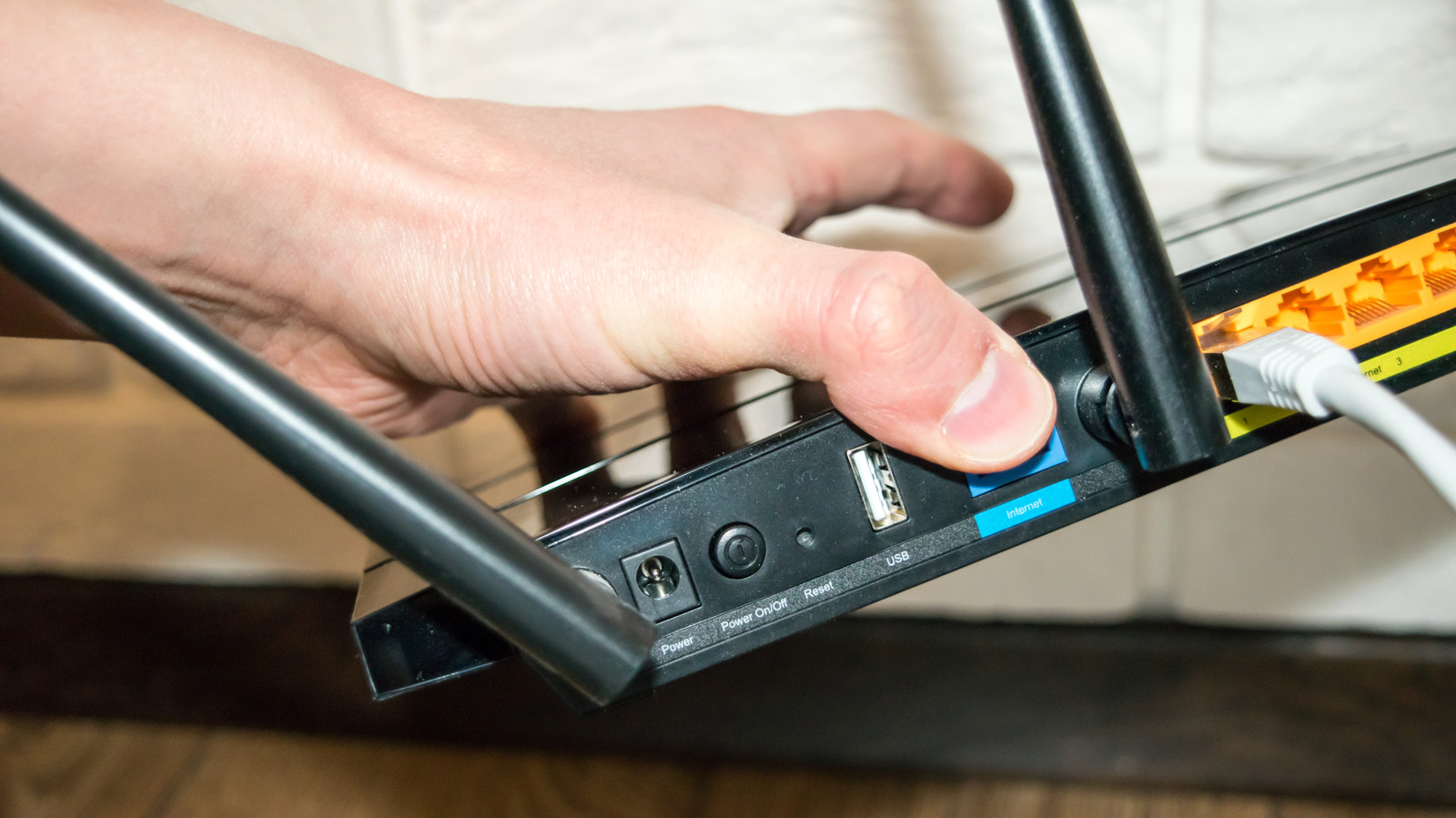
Many Wi-Fi routers include a USB port on the back that goes largely unused, despite offering several practical features once enabled through the router's settings. Because routers are essentially small low-powered computers, this port can transform a plugged-in device into shared network resources without needing extra hardware, making it a useful but often overlooked feature for home networking.
The port can turn a USB drive into a networked file server, accessible via SMB, Samba or FTP once enabled through settings labelled "File sharing" or similar; it can also enable wireless printing from an otherwise wired printer, though this may require manufacturer software such as Asus's EZ printer sharing app. Some routers additionally support cellular dongles or phone tethering via USB, providing a primary or backup internet connection (known as dual WAN failover) if the main ISP connection drops. Limitations include slower USB 2.0 speeds (up to 480Mbps/60MBps) on older routers, power issues with portable hard drives, and printer-sharing software typically only supporting Windows and macOS rather than mobile devices.
- Router USB ports can create file servers, enable printer sharing or backup internet.
- Enable via router settings; access files through SMB, Samba or FTP.
- Older routers' USB 2.0 speeds and power limits can hinder performance.