The best Roku feature for night owls you probably aren’t using
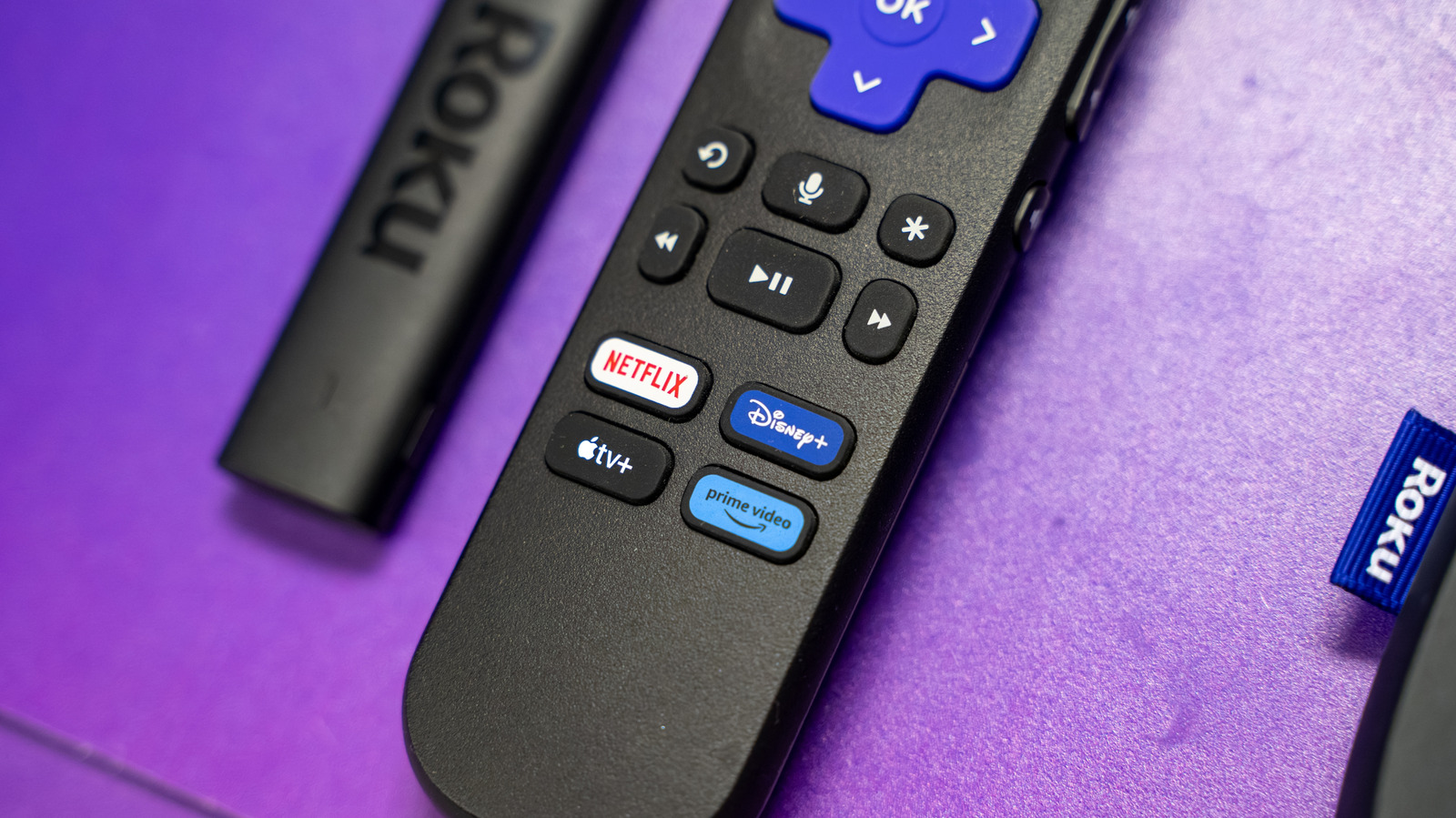
Late-night television viewing often forces a choice between enjoying content on a full screen or watching quietly on a mobile device to avoid disturbing household members. Roku's Bluetooth audio support offers a middle path by redirecting television sound through wireless headphones, allowing viewers to use their main television whilst keeping volume contained to their ears alone.
The Roku implementation requires users to download the manufacturer's mobile app and configure system settings to enable phone-based audio routing, which then connects to Bluetooth headphones or wired earbuds. Whilst this process involves more steps than competitor platforms like Google TV and Amazon Fire TV—which support direct device-to-headphone Bluetooth pairing—Roku's solution remains functional for users seeking a convenient late-night viewing option.
- Roku devices can route audio through Bluetooth headphones via a smartphone app, allowing late-night viewing without disturbing others
- The setup requires downloading the Roku app, enabling network access in settings, and using the phone as an intermediary to connect wireless audio
- Google TV and Amazon Fire TV offer more straightforward direct Bluetooth pairing, but Roku's method provides a functional alternative using wired or wireless headphones