The downsides of switching from Windows to Mac
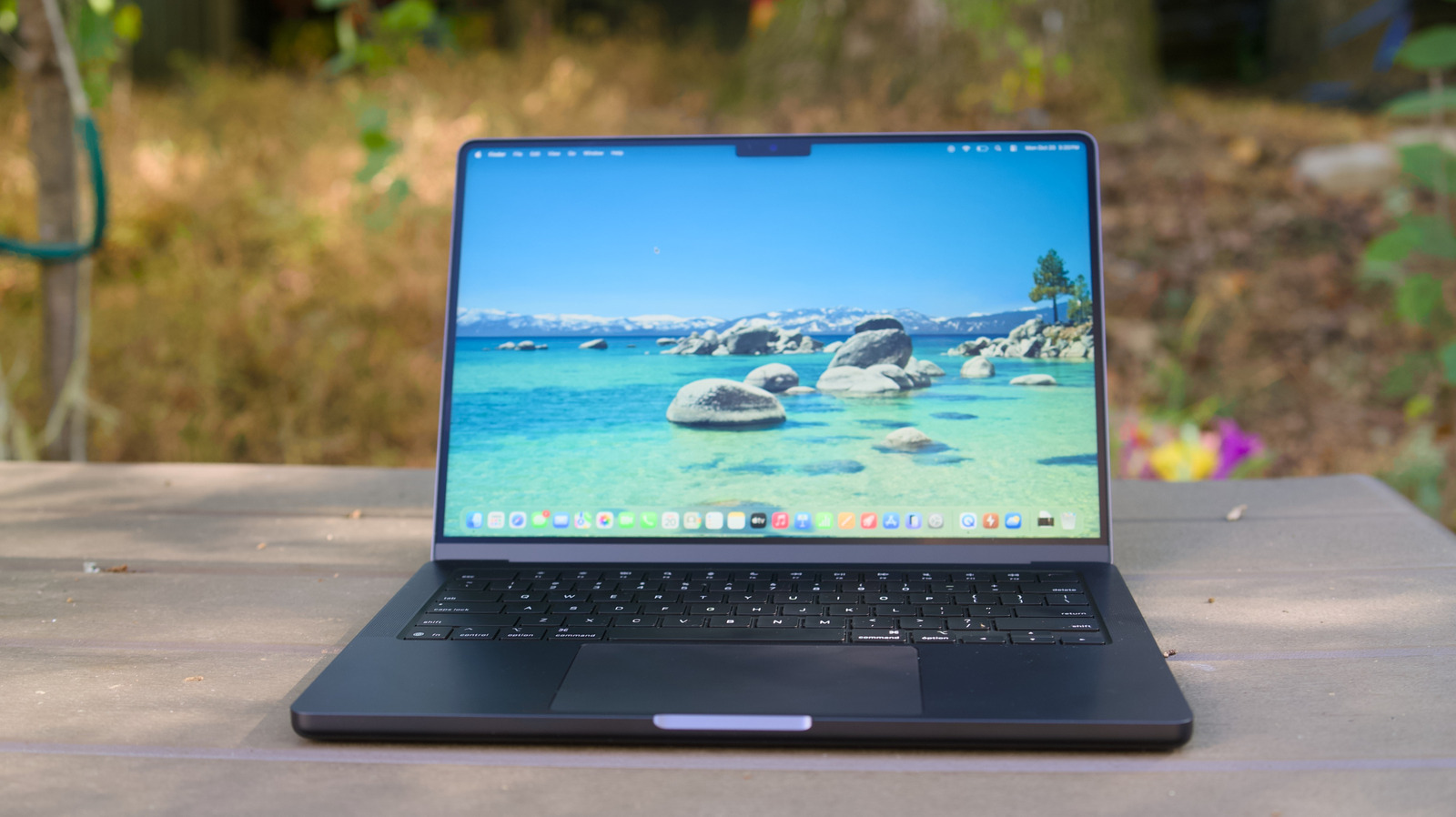
An Engadget columnist, having previously argued that switching from Windows to Mac is generally a good idea due to better performance, durability and battery life, follows up with a list of practical downsides Windows users should expect when making the move. None are described as dealbreakers, but the piece argues that several habits and interface conventions need to be relearned before the transition feels comfortable.
Key adjustments include the lack of a native right-click (requiring a two-finger tap, Control-click, or an external two-button mouse), the origins of which trace back to Steve Jobs's preference for single-button simplicity. Other differences include installing some apps by dragging them into the Applications folder rather than using automatic installers, and adapting to macOS's Dock and window-management system, which the author recommends easing with the "Hot Corners" feature (System Settings > Desktop and Dock > Hot Corners) and Apple's Stage Manager tool.
- Switching to Mac from Windows has minor but real learning curves.
- No native right-click; needs trackpad gestures or an external mouse.
- Dock and window management differ; Hot Corners feature helps ease transition.