You can use DeX on the Galaxy Z Fold 8’s inner screen with this trick
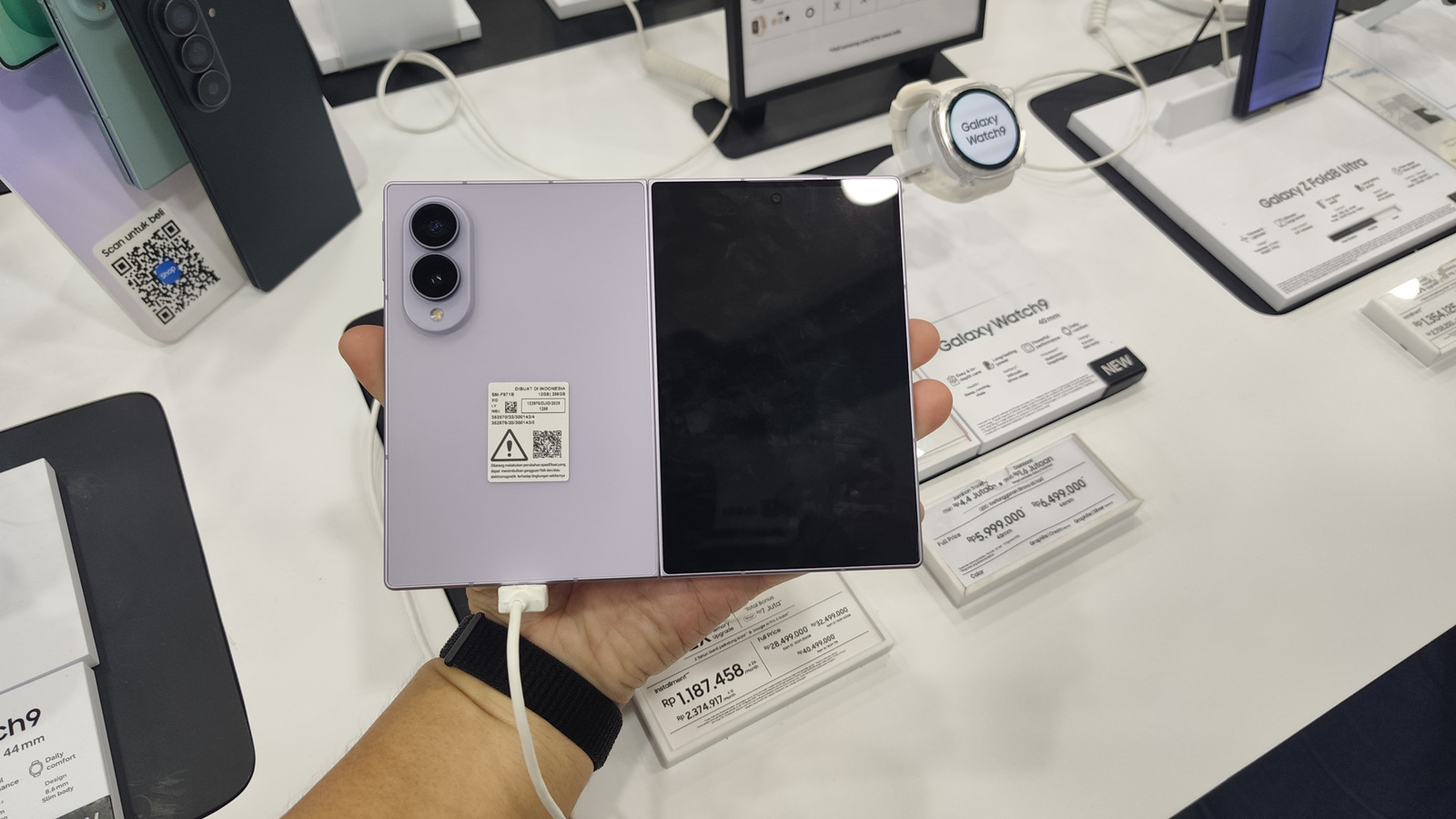
Samsung's DeX desktop mode can now be run directly on the Galaxy Z Fold 8's inner display without needing an external monitor, thanks to a third-party app called Gadesk. This matters because DeX was originally designed for smaller phone screens that couldn't sensibly host a desktop interface, but the Z Fold 8's large 7.6-inch inner screen makes it practical to use the full desktop experience on the device itself, without requiring rooting or sideloading.
Gadesk, available on the Google Play Store, works by tricking the phone into thinking it is connected to an external display via wireless debugging, then overlaying the desktop output onto the inner screen using accessibility permissions. Setting it up involves disabling Auto Blocker, enabling wireless debugging through Developer options, pairing the device via a code, and granting the app driver and accessibility permissions. Once running, users can adjust settings such as screen orientation (portrait is recommended over the default landscape), enable a virtual trackpad with gestures like copy, paste and zoom, and customise three-finger and two-finger tap actions.
- Gadesk app enables Samsung DeX on the Z Fold 8's inner screen
- No rooting needed; uses wireless debugging and accessibility permissions
- Users can customise orientation, trackpad and gesture controls